Most upload forms do not care how your picture looks; they care how many kilobytes it weighs. This compressor works the same way round: you enter the size limit, and it finds the best-looking version of your image that stays under it.
It accepts JPG, PNG, WebP, HEIC and AVIF files. The result is a JPG, because that format gives the smallest files for photos and is accepted practically everywhere.
Before and after
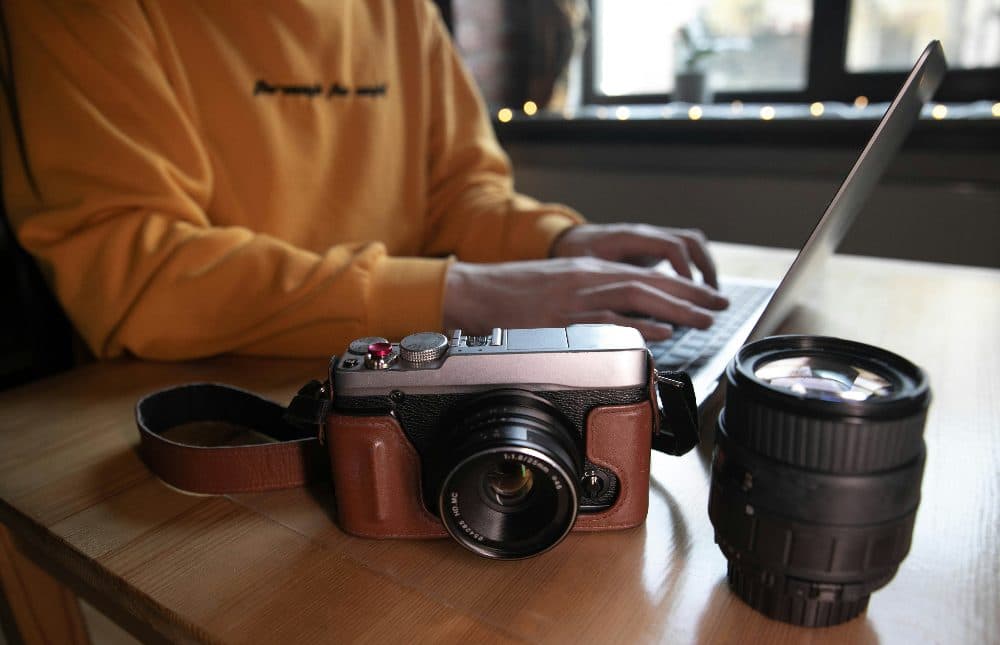
4032 × 2599 px1.16 MBJPG
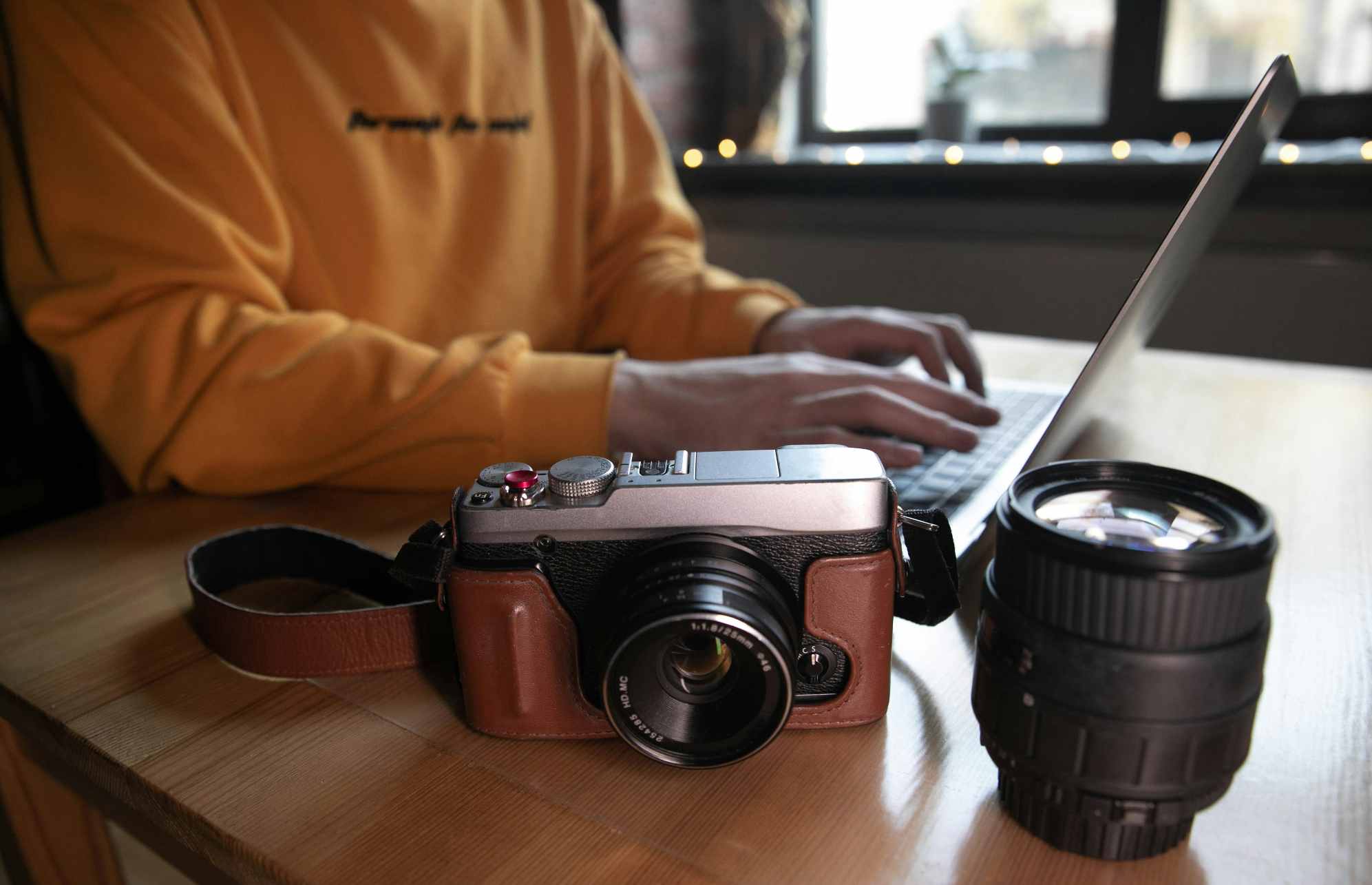
1993 × 1285 px98.6 KBJPG
This photo was 1.16 MB. With the limit set to 100 KB, it came out at 98.6 KB, which is 92% smaller.
To fit, the tool also scaled the picture down from 4032 × 2599 px to 1993 × 1285 px.
The image on the right is the actual file the tool above produced.
How to use it
- Drop an image on the box above, tap it to choose a file, or paste one from your clipboard.
- Enter the maximum size and pick KB or MB. If your form also has a lower limit, switch on the minimum and enter it.
- Press Compress. The before and after sizes appear next to the result.
- Download the file. If it looks too soft, try a slightly larger limit.
How the size is reached
The tool first lowers the JPG quality step by step, testing each result, until it finds the highest quality that still fits. Quality is searched rather than guessed, so the output usually lands within a few percent of your limit instead of far below it.
If the lowest sensible quality is still too heavy, which is common when squeezing a 12-megapixel phone photo into a few dozen kilobytes, the picture is also scaled down. A smaller, clean image nearly always looks better than a full-size one covered in compression blocks.
When there is a minimum as well
Some application portals reject files that are too small as well as too large. With a minimum set, the compressor raises quality and, if needed, enlarges the image slightly so the file lands inside your range. If the picture simply has too little detail to reach the minimum, you get the closest result along with a plain explanation.
Frequently asked questions
- Will the result ever be larger than the size I typed?
- No. The maximum is treated as a hard limit. Every candidate is measured after encoding, and only one that is at or below your number is offered for download.
- Why did the width and height change?
- For very small limits, lowering quality alone would ruin the picture, so the image is scaled down as well. The new dimensions are shown beside the result.
- My PNG became a JPG. Why?
- PNG has no quality setting, so it cannot be steered to a specific file size. JPG can. Transparent areas are filled with white during the conversion.
- Are my photos uploaded anywhere?
- No. The compression runs inside your browser on your own device. The file is never sent to a server, which also means it works on a slow connection.