People who type “resize image to 50KB” are usually holding a notice with two rules in it: a weight such as 50 KB, and a shape such as 3.5 × 4.5 cm or 200 × 230 pixels. Those rules are checked separately by the portal, and a picture can pass one while failing the other. A phone photo fails both at once, being several megabytes and thousands of pixels wide.
This page deals with the weight. It lands any picture at 51,200 bytes or less, cutting JPG quality first and the pixel count only if quality alone falls short. With a passport-size photo that second step almost never happens: 50KB is roomy enough to keep a 400-pixel portrait sharp. So if your form names dimensions, set those first and let this page confirm the weight afterwards.
Before and after
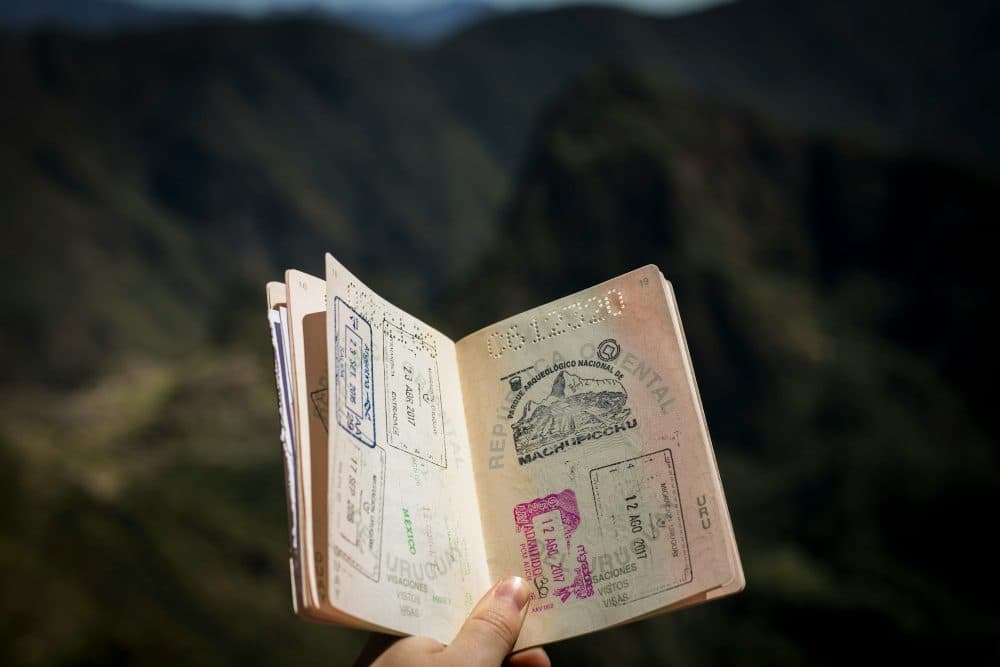
2400 × 1600 px294 KBJPG
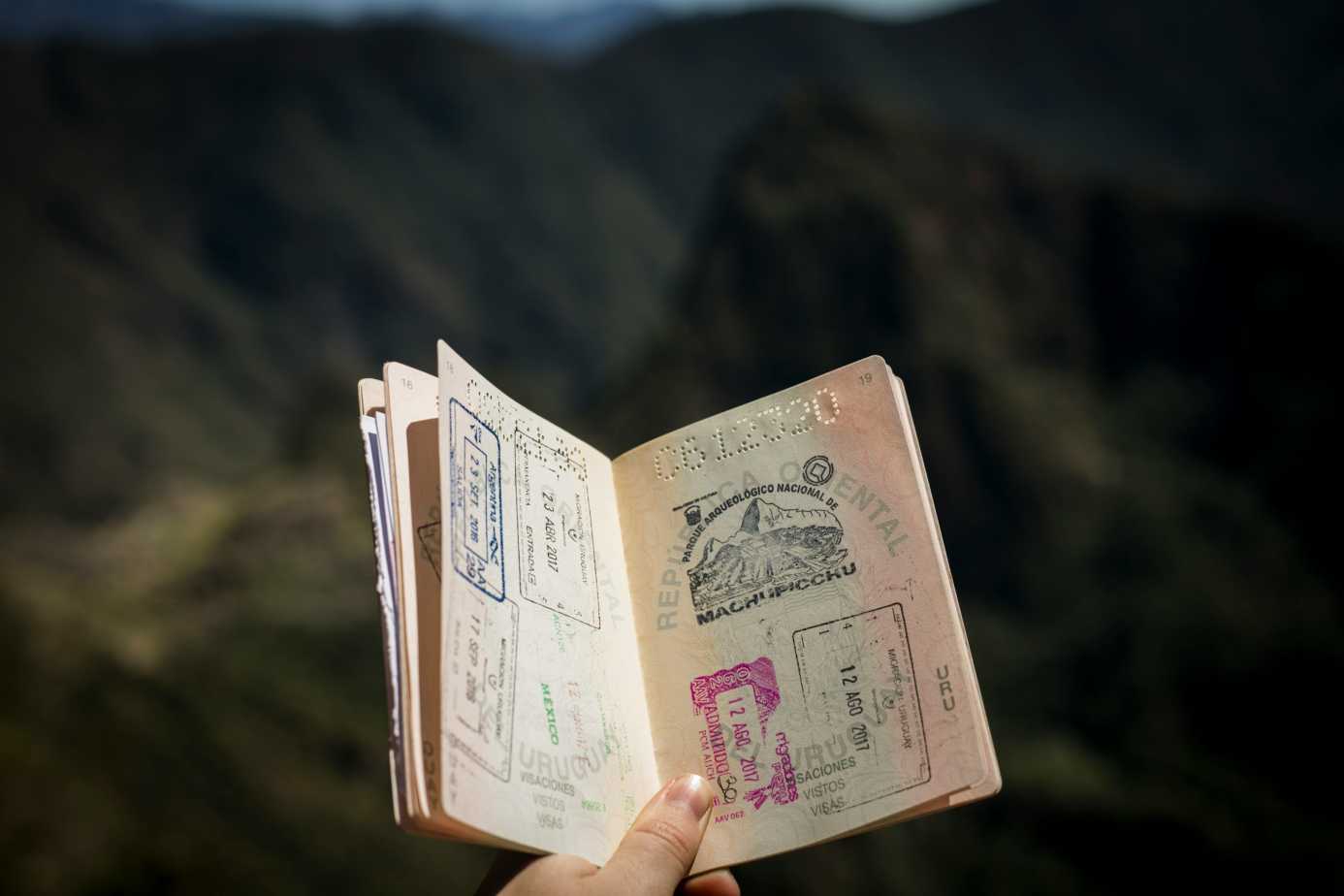
1386 × 924 px49.7 KBJPG
This photo was 294 KB. With the limit set to 50 KB, it came out at 49.7 KB, which is 83% smaller.
To fit, the tool also scaled the picture down from 2400 × 1600 px to 1386 × 924 px.
The image on the right is the actual file the tool above produced.
How to use it
- If the notice states a size in cm or pixels, open the resize tool, type that width and height, and choose “cover” so the shape is matched exactly.
- Bring that resized file, or the untouched photo if no size is given, to this page.
- Read the result card: it shows the final byte count next to the pixel size, so you can see whether the width and height had to give way.
- Save the JPG and upload it. If the portal also refuses files below a certain weight, use the minimum switch described in the answers below.
Turning centimetres into pixels before you shrink the weight
A size in centimetres only becomes pixels once a DPI is chosen. Many notices use 200 DPI, and at that density 3.5 cm is about 276 pixels and 4.5 cm about 354, so a 3.5 × 4.5 cm photo is roughly 276 × 354 pixels. At 5 × 6 cm the same arithmetic gives about 394 × 472. Picking centimetres in the resize tool does this conversion for you and stores the DPI in the file.
At those pixel counts a well-lit portrait saved at good quality usually comes in under the cap already, so this page often has little to remove. Problems start with a busy background, a grainy indoor shot or an uncropped full-body picture: each adds detail the encoder has to pay for. Cropping to head and shoulders on a plain wall helps the weight more than any setting does.
What official notices pair with a 50KB photo
IBPS (PO, CSA, SO and RRB recruitment), SBI (PO and Junior Associates), RBI Services Board and NABARD ask for a photo of 20 KB to 50 KB, 200 x 230 pixels (preferred), 4.5 cm × 3.5 cm, in JPG/JPEG. MPSC wants the photo at breadth 3.5 cm x height 4.5 cm, up to 50 KB, JPG/JPEG. The UPPSC One Time Registration takes a photo of 5 cm width x 6 cm height at 200 DPI, up to 50 KB. TNPSC’s Group II notice gives 4.5 cm height x 3.5 cm width (170 pixels x 130 pixels) at 200 DPI and 20 KB to 50 KB, while its separate resize guide tells applicants to reduce pixels in MS Paint to a horizontal 300 to 400 pixels and vertical 250 to 400 pixels until the file is less than 50 kb.
Notice how many of these set a lower limit too. A 200 × 230 pixel photo can easily come out under 20 KB, which the IBPS, SBI, RBI, NABARD and TNPSC forms reject just as firmly as an oversized one.
Frequently asked questions
- My form says 20 KB to 50 KB. How do I stay in that band?
- Tick “My form also has a minimum size” under the size box and enter 20. The tool then raises quality, and if needed enlarges the picture up to three times, until the file sits between the two numbers. If the picture holds too little detail to reach 20KB, the result card says so.
- Can I get a file between 50KB and 100KB instead?
- Yes. Change the number in the size box from 50 to 100, then switch on the minimum and type 50. The same works for any band, such as 50 to 150KB or 50 to 200KB.
- Will this page give me 3.5 × 4.5 cm or 200 × 230 pixels on its own?
- No. Here the dimensions are only reduced when the weight demands it, and the original proportions are kept. Fixed sizes come from the resize tool; a photo made at 200 × 230 pixels is normally under 50KB already.
- Is this the same as reducing pixels in Paint?
- It reaches the same goal without the trial and error. In Paint you shrink, save, check the size in KB and repeat. Here the quality and size are searched automatically and the byte count is shown straight away, on a phone as well as a computer.
- Can it make a 50KB PDF or change the background to white?
- Neither. The output is a JPG image, and the photo’s background stays as it was shot. Stand in front of a plain light wall when taking the picture if the notice asks for a white or light background.