A “maximum 1MB” note turns up on application portals, support forms and mail systems that cap each attachment. A modern phone photo weighs three to twelve megabytes, so it is turned away even though it looks like an ordinary picture. One megabyte is a comfortable budget, though: the photo only needs to be stored more efficiently, not shrunk to a thumbnail.
Megabytes and kilobytes are the same measure at different scales. This page treats 1MB as 1,024KB, which is 1,048,576 bytes, and the copy it gives you is never heavier than that. The target is already set, so adding a file is enough to start; if your picture is under 1MB to begin with, you are told so rather than handed a re-saved version.
Before and after
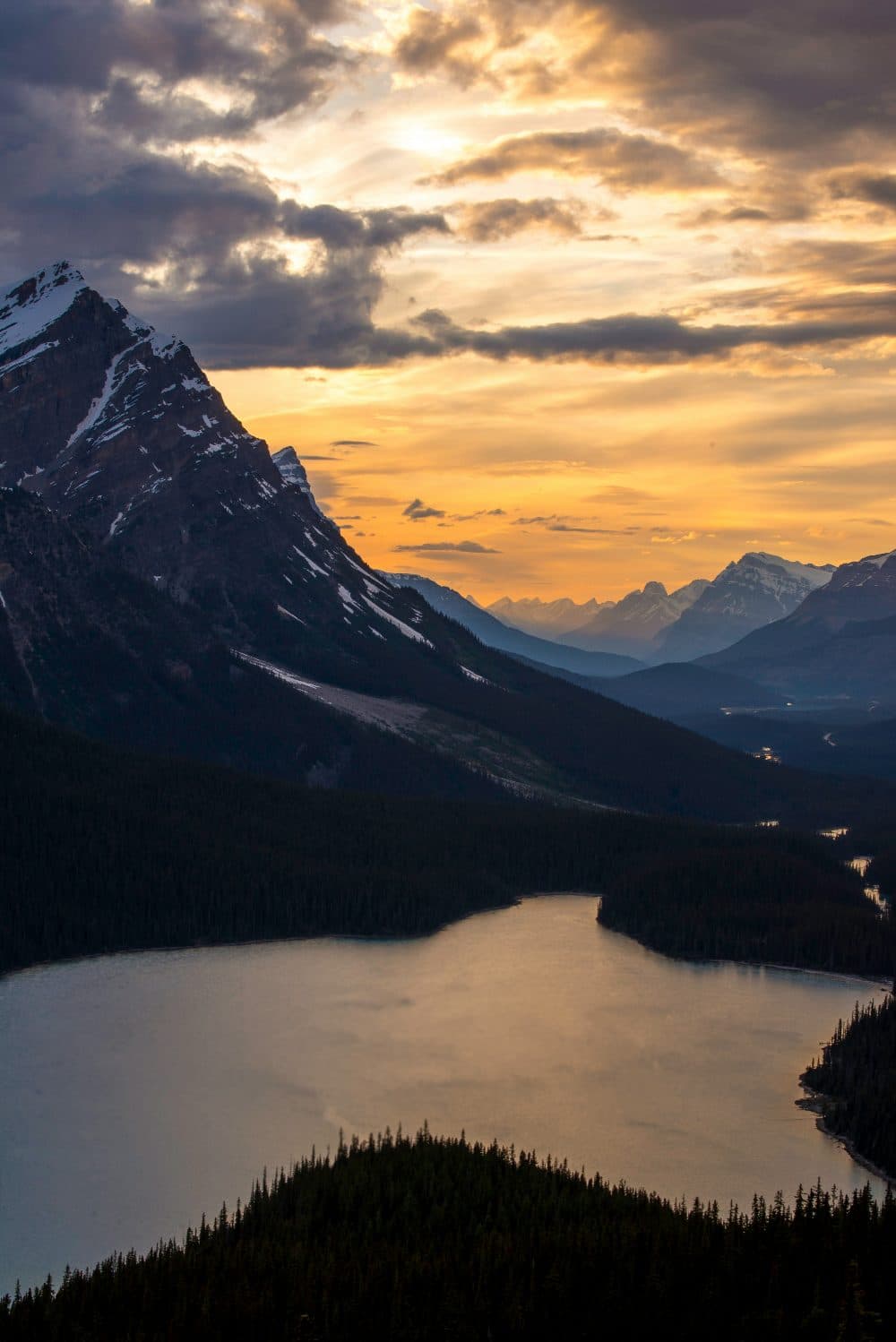
4016 × 6016 px2.20 MBJPG
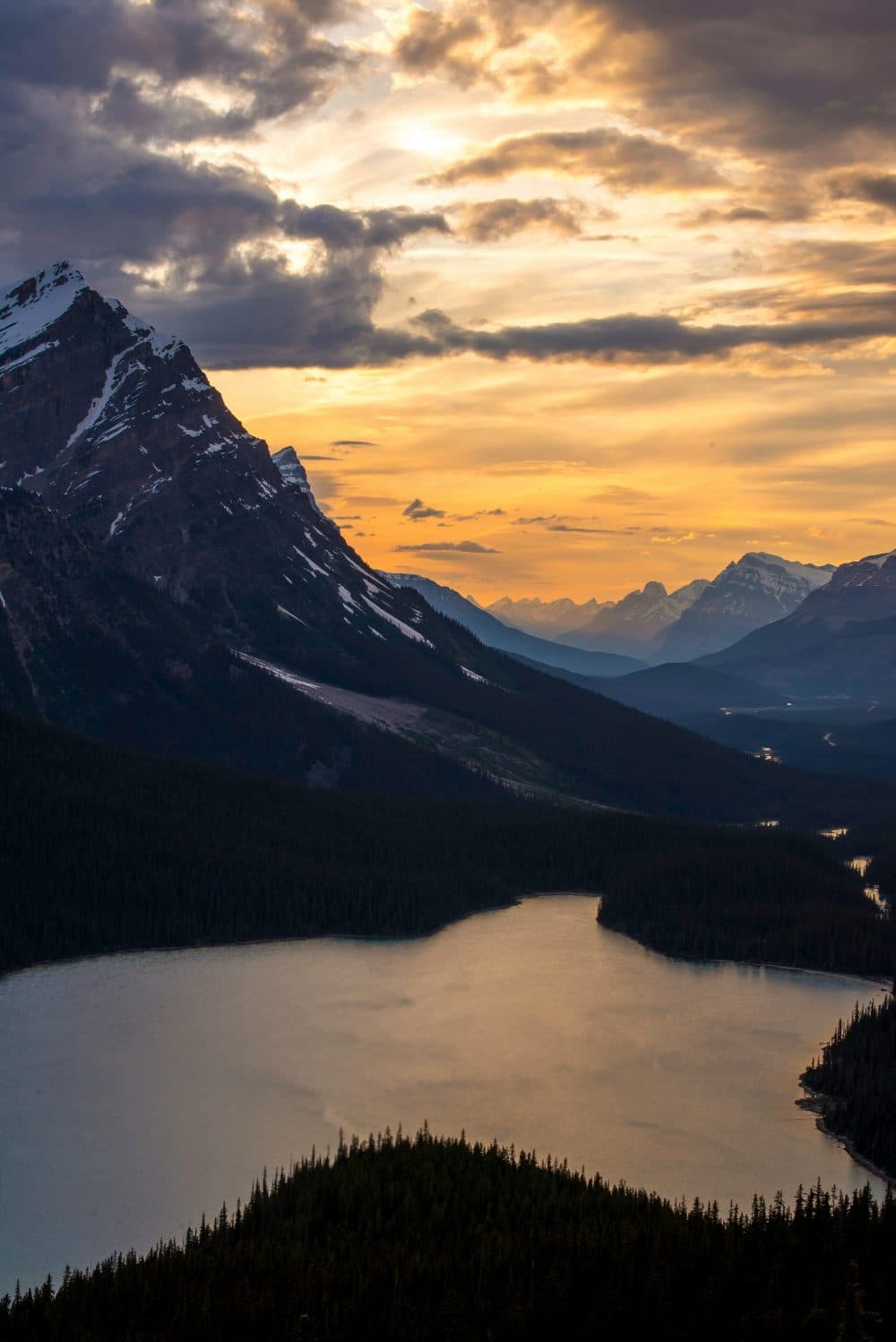
3268 × 4895 px990 KBJPG
This photo was 2.20 MB. With the limit set to 1.00 MB, it came out at 990 KB, which is 56% smaller.
To fit, the tool also scaled the picture down from 4016 × 6016 px to 3268 × 4895 px.
The numbers are from a real run of the tool above. The pictures here are smaller previews of the actual files.
How to use it
- Add the photo or scan that the upload field rejected. iPhone HEIC files, PNG, WebP and AVIF are accepted as well as JPG.
- The compressor tries JPG quality levels from high to low and keeps the best one that fits in a megabyte; it reduces width and height only for very large or very busy pictures.
- Check the result card for the new size in KB or MB, the pixel dimensions and the percentage saved.
- Save the JPG, then attach it to the form or email that set the 1MB cap.
MB, KB and the edge of the limit
One megabyte is 1,024 kilobytes, and one kilobyte is 1,024 bytes. So “under 1MB” and “under 1024KB” mean the same thing here, and a form that asks for “less than 1000KB” is very slightly stricter. A few websites count a megabyte as a round million bytes instead. If yours rejects a file that the result card shows as just under 1MB, switch the size unit next to the box from MB to KB, type 976 and compress again: that lands below one million bytes whichever way the site counts.
Some instructions give a band that mixes units, such as 50KB to 1MB or 100KB to 1MB. The upper figure is already set on this page. Tick “My form also has a minimum size”, keep the unit you prefer and type the lower number; the result then sits between the two.
How much of the photo survives in 1MB
For a typical phone shot, 1MB holds roughly four to six megapixels at a high JPG quality, which is about 2,500 to 3,000 pixels on the long side. Plain subjects such as a document on a desk, a face against a wall or a product on white often keep their full original size. Busy scenes with grass, leaves or crowds are the ones most likely to be scaled down a little.
That is still more than any laptop or phone screen shows at once, and enough for a sharp print around 20 × 15 cm. Differences from the original show up only when you zoom far into fine texture. Camera details and GPS location are removed from the new file, which is worth knowing before you email a photo taken at home.
Frequently asked questions
- Is 1MB the same as 1000KB?
- Not quite. This page counts 1MB as 1,024KB, so a result of 1,010KB is within the limit here. If your form says 1000KB, switch the unit to KB and enter 1000 so the tool aims for that figure instead.
- How do I compress an iPhone photo to 1MB?
- Open this page in Safari, tap the box and choose the photo from your library. The HEIC file is read directly, turned upright and saved as a JPG of 1MB or less, ready for the Files app or an attachment.
- Can it make a 1MB PDF?
- No, the result is always an image. If the upload wants a PDF, compress the picture here first and then use your phone or computer’s print-to-PDF or save-as-PDF option; a single-page PDF of that image will be only slightly larger than the JPG.
- Will compressing to 1MB lose quality?
- JPG compression always discards some data, but at a megabyte the change is very hard to spot at normal viewing size. The tool picks the highest quality that fits rather than a fixed setting, so a lighter photo is touched less than a heavy one.
- Can I shrink a PNG to 1MB and keep it as a PNG?
- No. The size search here works on JPG quality, so the output is a JPG and any transparent background becomes white. If a screenshot must stay PNG, cropping away the parts nobody needs is the simplest way to cut its weight without changing format.