If you are hunting for the SSC photo size in cm, pixels or KB, you can stop. Current Staff Selection Commission notices for CGL, CHSL, MTS, Constable GD, Stenographer and Junior Engineer say candidates do not need a pre-existing photograph: the application module captures one with your camera while you fill in the form. Older guides quoting 3.5 × 4.5 cm or a KB range for the photo describe a step that no longer exists.
What SSC still asks you to upload is a scanned signature, in JPEG, between 10 and 20 KB. This page is set to that band. Add a photo or scan of your signature and it is saved as a JPG no heavier than 20KB and no lighter than 10KB, with nothing to type.
Before and after
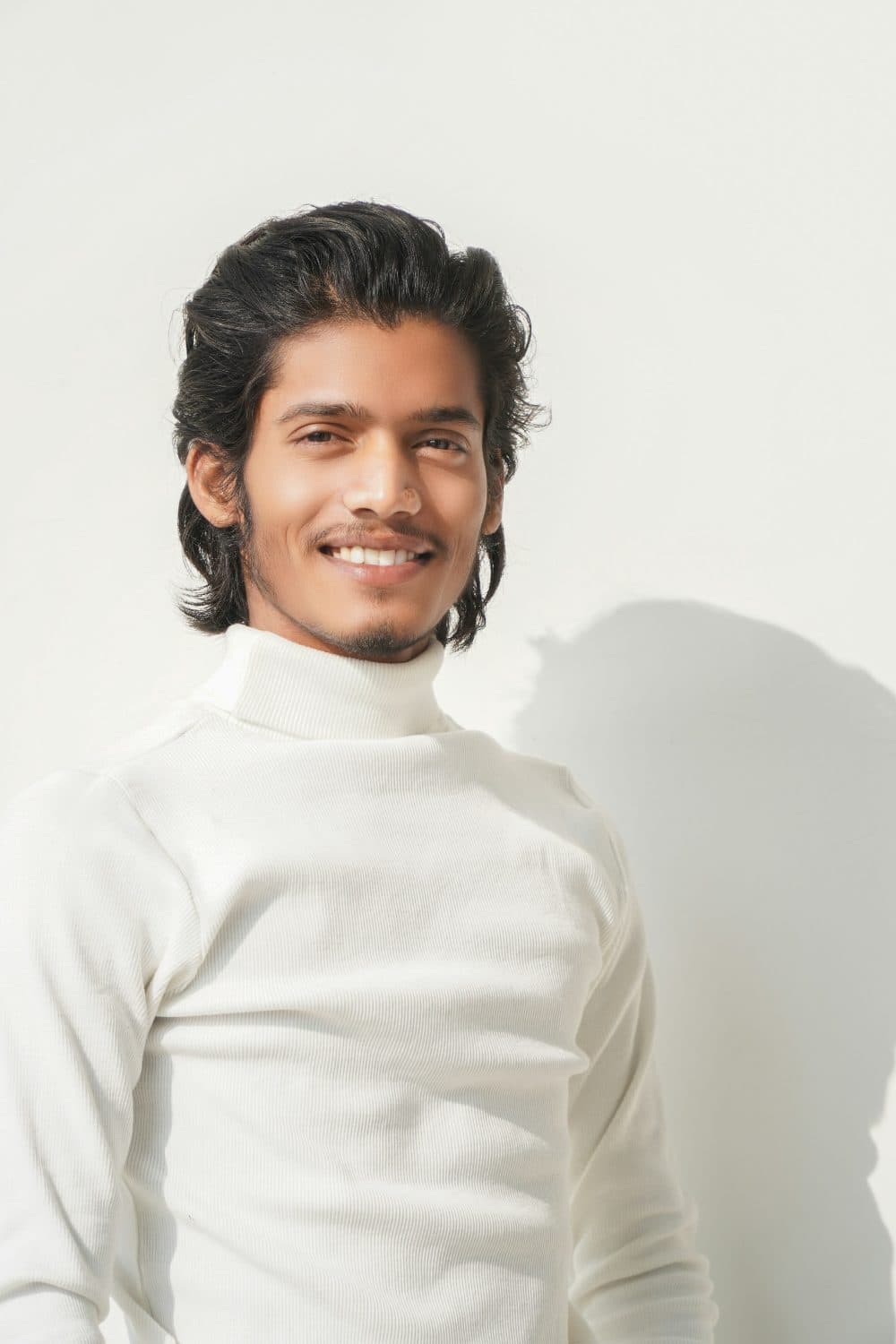
2400 × 3600 px712 KBJPG

584 × 876 px20 KBJPG
This photo was 712 KB. With the limit set to 20 KB, it came out at 20 KB, which is 97% smaller.
To fit, the tool also scaled the picture down from 2400 × 3600 px to 584 × 876 px.
The image on the right is the actual file the tool above produced.
How to use it
- Sign on plain white paper with a dark pen, fairly large, and photograph or scan it in daylight so the paper looks white rather than grey.
- Crop it to a wide strip around the signature, roughly three times as wide as it is tall, using the crop tool if your camera shot has a lot of desk around it.
- Add the cropped picture here. The tool searches for the JPG quality that lands between 10KB and 20KB, and enlarges a very small scan if it would otherwise fall under 10KB.
- Zoom into the preview to make sure every stroke is sharp, then save the JPG and upload it in the signature field of your SSC form.
What the SSC notices actually ask for
Photograph: captured live. The CHSL 2026 notice says the module "has been designed to capture a photograph of the candidate filling up the application form". Its instructions: find good light and a plain background, keep the camera at eye level, look straight ahead, keep your whole face inside the area marked on screen, and do not wear a cap, mask or glasses. Pointing the camera at a printed or saved photo of yourself is forbidden, and such applications are rejected.
Signature: "upload the scanned signature in JPEG/JPG format (10 to 20 KB)", with an image dimension of "about 6.0 cm (width) x 2.0 cm (height)". The same wording appears in the CGL 2026, CHSL 2026, MTS 2025, Constable GD 2026, Stenographer 2026 and JE 2026 notices. Blurred or miniature signatures are rejected summarily. Two quirks: the CGL and CHSL notices give 4.0 cm × 2.0 cm in an annexure while the main paragraph says 6.0 cm, and none of them states a DPI or a pixel count, so “about” is the operative word. Applications made with Aadhaar Based Authentication are not rejected on photo or signature grounds.
Getting the signature right first time
“Miniature” is the rejection reason the notices single out, and it usually comes from a small signature lost in a big white page. Cropping tight, so the ink fills most of the strip, matters more than any setting here. A 6 by 2 shape and a 4 by 2 shape are both wide strips, so a crop between 2:1 and 3:1 that leaves a little white margin around the ink suits either reading of the notice.
Black ink on clean paper is cheap to store, so a tidy crop often comes out under 10KB at first. That is why the minimum is preset: the tool raises the JPG quality and, if needed, the pixel size until the file reaches 10KB, and tells you if a scan is too plain to get there. If the result warns you about that, rescan larger rather than adding blank paper. A grey, shadowed phone photo goes the other way and costs bytes; retake it near a window before blaming the compressor.
Frequently asked questions
- Where do I upload my photo in the SSC form?
- You do not. In current notices the photo is taken by your device’s camera inside the application, so there is no photo file to resize. Prepare for that step instead: a plain wall, light in front of you, no cap, mask or spectacles, and the camera at eye level.
- Can I hold up a passport photo to the camera instead?
- No. The notices say that capturing a pre-existing photograph is not allowed, and applications where it happens will be rejected. The camera must see your face directly.
- Does this page work for CGL, CHSL, GD, MTS, Steno and JE alike?
- Yes. All six current notices ask for the same scanned signature: JPEG, 10 to 20 KB, about 6.0 cm wide and 2.0 cm high. One file made here fits any of them, but check the notice of the exam you apply for in case a later cycle changes it.
- Can it add my name and date under the photo?
- No. This tool only changes file size, and the live-capture step means SSC no longer asks for a photo with name and date printed on it. Old advice about that comes from earlier application rules.
- Do I need photos for the exam day?
- If you did not complete Aadhaar Based Authentication, the CHSL 2026 notice says you must carry at least two passport size recent colour photographs to the centre along with an original photo ID. Those are paper prints, so the KB limit on this page does not apply to them.
- Why did my signature come back bigger in pixels than I sent it?
- Because it was too light. A small, clean scan can weigh only a few KB, which is below SSC’s 10 KB floor, so the tool raised the quality and then enlarged the picture until it crossed 10KB. The shape stays the same; only the pixel count grows.