Some uploads ask for a lot of file, not a little: a competition entry, a print order or a portfolio form may insist on at least 1 MB or 2 MB so the picture is big enough to reproduce. A photo forwarded through a chat app or saved as a screenshot often weighs 150 to 400 KB, and the gap to a megabyte is three to seven times its current weight.
Crossing that gap is a bigger job than nudging a signature from 8 KB to 10 KB. The page first saves the picture again at a higher JPG quality; when even the top setting stays below the number you entered, it adds width and height in small steps until the megabyte is reached, stopping at three times the original or about 16 million pixels, whichever comes first. The minimum starts at 1 MB, and the box takes decimals such as 1.5 or 2.
Before and after
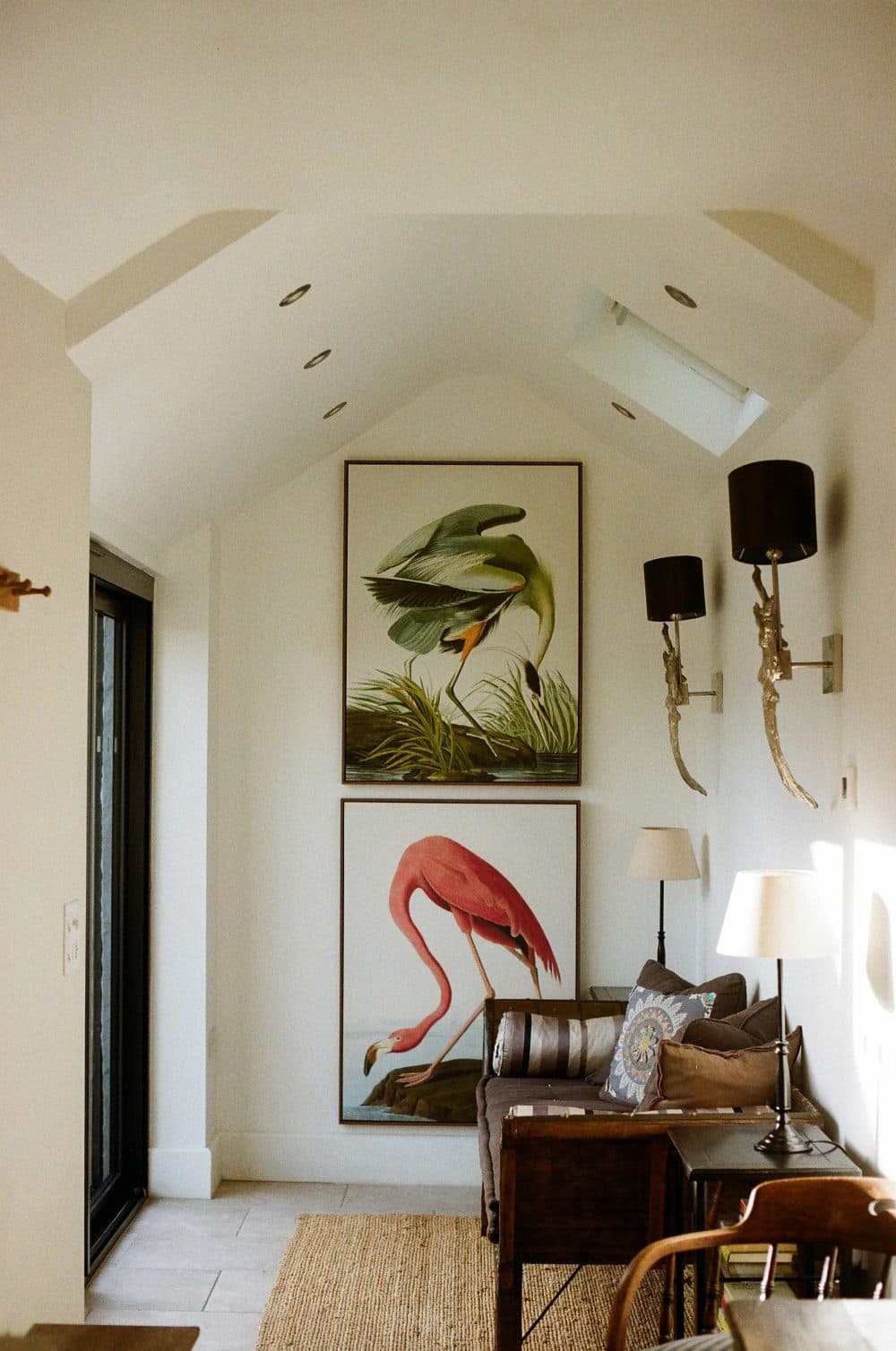
2000 × 3016 px462 KBJPG
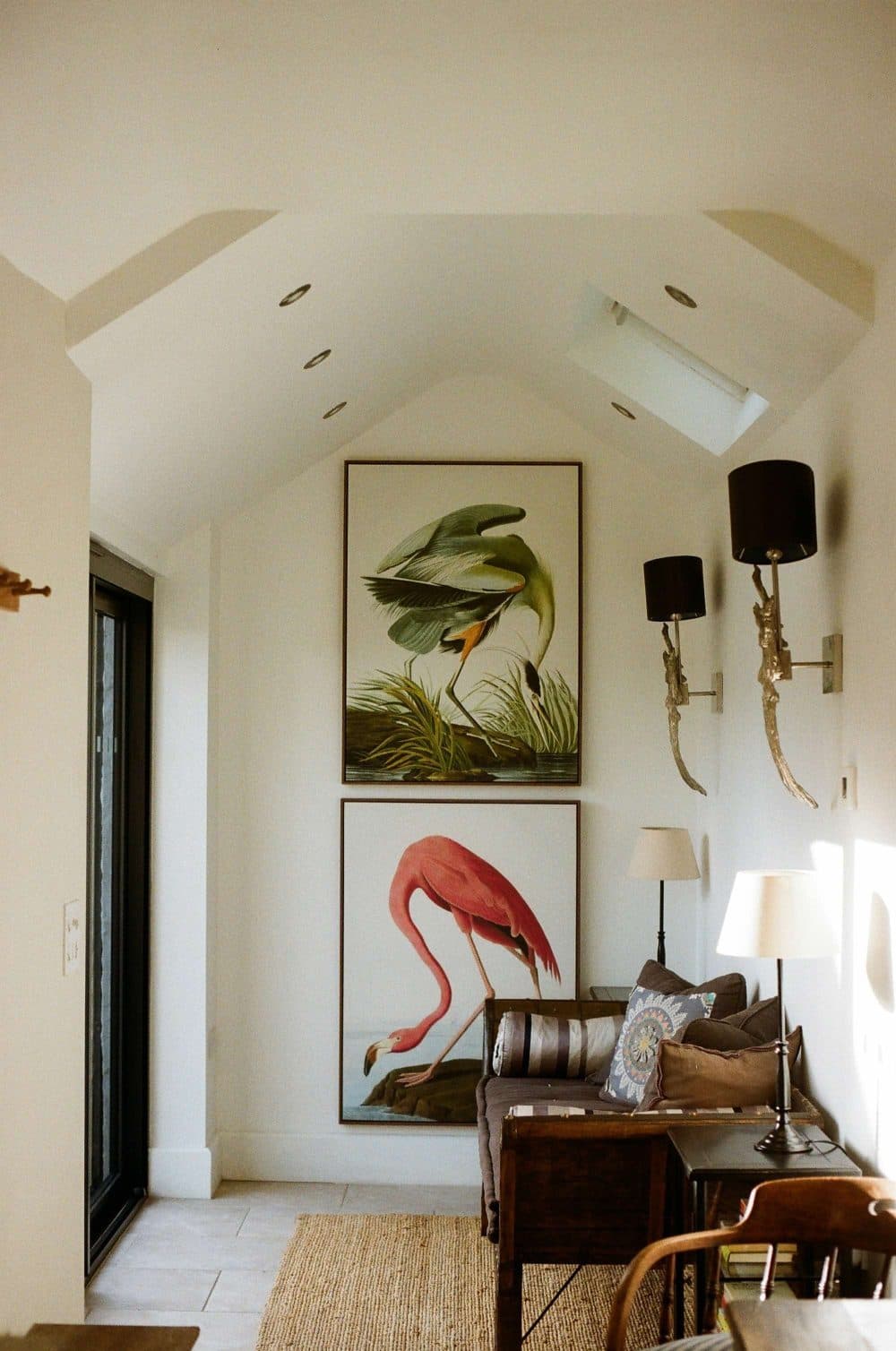
2000 × 3016 px1.05 MBJPG
This photo was 462 KB. With the minimum set to 1.00 MB, it came out at 1.05 MB.
The pixel size stayed at 2000 × 3016 px. Only the JPG quality was raised.
The numbers are from a real run of the tool above. The pictures here are smaller previews of the actual files.
How to use it
- Enter the megabyte figure from the upload rules in “Minimum file size”, keeping the unit on MB. Fill in the optional maximum only when the same rules give a ceiling, for example 1 MB to 5 MB.
- Pick the largest copy of the photo you have. The camera original beats a copy saved from a chat or a social feed, because those have usually been shrunk already.
- Press Increase and look at the pixel size on the result card. If it is double or triple the original, the photo was enlarged, so zoom in on faces or text before you send it anywhere.
- If the card reports that the megabyte could not be reached, go back to a bigger original rather than uploading the nearest result.
How many pixels a megabyte needs
JPG weight follows the number of pixels and the amount of fine detail in them. In our own trial with an ordinary landscape photo, a 1600 × 900 copy came to roughly 400 KB at top quality and crossed 1 MB once it was enlarged to about twice the width and height. A 640 × 360 copy of the same scene, enlarged the full three times, still stopped short of 1 MB. Your photo will differ, but the pattern holds: below roughly a million pixels, a megabyte is hard to reach honestly.
That is why this page does not hide filler bytes inside the file to inflate the number. A padded file shows the same small picture, so a print shop or a judge who opens it still finds too few pixels. Real enlargement at least gives the size checker and the viewer the same thing.
What an enlarged photo looks like, and what 1 MB means
Enlarging spreads the existing detail over more pixels; it cannot invent eyelashes or sharpen blurry lettering. At 1.5 times the change is hard to spot on a phone screen. At three times, edges turn soft and fine texture smears, much like zooming into a small picture. That is fine for passing an automatic size check, but for printing large, the original file from the camera is the real answer.
Sites count megabytes in two ways: 1,000,000 bytes, or 1,024 KB (1,048,576 bytes). This page uses the larger figure, so a result that clears 1 MB here also clears a site that uses the smaller one. A PNG or HEIC that already weighs more than your minimum is reported as large enough and is not re-saved.
Frequently asked questions
- Can a 200 KB photo become 2 MB without changing its pixels?
- Rarely. Raising JPG quality might double or triple the weight, which is not ten times. To reach 2 MB the picture almost always has to be enlarged, and the result card shows the new width and height so you can see by how much.
- Should I type 1 MB or 1024 KB?
- Either gives the same target: with MB selected, 1 is treated as 1,024 KB. If the rules state the figure in KB, switch the unit to KB and type that number as written.
- Will the bigger file print better?
- No. It passes a size rule, but it holds no more detail than the photo you started with. For sharp large prints, find the original that came off the camera or phone.
- Why did my screenshot stop below the minimum?
- Screenshots of flat app screens, with plain colour and little texture, compress very tightly, and the enlargement stops at three times the original size. Take a fresh full-resolution photo, or export the image at a larger size from wherever it came from.
- Does it work on PDF or PNG files?
- PNG, WebP, HEIC and most other image types are read and saved as JPG. A PDF is not read, so export the page as an image first.