Fifty kilobytes is the most common ceiling for the applicant photo on recruitment, admission and exam registration sites. Phone cameras produce files fifty to a hundred times bigger than that, so the upload fails until the photo is reduced.
The limit on this page is fixed at 50KB. Drop your photo in and the compressed copy is produced automatically.
Before and after
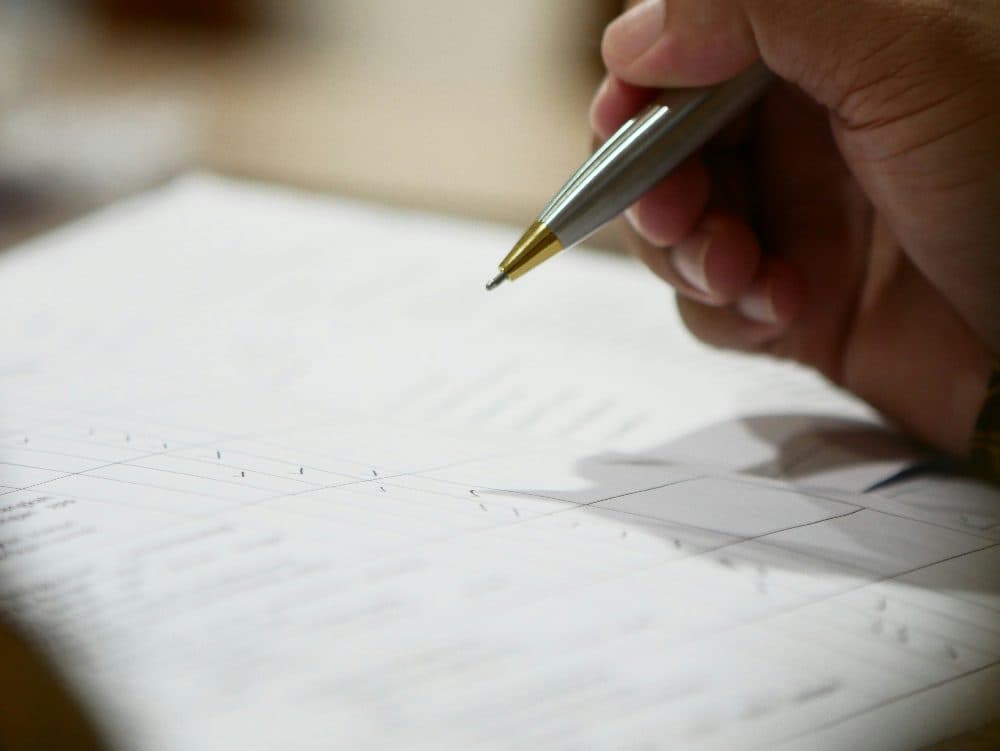
4032 × 3028 px1.03 MBJPG
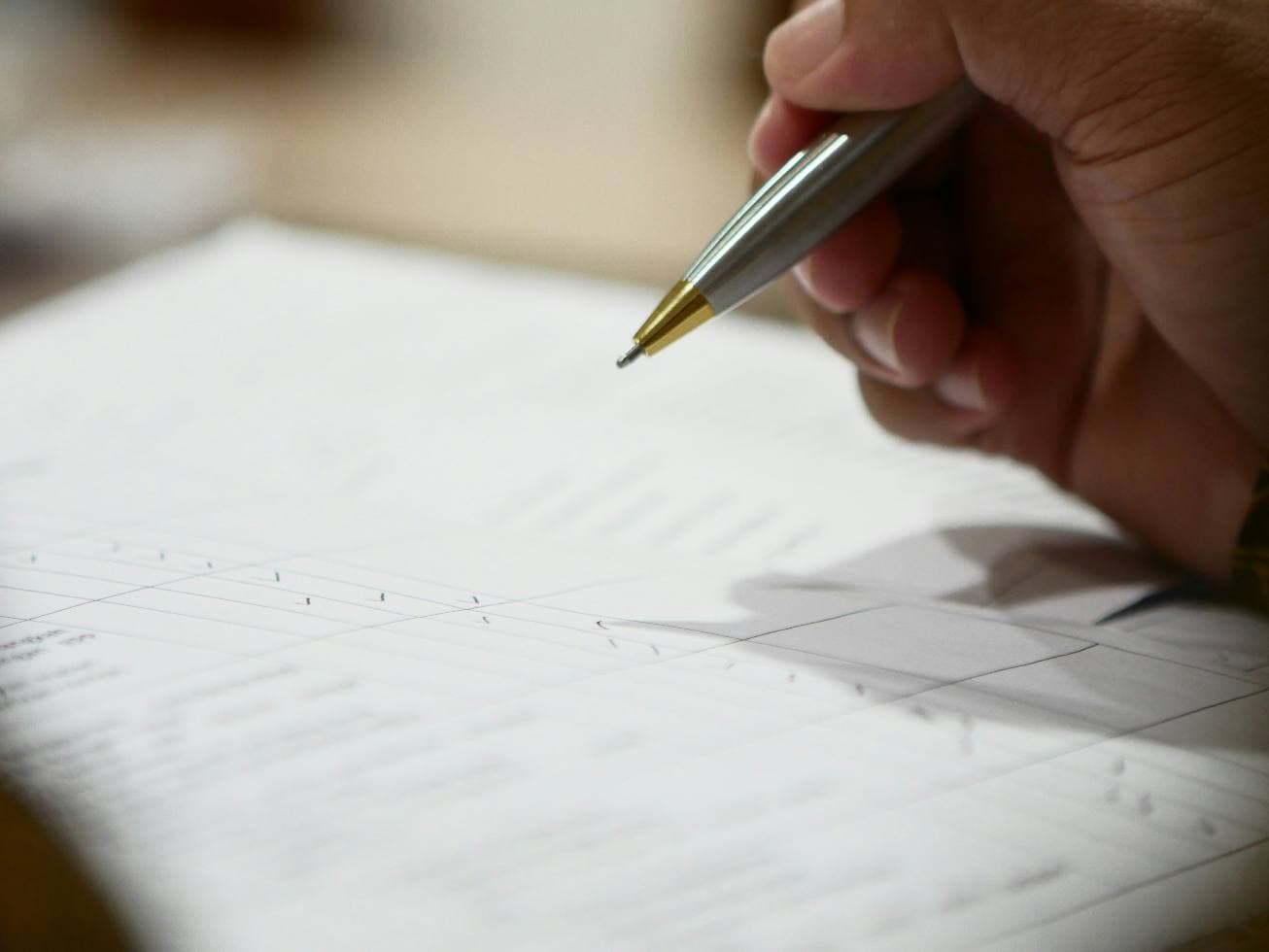
1306 × 980 px48.4 KBJPG
This photo was 1.03 MB. With the limit set to 50 KB, it came out at 48.4 KB, which is 95% smaller.
To fit, the tool also scaled the picture down from 4032 × 3028 px to 1306 × 980 px.
The image on the right is the actual file the tool above produced.
How to use it
- Choose or drop your photo above. Pictures straight from a phone, including HEIC, are fine.
- The tool searches for the highest quality that keeps the file at 50KB or below.
- Compare the before and after figures and download the JPG.
What a 50KB photo looks like
At 50KB a head-and-shoulders portrait holds up well at around 600 to 800 pixels tall. That is more than a form needs: most portals display the picture at passport size on screen and print it a few centimetres high on an admit card. Faces stay recognisable, and text in the background stays readable if it was sharp to begin with.
Check the rest of the requirements
A size limit rarely travels alone. Instructions often add a pixel size such as 200 × 230, a light background, or a JPG-only rule. This tool always outputs JPG, which covers the format rule. For exact pixel dimensions, use the resize tool first and bring the result back here if it is still over 50KB.
Frequently asked questions
- Does it work with iPhone photos?
- Yes. HEIC photos from an iPhone are read directly and saved as a 50KB JPG. Portrait shots keep their orientation.
- My form wants 20KB to 50KB. What if the result is under 20KB?
- That only happens with very small or very plain images. In that case tick "My form also has a minimum size" under the size box on this page, enter 20, and compress again.
- Can I compress several photos at once?
- This page handles one image at a time so each result can be checked. Drop the next file onto the box to replace the current one.