Some tools only take PNG: certain print-on-demand services, game and app asset pipelines, sticker makers, a few government portals. Others simply behave better with it. If all you have is a JPG, this page changes the container.
The PNG has the same width, height and appearance as your JPG.
Before and after
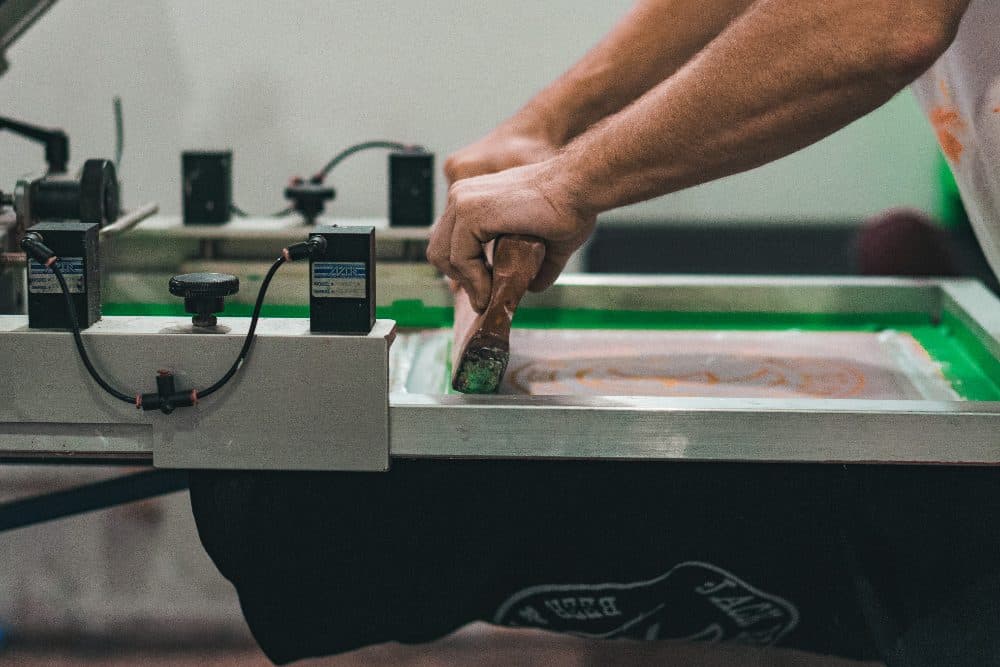
4032 × 2688 px2.58 MBJPG
4032 × 2688 px13.50 MBPNG
The picture and its 4032 × 2688 px size stay the same. Only the file changes: JPG at 2.58 MB in, PNG at 13.50 MB out.
PNG keeps every pixel exactly, so a photo takes more space than it does as JPG.
The numbers are from a real run of the tool above. The pictures here are smaller previews of the actual files.
How to use it
- Add a .jpg or .jpeg file above.
- It is re-saved as a PNG without further compression loss.
- Download the PNG.
What converting does and does not do
Converting freezes the image as it is now. The compression marks a JPG already has stay in the picture; PNG will not sharpen it or bring back detail. What you gain is stability: a PNG can be opened, edited and saved over and over without the gradual degradation that repeated JPG saves cause.
About transparent backgrounds
PNG supports transparency, but a converted JPG will not have any. A white background in the JPG is still solid white in the PNG. Removing a background is an editing job that has to be done separately; once it is done, PNG is the right format to save the result in.
Frequently asked questions
- Will the PNG look better than the JPG?
- It will look identical. PNG prevents future quality loss but cannot undo compression that has already happened.
- Why is the PNG file so much larger?
- PNG stores every pixel exactly, while JPG throws away detail the eye barely notices. A photo often grows five times or more when converted to PNG.
- Does the converted file keep EXIF data such as the date and location?
- No. The PNG is created from the image pixels only, so camera metadata, including GPS location, is not carried over.