One hundred and fifty kilobytes is a comfortable budget for a single sheet of paper. A certificate scanned at 200 DPI or a signature on white paper fits under it with room to spare, which is why the figure suits fields that take one document image. Whoever has to compress JPEG to 150KB is usually holding a phone photo of such a sheet weighing 2 or 3 MB, and the task is to shed the bytes without shedding the print.
The size box already reads 150 and the output is fixed to JPEG, so the file is measured the moment it lands. Quality is searched first; a sheet of up to about 3.8 megapixels generally keeps every pixel, because for a page of print a setting in the 60s fits at that size. Only a bigger picture is scaled down, and the search then repeats so the result stops close to the cap.
Before and after
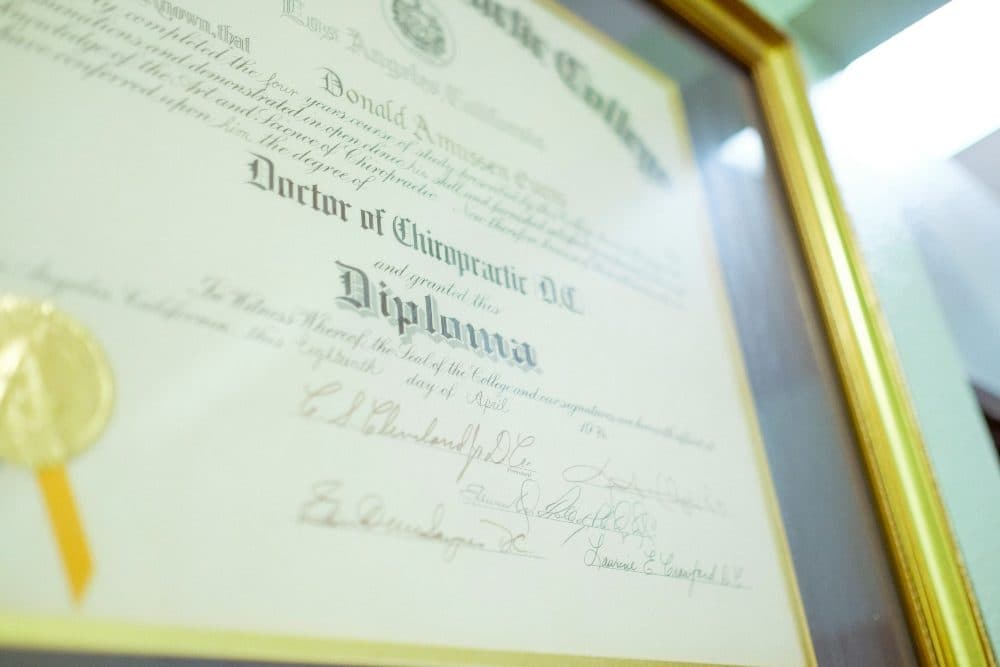
2400 × 1600 px445 KBJPG
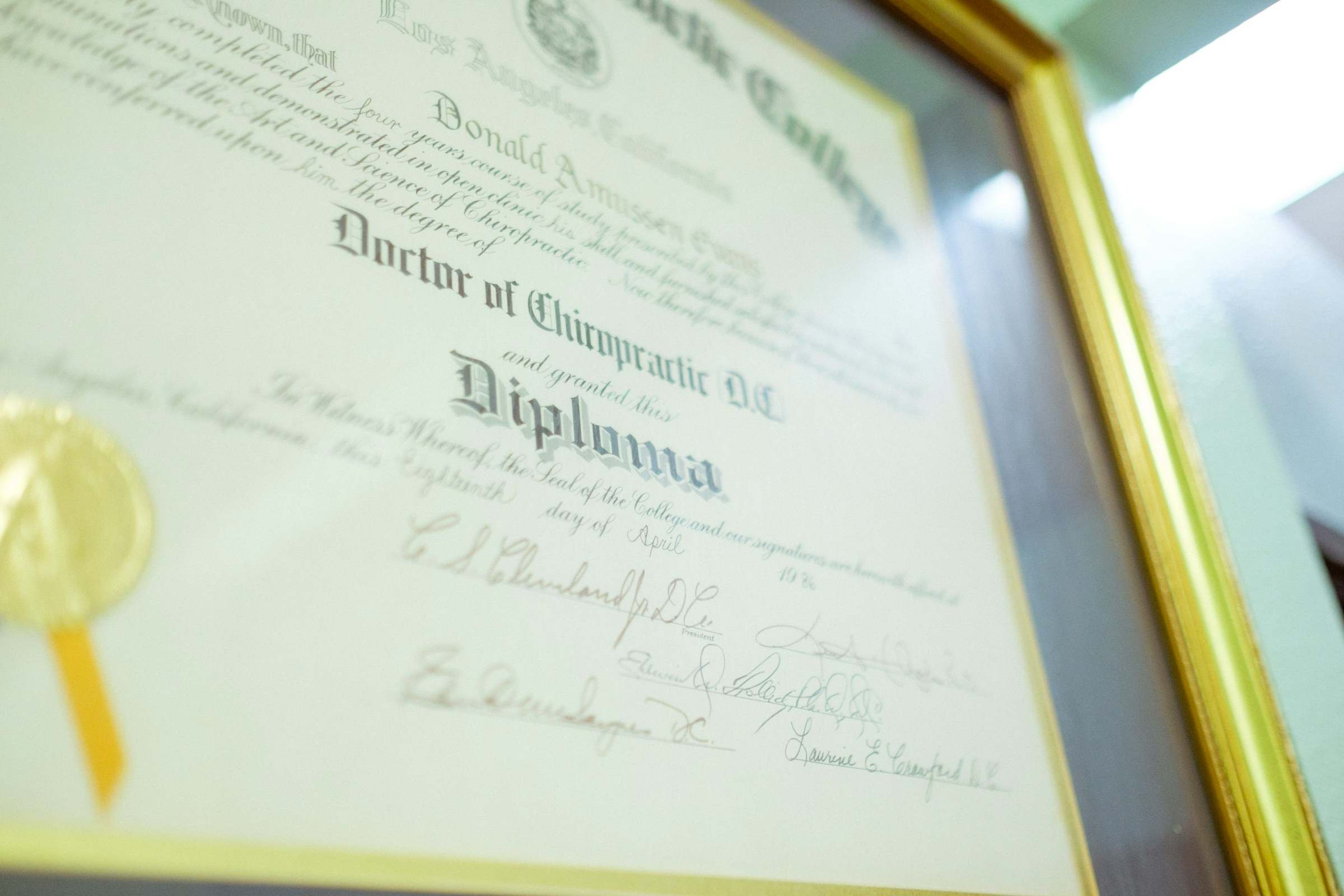
2400 × 1600 px149 KBJPG
This photo was 445 KB. With the limit set to 150 KB, it came out at 149 KB, which is 66% smaller.
The pixel size stayed at 2400 × 1600 px. Only the JPG quality was lowered.
The image on the right is the actual file the tool above produced.
How to use it
- Add the photo or scan of the sheet. PNG, HEIC and WebP are read too and come out as a JPEG.
- Compression begins on its own against the 153,600-byte ceiling; the highest quality that fits is kept.
- Read the card: new weight and width × height. Unchanged pixels mean only the quality moved.
- For a band such as 50 kb to 150 kb, tick “My form also has a minimum size”, type the lower figure and run the file once more before downloading.
Fields that stop at 150 kb
The Indian Air Force Agniveervayu Intake 02/2027 notification is the clearest confirmed case. It asks for the 10th passing certificate as a JPEG/JPG of 50 kb to 150 kb, and for the signature, signed in black ink on white paper with only the signature area scanned, as a JPG/JPEG of 80 kb to 150 kb. Both bands have a floor, and the photograph on the same form has a band of its own, so 150 kb belongs to the paper and the signature rather than the portrait.
Elsewhere the number appears alone, and the ranges people meet most often are 50 kb to 150 kb, 80 kb to 150 kb and 100 kb to 150 kb. All work the same way: the ceiling stays at 150 and the lower figure goes into the box under the minimum tick. For a signature the floor is the harder part, since a tidy strip of ink weighs 20 or 30 KB; with the minimum set, quality is raised and the strip enlarged, up to three times, until it reaches the band.
What a sheet of paper keeps at 150KB
An A4 page scanned at 200 DPI measures 1,654 × 2,339 pixels. Encoded under 153,600 bytes, a clean certificate at that size settles at a quality setting in the mid 60s with all its pixels; at 150 DPI, 1,240 × 1,754 pixels, it fits in the mid 80s. Names, marks and seal lettering stay legible at both. A phone photo is busier, since table, shadows and paper grain all cost bytes, yet even a shadowed shot keeps about 1,200 to 1,500 pixels on the long side and a flat, well-lit one keeps far more.
Bytes go wherever there is detail, so wood grain around a sheet costs as much as the print on it. Crop to the paper edges before adding the file, shoot by a window so the paper reads white rather than grey, and press the sheet flat; each step hands more of the budget to the letters.
Bytes, bands and the two spellings
The arithmetic is 150 × 1,024 = 153,600 bytes, the figure Windows shows in a file’s properties, and no result goes above it. Quality moves in whole steps, so a file usually lands a few hundred bytes under the line. Should a portal reckon a kilobyte as 1,000 bytes and refuse a file of 153,000-odd, set the box to 146 and run it again.
JPEG and JPG are a single format; the shorter spelling survives from a time when Windows allowed only three letters after the dot. A field that lists JPG/JPEG takes either ending, and the download here ends in .jpg. If a form insists on the four-letter ending, rename the file; the bytes inside are identical.
Frequently asked questions
- Will my certificate still be readable at 150KB?
- For a single sheet, nearly always: a 200 DPI scan keeps its full pixel size and a phone photo keeps well over a thousand pixels across. Zoom on the smallest print and the seal; if either looks rough, retake the picture closer and flatter.
- The field says 50 kb to 150 kb and my file came out at 38KB. What now?
- Tick “My form also has a minimum size” and type 50. Quality is raised first, and a picture too plain to reach 50 kb that way is enlarged, up to three times. A near-empty scan may still fall short; the page says so rather than handing over a file the portal would refuse.
- My phone photo is 12 megapixels. How many pixels are left?
- The picture is first brought to about 2,200 pixels on the long side, the most 150KB can plausibly hold, and quality is searched there. A plain sheet stays at that size; a frame full of desk and shadow is stepped down further. Crop to the paper first and more survives.
- Does compressing to 150KB change the width and height?
- Not for a picture of up to about 3.8 megapixels that fits at quality 30 or better, which covers any scan at 200 DPI or below. Larger files are scaled down before the quality search; the result card shows the pixels kept.
- I need a PDF under 150 KB, not an image. Can this page make one?
- No; what leaves this page is always a JPEG. The image to PDF tool is the right stop: it lays the picture on a page, has a size box of its own, and with 150 typed there the PDF it writes is under the limit.