Most size advice is about shrinking, but plenty of application forms set a floor as well as a ceiling. A signature scanned at 140 × 60 pixels can weigh 6KB, and a portal that wants 10 to 20KB will bounce it with a message about the minimum. The picture is fine; it simply holds too few bytes for the rule.
This page adds weight with real image data. It saves the picture again at a higher JPG quality, and only if top quality still falls short does it enlarge the width and height, by the smallest step that works and never beyond three times the original. The minimum box starts at 20KB; change it to whatever lower limit your notice states, and fill in the optional maximum if the form has an upper limit too.
Before and after
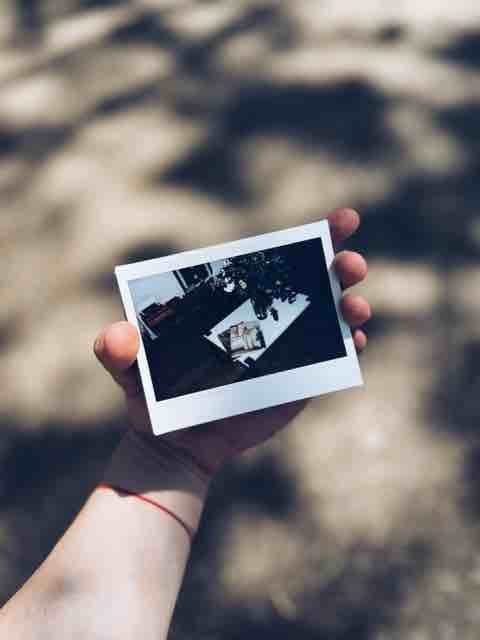
480 × 640 px14.7 KBJPG
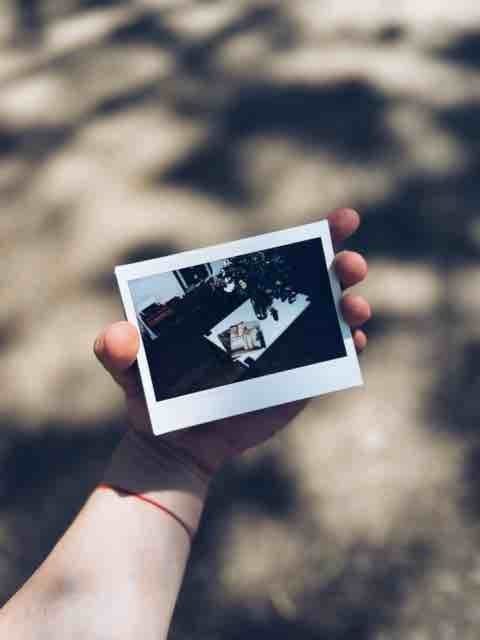
480 × 640 px20.5 KBJPG
This photo was 14.7 KB. With the minimum set to 20 KB, it came out at 20.5 KB.
The pixel size stayed at 480 × 640 px. Only the JPG quality was raised.
The image on the right is the actual file the tool above produced.
How to use it
- Type the lower limit from your notice into “Minimum file size”. If the same line also gives an upper limit, such as 20 KB to 50 KB, put the second number in the optional maximum.
- Add the photo, signature or declaration that was refused, then press Increase.
- Read the result card: it says whether only the quality was raised or the picture was enlarged too, and shows the new pixel size next to the new weight.
- If the card warns that the minimum could not be reached, rescan or rephotograph the paper larger and try again instead of uploading the closest result.
Minimums stated in real notices
Lower limits are most common in Indian recruitment and exam forms, and they come in a few recurring bands. The notices below give them as follows:
Signature, 10 KB to 20 KB: Staff Selection Commission (CGL, CHSL, MTS, Constable GD, Stenographer, JE), about 6.0 cm (width) x 2.0 cm (height); IBPS, SBI, RBI Services Board, NABARD and MIDC, 140 x 60 pixels (preferred). Photograph, 20 KB to 50 KB: the same IBPS, SBI, RBI, NABARD and MIDC notices at 200 x 230 pixels (preferred), and TNPSC Group II. Left thumb impression, 20 KB to 50 KB, and handwritten declaration, 50 KB to 100 KB at 800 x 400 pixels in 200 DPI (preferred): IBPS, SBI, NABARD and MIDC. India Post GDS: photo 30 KB to 100 KB, signature 20 KB to 100 KB. CBSE CTET: photo 10 KB to 100 KB.
Always enter both numbers when a band is given. With only the minimum set, a busy photo could be pushed well past a 50 KB cap.
Can the KB go up without changing the pixels?
Often, yes. A small JPG saved at modest quality has plenty of room to grow: re-saving it at quality 90 to 100 can double or triple its weight while the width and height stay exactly as they were. That is always tried first, and the result card says plainly when it was enough.
When it is not, the only honest way to add more bytes is more pixels, so the picture is scaled up. Some other tools pad the file with hidden filler instead; the dimensions stay put, but no picture is added, and the portal receives the same small image in a heavier wrapper. If your form fixes the pixel size as well as the weight, make that size first with the resize tool, increase here, and check the card: an enlarged result no longer matches, and a sharper or larger scan is the better fix. A pale signature on bright white paper is the hardest case, because flat white compresses to almost nothing; scanning closer, with darker ink, gives the encoder more to keep.
Frequently asked questions
- My file is already above the minimum. What happens?
- The page notices before doing anything and tells you the file already meets the size, since saving it again could only change it for the worse. If the portal still refuses it, the problem is probably the pixel size or the format rather than the weight.
- Will a bigger file look better?
- No. Raising quality keeps more of the detail the picture already has, and enlarging spreads the same detail over more pixels. The upload passes the size check, but a blurry scan stays blurry; only a better original improves it.
- Why can a plain signature not reach 20KB?
- Black strokes on white paper are about the cheapest thing a JPG can store. Even at top quality and enlarged three times, a thin signature on a small crop can stay under the minimum, and the card then says so. Sign larger, use a darker pen, and crop less tightly around the ink.
- Does this change the DPI or the size in cm?
- No DPI value is written here. If a notice gives centimetres or DPI, set those with the resize tool in cm first, then bring that file here only if it is still under the minimum weight.
- Can I use a photo from my iPhone, or a PDF?
- iPhone HEIC photos are read directly and saved as JPG, upright. PDFs are not read; save the page as an image first.