Cropping removes what does not belong in the picture: a stranger at the edge, a messy desk around a document, the empty sky above a group photo. It is also the cleanest way to change a photo’s shape, because nothing is squashed or stretched.
Choose one of the ratio buttons for a centred crop in one tap, or drag the corners of the frame for a free selection.
Before and after
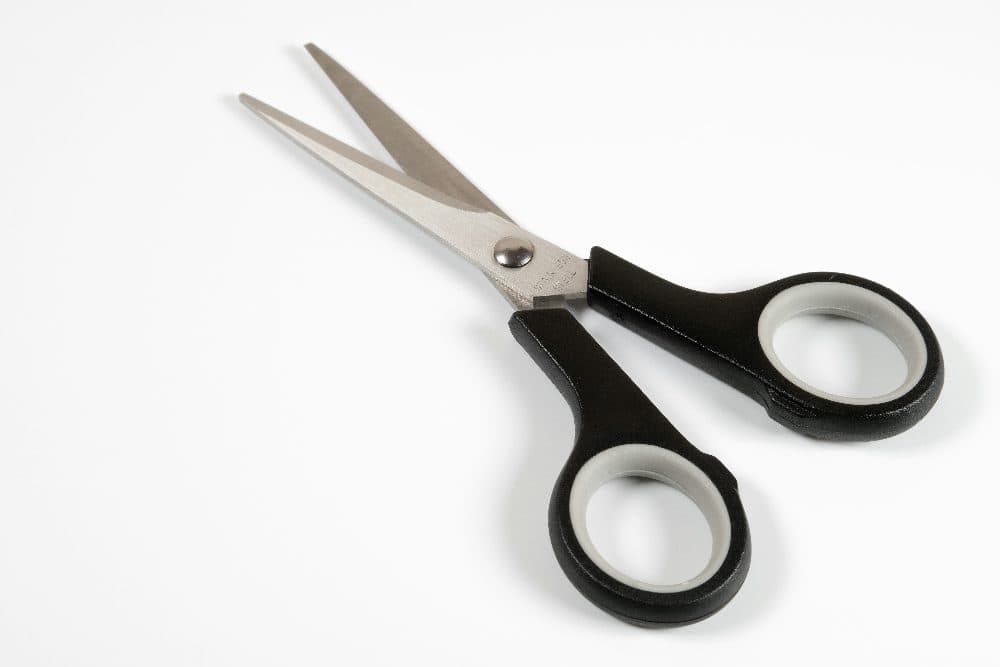
4032 × 2688 px635 KBJPG
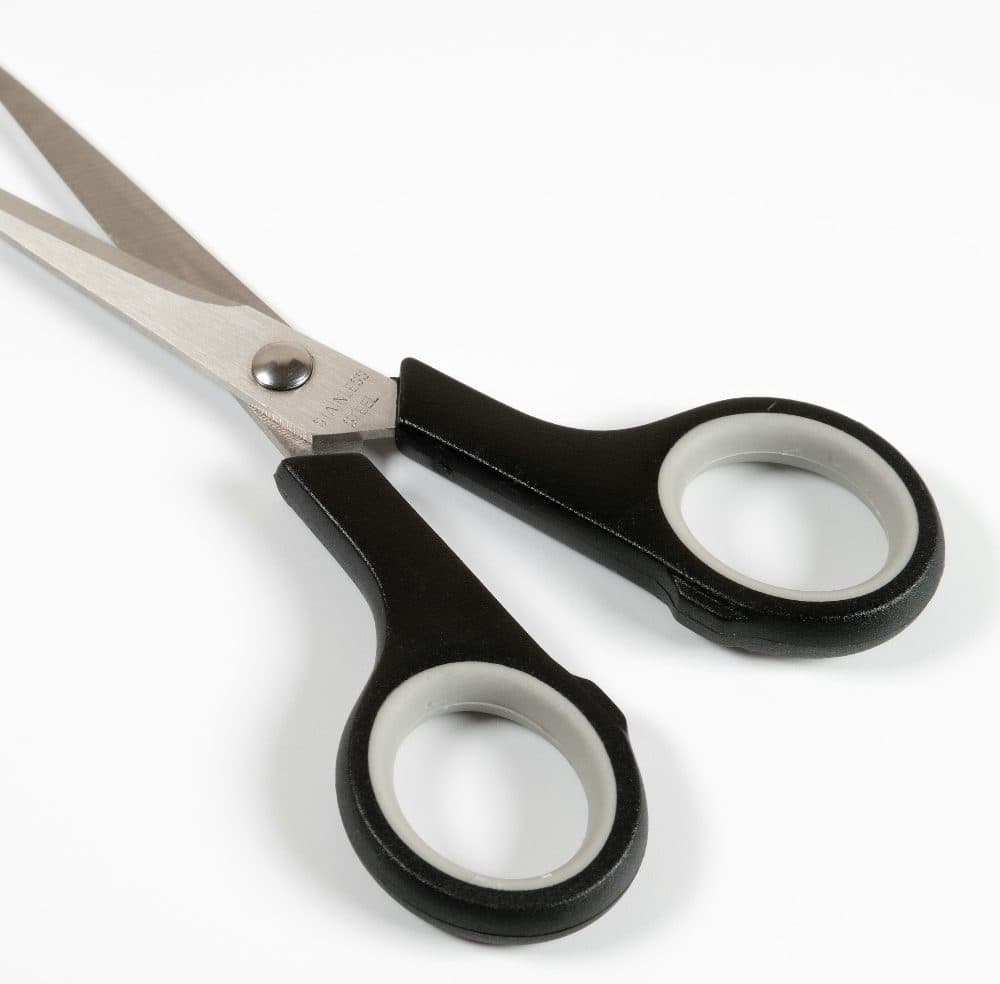
2621 × 2580 px565 KBJPG
The dashed frame on the left marks the part that was kept: 2621 × 2580 px out of the original 4032 × 2688 px.
The kept part is not scaled up or down.
The numbers are from a real run of the tool above. The pictures here are smaller previews of the actual files.
How to use it
- Add an image using the box above.
- Tap a ratio such as 1:1 or 16:9, or choose Free and drag the frame’s corners and body into position.
- Press Crop to apply the selection.
- Download the cropped image.
Which ratio to pick
1:1 is the square used for profile pictures and marketplace listings. 4:5 and 3:4 are portrait shapes for social feeds. 16:9 is the widescreen shape of video thumbnails, slides and desktop wallpapers, and 9:16 is the same thing turned upright for stories, reels and phone wallpapers.
Cropping without losing quality
A crop keeps the remaining pixels at their original resolution; it does not rescale them. The saved file is smaller simply because it contains fewer pixels. If you need a particular pixel size afterwards, crop to the right ratio here and then use the resize tool, which will then have nothing left to trim.
Frequently asked questions
- Can I crop on a phone?
- Yes. The frame responds to touch: drag inside it to move, drag a corner to resize. The ratio buttons are the quickest route on a small screen.
- Does cropping reduce image quality?
- The kept area retains its detail. JPG files are saved again at high quality, and PNG files are saved without any loss.
- How do I crop to an exact pixel size?
- Crop to the matching ratio first, then resize the result to the pixel dimensions you need. For 1080 × 1350 and 1080 × 1440 there are dedicated pages that do both at once.