At 200KB an image still looks like a proper photograph. It is the size to aim for when a picture has to look good on a web page or a product listing but should not slow anything down, and it is a frequent limit on visa, passport and university upload forms.
This page is set to 200KB. Add a file and the compressed version appears without further settings.
Before and after
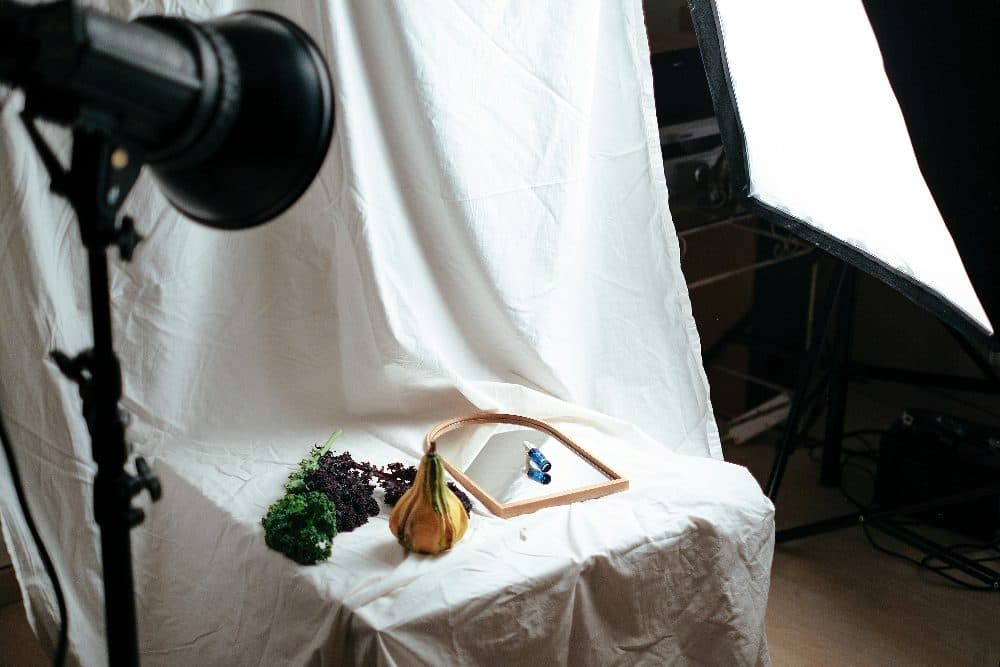
4032 × 2688 px1.58 MBJPG
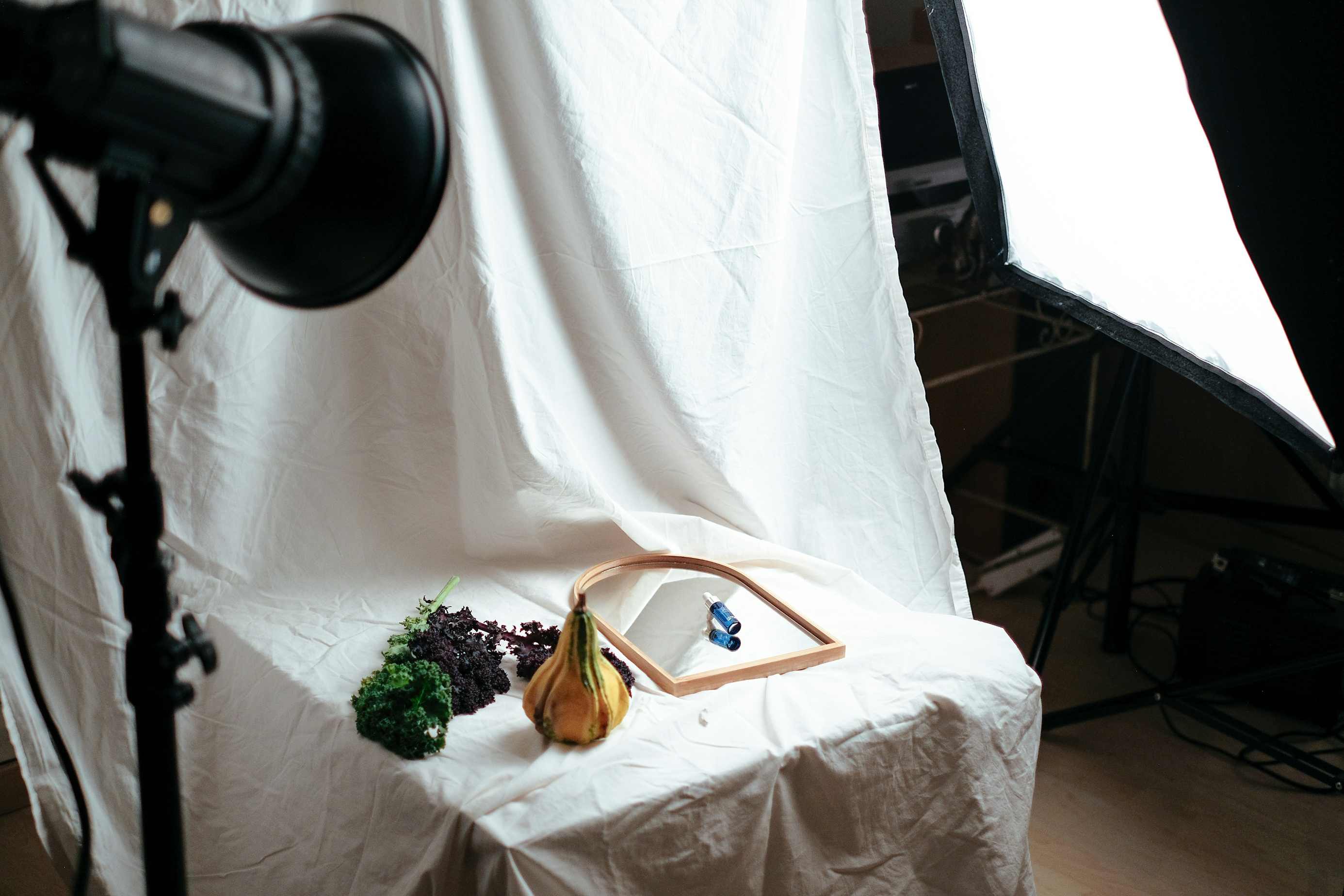
2771 × 1848 px200 KBJPG
This photo was 1.58 MB. With the limit set to 200 KB, it came out at 200 KB, which is 88% smaller.
To fit, the tool also scaled the picture down from 4032 × 2688 px to 2771 × 1848 px.
The image on the right is the actual file the tool above produced.
How to use it
- Add your image with the box above, or paste a screenshot.
- The tool tunes the quality so the file ends up just under 200KB.
- Download the JPG and use it wherever the limit applies.
How much detail survives
A 200KB JPG comfortably carries 1,400 to 1,800 pixels on the long side for an ordinary photo. On a phone or laptop screen it is hard to tell from the original. Busy subjects such as foliage, gravel or fabric cost more bytes than smooth ones such as sky or studio backdrops, so the final pixel size varies with the content.
Why it matters for web pages
Images are usually the heaviest part of a page. Replacing a 4MB camera original with a 200KB version cuts its download time by about 95 percent on mobile data, and visitors on older phones notice the difference. If you publish many pictures, compressing each one before upload is the cheapest speed improvement available.
Frequently asked questions
- Is there a visible quality loss at 200KB?
- For screen viewing, very little. Loss becomes noticeable only if you zoom far in or print large. For a poster or photo book, keep the original file.
- Does the tool keep my original file?
- Your original is not changed. The compressed copy is a new file with "-compressed" added to the name.
- Can I choose a different size, like 150KB or 300KB?
- Yes. Change the number in the size box on this page, or open the main Compress Image tool and type any value in KB or MB.