One thing to know before you start: a JPG cannot move. If your GIF is animated, this page keeps only its first frame and turns that single picture into a JPG. The rest of the animation is dropped, so check that the opening frame is the one you want.
That still is what most people need when a profile field, a document or an upload form refuses GIF files. The conversion happens on your phone or computer; the GIF itself is never sent to a server.
Before and after
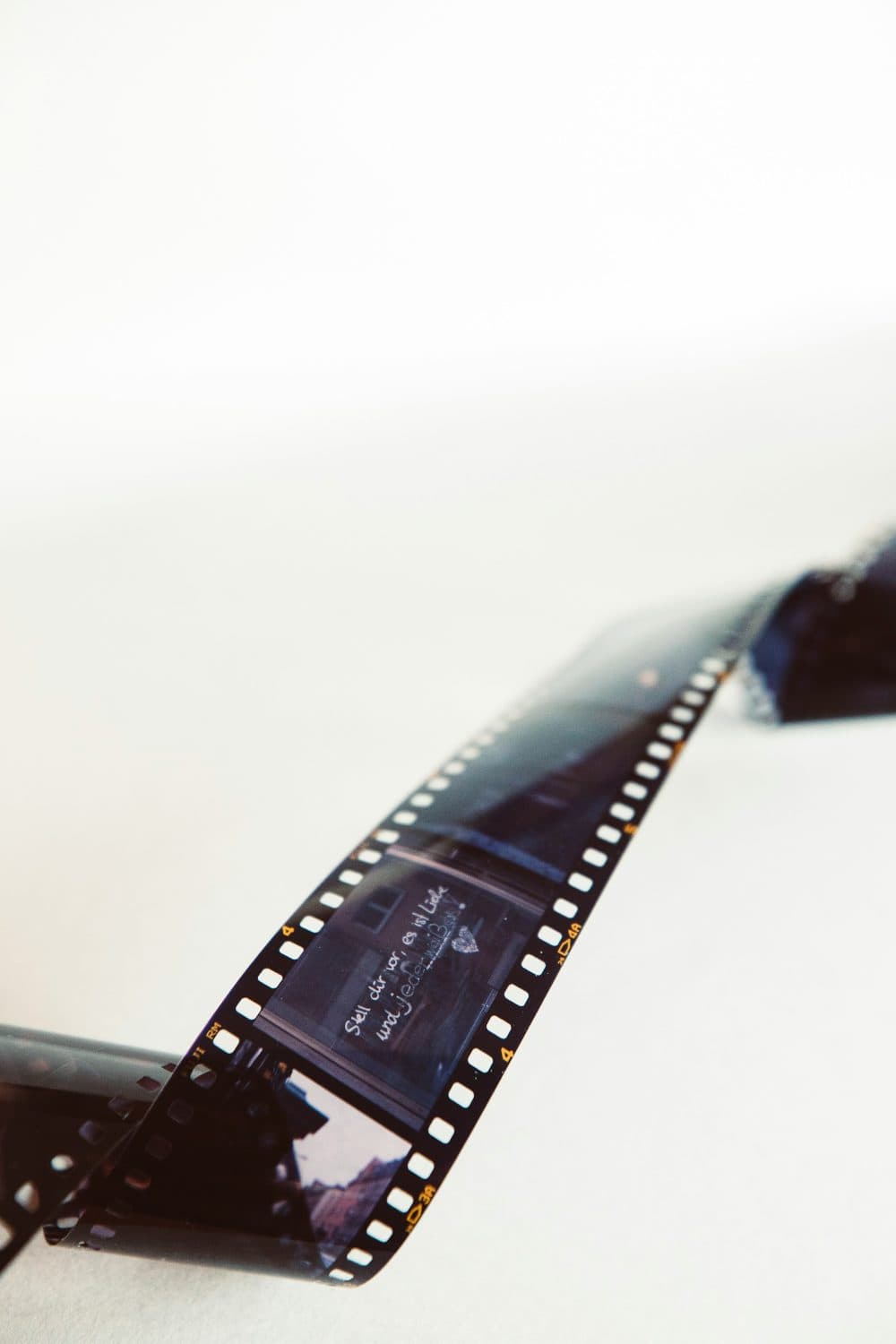
2400 × 3601 px1.32 MBGIF
2400 × 3601 px547 KBJPG
The picture and its 2400 × 3601 px size stay the same. Only the file changes: GIF at 1.32 MB in, JPG at 547 KB out.
JPG drops detail the eye barely notices, which is why the file is 60% smaller.
The numbers are from a real run of the tool above. The pictures here are smaller previews of the actual files.
How to use it
- Pick the .gif file, whether it came from a chat, a website or an old scanner folder.
- The opening frame is converted as soon as the file is read, with any see-through parts filled in white.
- Look at the preview. If edges or lettering look soft, move the quality slider towards 100 and convert again.
- Save the JPG and use it wherever the GIF was rejected.
Why the JPG will not look sharper than the GIF
A GIF stores at most 256 colours per frame. Smooth gradients and skin tones were already flattened into bands or dotted patterns when the GIF was made, and changing the format cannot bring the missing colours back. Searching for an “HD” conversion will not help; the JPG shows exactly the detail the GIF had, no more.
File size: smaller for photos, sometimes larger for logos
JPG is built for photographs. A photo-like GIF usually shrinks when converted. A flat graphic, such as a logo, a chart or a screenshot of text, often grows instead, and JPG compression can leave faint smudges around hard edges. The slider runs from 40 to 100 and starts at 92. Lower numbers trade detail for a smaller file; for crisp lines and words, stay high. If an upload still needs a hard size limit, run the JPG through the compressor afterwards.
Frequently asked questions
- Can I get every frame of an animated GIF as separate JPGs?
- Not here. Only the first frame is read, and you get one JPG back. Pulling out a full frame sequence needs a dedicated frame-extraction tool.
- The frame I need is in the middle of the animation. What can I do?
- Play the GIF, pause it on that moment and take a screenshot. Then crop the screenshot to the picture with the crop tool, which gives a still you can save as a JPG.
- What happens to a transparent GIF background?
- JPG has no transparency, so every see-through pixel becomes white. If you need the background to stay clear, a PNG is the right format rather than a JPG.
- Is my GIF uploaded anywhere?
- No. The browser decodes the GIF and writes the JPG on your own device. Nothing is stored online, and there is no account or usage limit.
- Does it work on an iPhone or Android phone?
- Yes. Open the page in Safari, Chrome or another current browser, choose the GIF from Photos or Files, and the JPG saves to your downloads.