A refused upload rarely says more than a number: 200KB, 500KB, 1MB. Scan, statement or exported report, the job is the same, to reduce PDF size until the figure on the file sits under the figure on the form. This page takes the limit as you read it, in KB or MB, and gets there by the least destructive route.
Three steps run in a fixed order: a compact rewrite of the file, which changes nothing on the page; then the scans and photographs inside it re-saved at a lower JPEG quality while typed text stays text; and, only if the file still misses the limit, every page redrawn as a picture. The card under the tool names the step that was needed.
Before and after
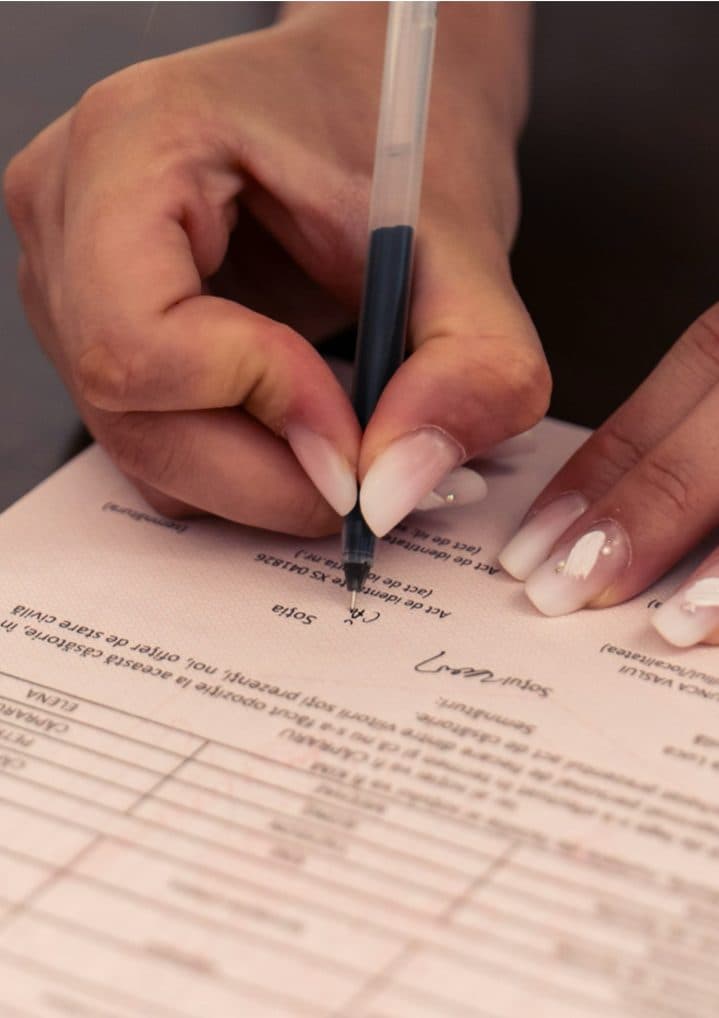
scan-3-pages.pdf
3 pages862 KBPDF
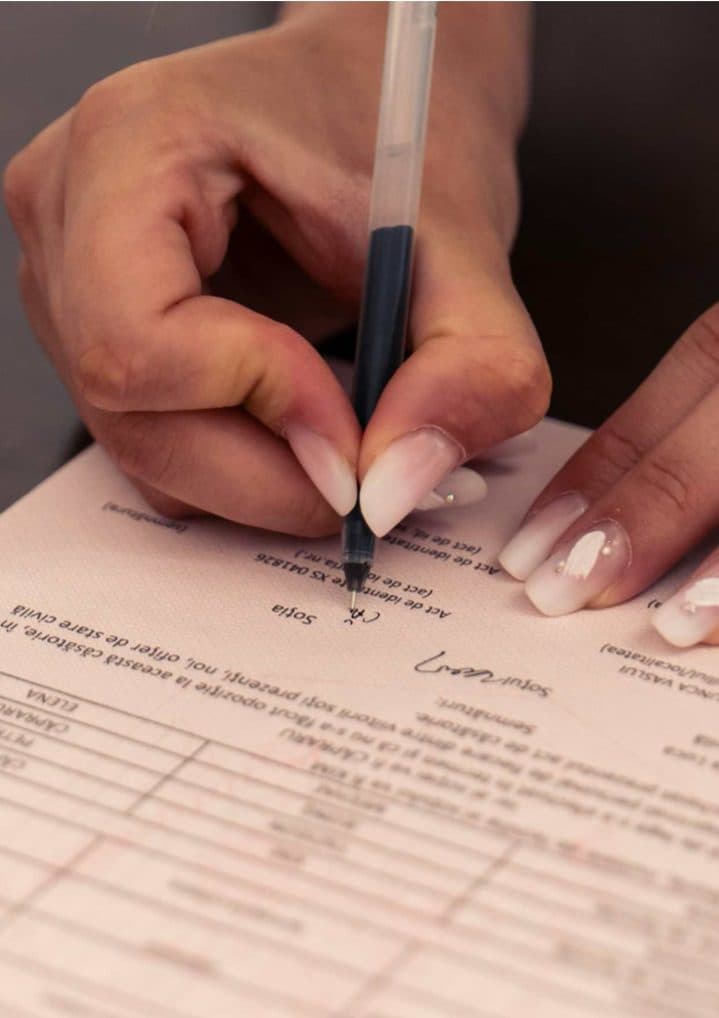
scan-3-pages-compressed.pdf
3 pages294 KBPDF
This 3-page scanned PDF was 862 KB. With the limit set to 300KB, it came out at 294 KB, which is 66% smaller.
Only the photos inside the file were re-compressed. The pages keep their size, and any text in the file stays selectable.
The numbers are from a real run of the tool above. The pictures are previews of the first pages of the actual files.
How to use it
- Find the figure in the rejection message or the upload instructions and note whether it reads KB or MB.
- Type it under “Maximum file size” and pick the unit; for a range, tick “My form also has a minimum size” and add the floor.
- Add the PDF and press Compress. The tool stops at the first step that brings the file under the figure.
- Open the result once to check the smallest print, then upload the reduced copy and keep the original.
Reading the limit before you type it
“Less than 200KB”, “up to 200KB” and “max 200KB” all describe one ceiling, which the size box applies to the finished file in bytes, 1KB being 1,024 bytes. A limit in MB is 1,024 times larger, so a file your phone shows as 1.1MB is about 1,126KB and fails a 1MB field. Some notices set a floor too, and a few count per page.
Real notices show the spread. The Tamil Nadu Public Service Commission takes supporting documents as JPG/JPEG or PDF of less than 200 kb; the National Testing Agency’s NEET (UG) 2026 form wants category and Class-X certificates as a pdf between 50 kb to 300 kb; the Institute of Banking Personnel Selection sets 500 KB for the 10th standard certificate PDF on its CRP PO/MT-XV 2025 form.
Where the weight comes from, and what each step costs
A scan is heavy because every page is a photograph: a colour A4 sheet at 300 DPI is about 2,480 by 3,508 pixels and a megabyte or more as a JPEG, so a five-page certificate set arrives at 5MB to 10MB. A typed document stores its letters as characters and fonts that cost a few kilobytes a page; when it is heavy, blame a photograph kept at camera resolution or leftovers from repeated saves.
The steps match those cases. The structural rewrite packs the file’s objects into compressed streams and drops anything no page refers to; nothing visible changes. The second step re-encodes each scanned page image at a lower JPEG quality and shrinks it in pixels only when quality alone will not do; text, rules and form fields pass through untouched, and pale stamps soften first. The last step redraws whole pages as pictures: text becomes pixels and search stops working, though the page keeps its size in centimetres.
Choosing the number, ranges, locked files and long scans
Picking the figure yourself, let the page count decide: 100KB for one scanned page of printed text in greyscale; 200KB for two or three such pages, or one colour page with a photograph; 500KB for a certificate set of four to six pages; 1MB for a twenty-page report with a few pictures; 2MB to 5MB for a long scan that must stay readable. Going far below what the form allows costs quality for nothing; type the limit as written.
A range such as 50KB to 300KB needs the minimum switch: the compressor aims at the ceiling, and if the result lands under the floor, unused data is padded into the file until it crosses. A PDF that needs a password to open is turned away with a message; save an unlocked copy first. Only the last step cares about length: it stops at about 150 pages, and a tight limit over that many pages blurs them all; split a long scan where the portal accepts more than one file.
Frequently asked questions
- Does “less than 500KB” mean I should aim for 499KB or much lower?
- Type 500 and let the tool find the best quality that fits under it; 496KB passes. Aiming at 250KB throws away detail the portal would have accepted. Go lower only when the portal counts 1KB as 1,000 bytes; 490 then clears both readings.
- Will the number of pages or the paper size change?
- No. Pages are neither removed nor merged, and each keeps the width and height stored in the file, so A4 remains A4 at every step. A portal that counts pages or checks paper size sees what it saw before.
- My scan is 40 pages and 18MB. Should I reduce the PDF file size whole or split it first?
- Whole, if the portal takes one file: 40 pages under 2MB is about 50KB a page, which the second step reaches with the print legible. If several files are accepted or the limit is 500KB, split the scan and reduce each part.
- The PAN form wants black and white, maximum 300KB per page. Is this the right page?
- For the weight, yes. Protean’s PAN Form 49A lists supporting documents as PDF/A or JPEG, Black & White, Max. 300KB per page, so multiply your page count by 300 and type that, or reduce each page as its own file. Colour is set at the scanner, and this compressor does not write PDF/A; the form’s JPEG option avoids that check.
- Can a PDF be reduced for email rather than a portal?
- Yes. Switch the unit to MB and type the attachment ceiling. Gmail states 25 MB for personal accounts and swaps a larger attachment for a Drive link. A 60MB scanned contract usually fits 20MB after the second step with little visible change.