The TNPSC application asks for your signature as a separate JPG, and the upload screen turns it away when it weighs 20KB or more. A signature photographed on a phone is usually a few megabytes, and even a flatbed scan of the signed box is often several times too heavy, which is why so many candidates end up searching for a compressor the night before a closing date.
This page is fixed to the TNPSC signature ceiling and starts as soon as the image arrives. It keeps the picture sharp where it can and only drops pixels when quality alone will not get the file under the line. The photograph has its own, different limit, so do that one separately.
Before and after
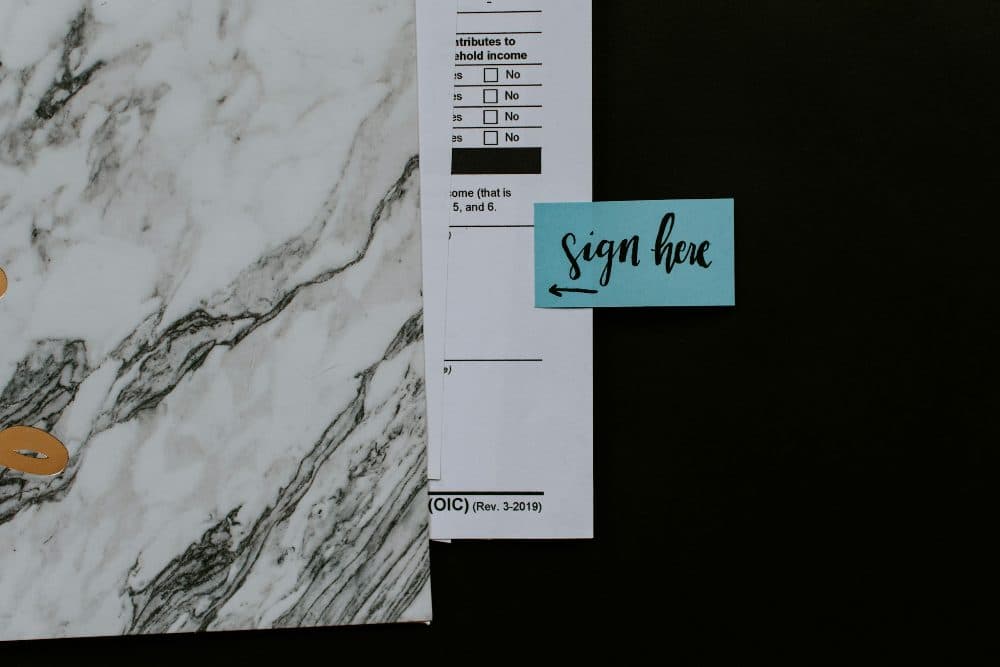
2400 × 1600 px380 KBJPG
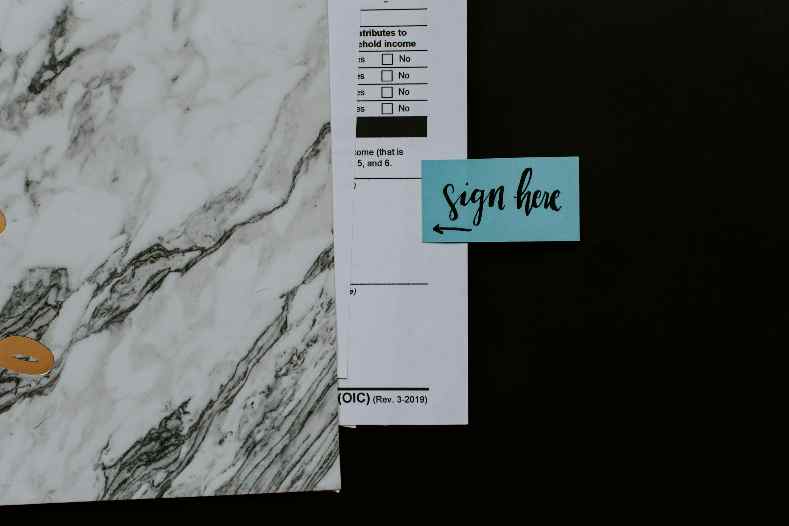
789 × 526 px19.9 KBJPG
This photo was 380 KB. With the limit set to 20 KB, it came out at 19.9 KB, which is 95% smaller.
To fit, the tool also scaled the picture down from 2400 × 1600 px to 789 × 526 px.
The image on the right is the actual file the tool above produced.
How to use it
- Sign inside a 6.0 × 2.0 cm box drawn on plain white paper, using a blue or black pen, and scan or photograph it flat in good light.
- Crop the picture to the edges of the box so no table top, shadow or blank margin is left around it.
- Add the cropped signature here; it is compressed at once and the result card shows the new weight and pixel size.
- Save it as Signature.jpg and check it with your phone’s file details, or Properties on a computer, before uploading.
What TNPSC’s own documents say about the signature
TNPSC’s Group II and IIA notification (No. 11/2025) describes the signature as a 6.0 x 2.0 cm box (230 pixels x 75 pixels), signed in blue or black ink, scanned at 200 DPI, between 10 KB and 20 KB, in JPG. Its separate photo, signature and support document resize guide gives different pixels: Horizontal 200 to 300 and Vertical 150 to 250, reducing them until the file is less than 20 kb, and saving in JPG/JPEG format.
The two do not quite agree. 230 × 75 is a long strip shaped like the box, while the guide’s ranges give an almost square picture. And 6.0 cm at 200 DPI would be about 472 pixels, not 230, so the pixel figures were not worked out at that density. The weight is the one rule both documents share. If you want the strip shape from the notification, make it with the resize tool in pixels with the cover option, then bring the file back here only if it is still too heavy.
Signature, photo and the name-and-date line
Searches often mix the two uploads. The notification wants the photograph at 20 KB to 50 KB, 4.5 cm height x 3.5 cm width (170 pixels x 130 pixels), with the candidate’s name and the date of photography printed at the bottom. That printed line belongs to the photo, not the signature, and this tool cannot add text to a picture: the studio or a photo editor has to do it before you compress.
The signature needs no date and no name typed under it, only your normal signature on a clean white ground. Grey paper and phone shadows cost bytes and make the ink look faint after compression, so better light at the start does more for the result than any setting here.
Frequently asked questions
- TNPSC says “less than 20 kb”. Is a file of exactly 20KB safe?
- This tool counts 1KB as 1,024 bytes and stops at or below 20,480 bytes, the way Windows Properties measures it. To leave a clear margin under a strict “less than”, change the size box on this page to 19 and compress again.
- Is there also a minimum size for the TNPSC signature?
- The Group II and IIA notification gives 10 KB to 20 KB. A small, clean signature can come out lighter than 10KB, so tick “My form also has a minimum size”, enter 10, and the tool raises the quality, and if necessary the pixel size, until the file sits between the two.
- Can I get the signature as a PDF?
- No. The output is a JPG, which is the format TNPSC asks for the signature anyway. PDF is only mentioned in its resize guide for supporting documents, which have a 200 kb limit of their own.
- Does the signature need a white background?
- TNPSC asks you to sign on white paper. This page does not whiten a grey background for you; it compresses what it is given. Retake the picture in daylight, or scan it, if the paper looks dull on screen.
- Are the rules the same for Group 4 and other TNPSC exams?
- The figures on this page come from the Group II and IIA notification and from TNPSC’s general resize guide, which is not tied to one exam. Before you upload, read the notification for your own exam in case it states something different.