A two-megabyte cap is the kind that catches ordinary phone photos by a small margin. A 12-megapixel shot usually weighs 3 to 6MB, so the file is only two or three times too heavy, not fifty. That changes the job: instead of shrinking the picture, the photo mostly needs to be stored more efficiently, and that can be done while it still looks the same at full screen.
This page is preset to 2MB, shown as 2 with the MB unit in the size box. As soon as a photo is chosen, it is decoded on your own phone or computer, re-saved as a JPG at the highest quality that fits under 2,097,152 bytes, and handed back with the old and new weight side by side.
Before and after
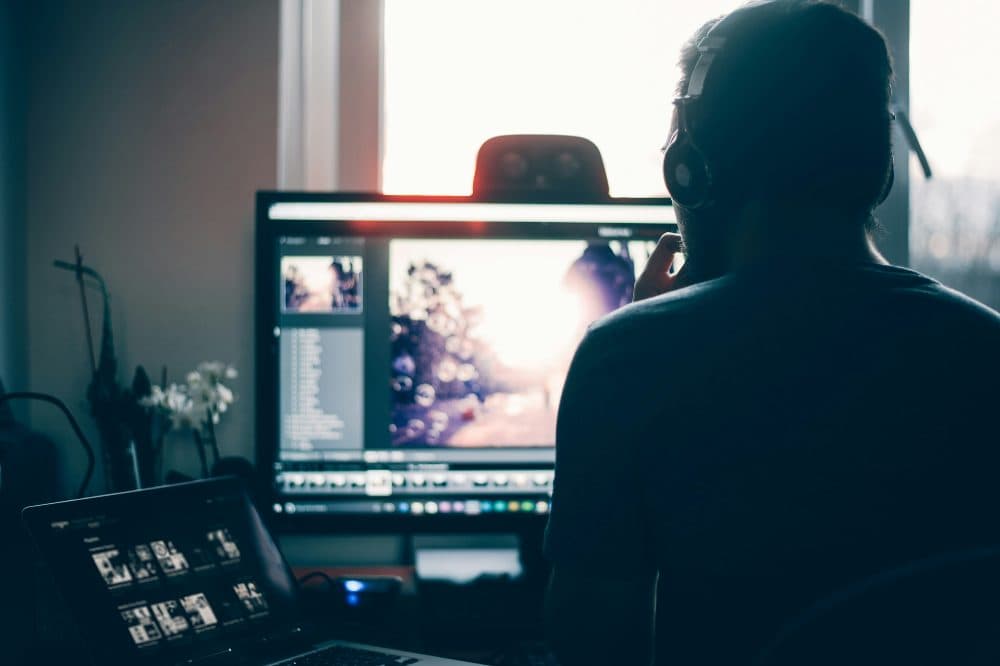
3600 × 2396 px3.70 MBJPG
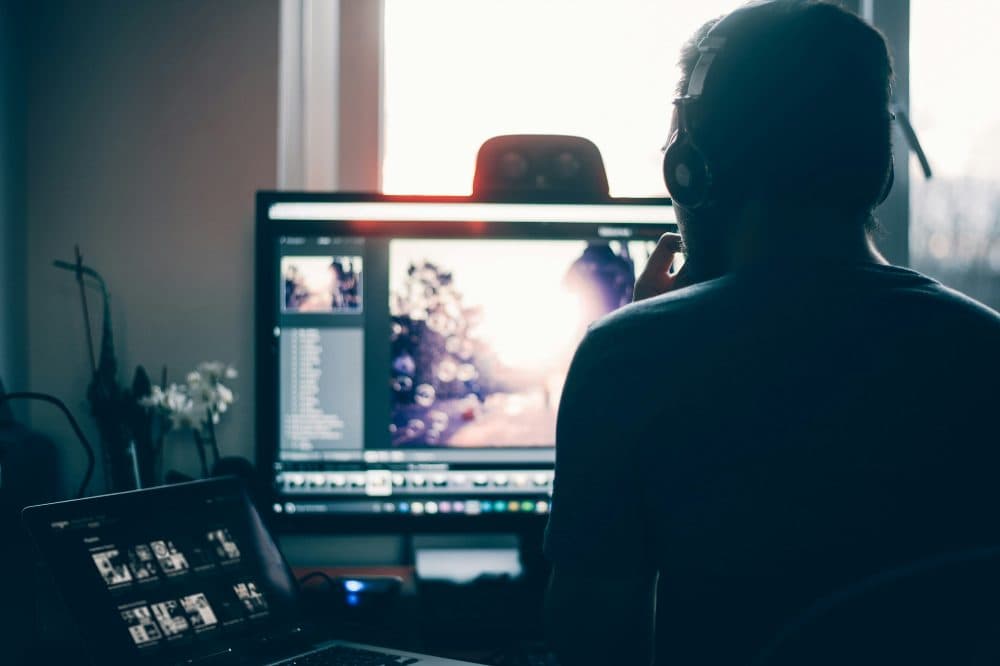
3600 × 2396 px932 KBJPG
This photo was 3.70 MB. With the limit set to 2.00 MB, it came out at 932 KB, which is 75% smaller.
The pixel size stayed at 3600 × 2396 px. Only the JPG quality was lowered.
The numbers are from a real run of the tool above. The pictures here are smaller previews of the actual files.
How to use it
- Choose the photo that was turned away for being over 2MB. Camera JPGs, iPhone HEIC files, large PNG screenshots and WebP or AVIF pictures are all read.
- Let the search run. It starts at quality 95 and steps down only as far as the 2MB ceiling demands; the width and height are touched only if no sensible quality fits.
- Look at the result card. For a typical phone photo the pixel size matches the original and the quality figure is high, which is the sign that nothing visible was given up.
- Save the new JPG and attach it. If the upload still complains, set the box to 1.9 and run it again, as explained below.
Why a 4MB photo can halve without looking worse
Phones save their pictures at a very high JPG quality to be on the safe side, and much of the weight goes on noise and fine grain your eye cannot separate from the scene. Re-encoding at a slightly lower setting drops that excess first. Two megabytes spread over 12 million pixels is about 1.4 bits per pixel, which leaves room for a quality in the high 80s for most everyday shots. Leafy trees, gravel or a crowd need more bytes and may land a little lower; a portrait against a wall or a document can stay very close to the top.
Very large originals are the exception. Pictures above about 16 megapixels, such as photos taken in a phone’s 48 or 50 megapixel mode or files from a modern camera, are scaled down to roughly 16 megapixels when they are opened so the browser can cope, and the page tells you when that happened. Even then the result is around 4,900 × 3,300 pixels for a 3:2 frame, far more than any screen shows.
Counting 2MB, and edge cases worth knowing
Here 2MB means 2 × 1,024 × 1,024 = 2,097,152 bytes, and the output never exceeds it. A site that counts in thousands treats 2MB as 2,000,000 bytes, so a file of 2.05 million bytes would pass here and fail there. Typing 1.9 in the size box gives 1,992,294 bytes, under both readings, at no visible cost.
Location tags and camera details stored by the phone are not copied into the new file, which is worth knowing if the photo is going on a public page. A sideways shot is saved the right way up. And if your file already weighs under 2MB, it is left alone unless you ask for a JPG copy, because squeezing a picture that already fits can only lose detail.
Frequently asked questions
- Can I compress to 2MB without losing any quality?
- Not in the strict sense: a JPG made smaller always drops some data. In practice, at this budget a phone photo usually keeps its full pixel count and a quality setting where the difference cannot be seen without zooming far in. The quality used is printed on the result card so you can judge it.
- My iPhone photo is a 1.6MB HEIC, but the form only takes JPG. What now?
- The page will say the file is already under the limit. Choose “Convert to JPG anyway”: the HEIC is turned into a JPG and, because JPG is less efficient, kept below 2MB in the same step.
- Will a big PNG screenshot keep sharp text?
- Usually yes. A screenshot that weighs 5 or 8MB as a PNG tends to fit well under 2MB as a high-quality JPG at the same resolution, so letters stay crisp. Any transparent background becomes white.
- The result is 1.7MB. Why not closer to 2MB?
- Quality moves in whole steps and the next one up crossed the ceiling, or the photo already fitted at the top setting of 95. A file comfortably under the limit is not a sign that more was thrown away than necessary.
- I need it even smaller, around 1MB. Can I use this page?
- Yes. Replace 2 with 1 in the size box, or use the 1MB page. At half the budget a 12-megapixel photo more often has to give up some pixels as well as quality, so check the new width and height before you send it.