Typing "PDF KB to MB" usually means one of two things. A portal has refused a document for being under its minimum size, or someone wants a file that reads 1MB in a listing rather than 380KB. Either way the PDF has to hold more bytes than it does now, and this page adds them as padding. The box opens at 1MB; type any other figure, in KB or MB, and the result lands at or just above it.
The arithmetic is the part most guides skip. One megabyte is 1,024 kilobytes, so a file listed as 640KB is 0.625MB and needs another 384KB to reach the line. Nothing in the document is redrawn to add that weight: pages, fonts, scans and page count stay exactly as they were, and a reader shows no difference. A file already past the minimum is returned as it came.
Before and after
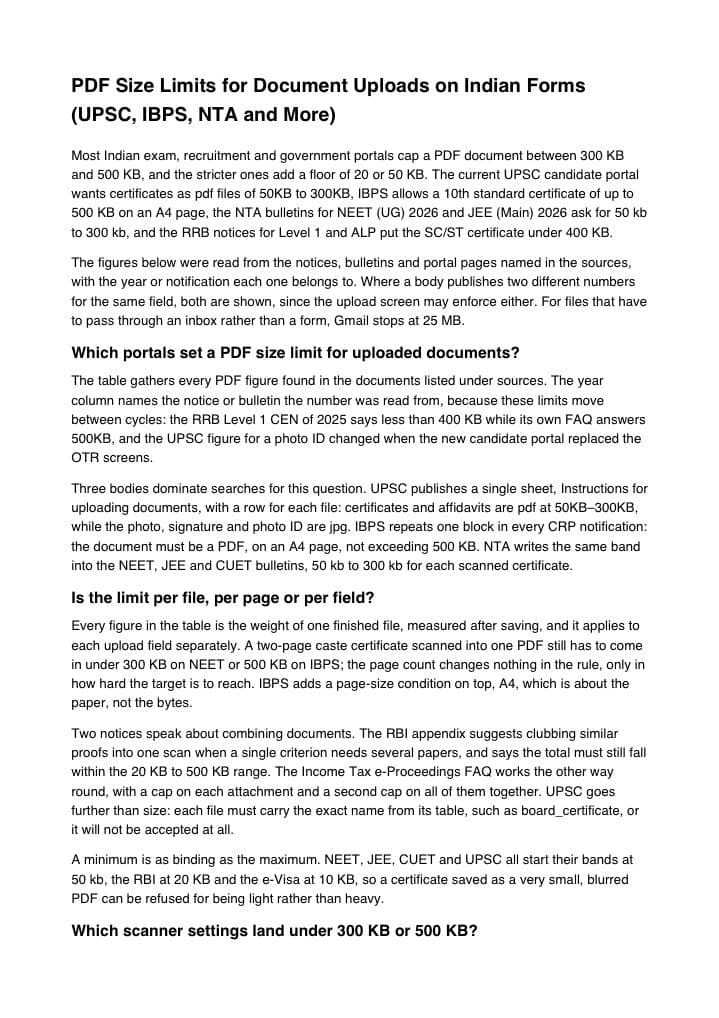
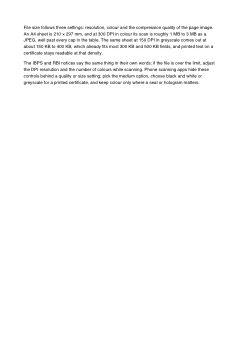
document.pdf
2 pages6.2 KBPDF
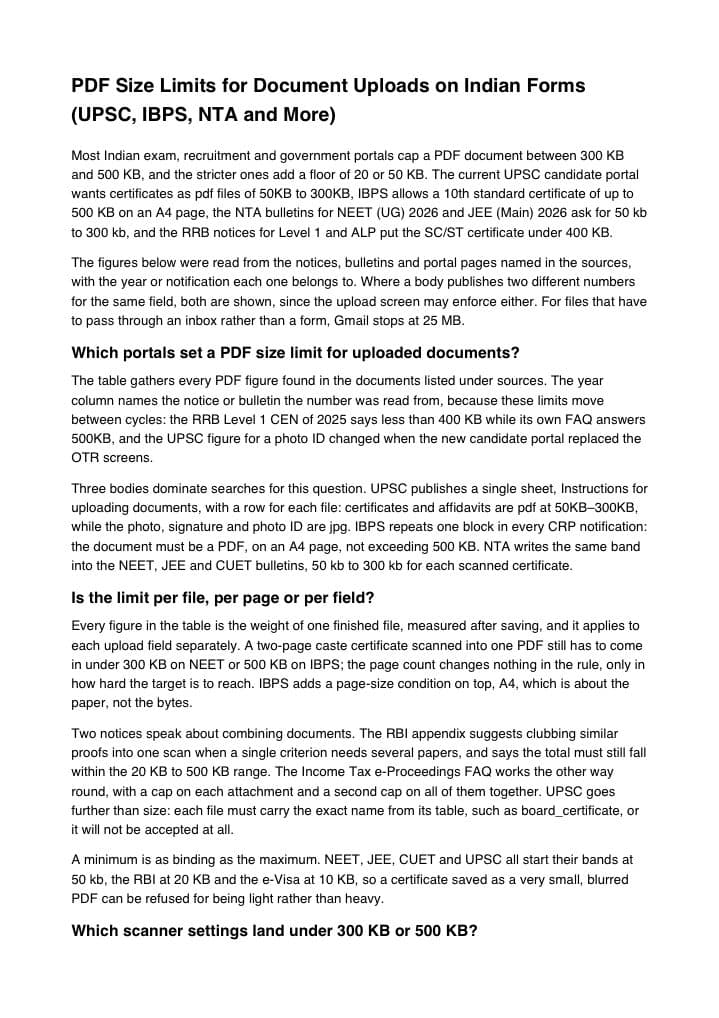
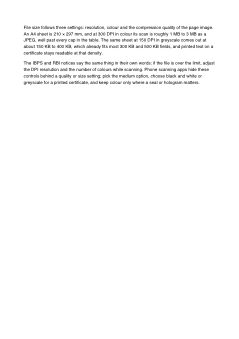
document-1024kb.pdf
2 pages1.00 MBPDF
This 2-page text document was only 6.2 KB. With the minimum set to 1MB, it came out at 1.00 MB.
The pages are untouched: unused padding data inside the file makes up the difference, and no viewer shows it.
The numbers are from a real run of the tool above. The pictures are previews of the first pages of the actual files.
How to use it
- Check the unit in the rule. "Minimum 1 MB" is already set; for "at least 500 KB", switch the unit to KB and type 500.
- Add the PDF that was refused, or the one you want to take up to a megabyte.
- Press Increase. The card puts the old weight next to the new one and shows the page count, which has not moved.
- Download the padded copy and upload that one. Keep the original as well; it is the same document, only lighter.
Why 1MB means 1,024KB, and how to read your own file size
Kilobytes and megabytes measure one quantity at two scales. Computers count in powers of two: a kilobyte is 1,024 bytes and a megabyte is 1,024 of those, or 1,048,576 bytes. A 2MB minimum is therefore 2,048KB and 5MB is 5,120KB. Some portals call 1,000KB a megabyte instead; a file that clears the larger count clears the smaller one too, which is why this page counts in 1,024 throughout.
A folder view rounds, and an upload script does not. A file of 1,020KB may be listed as 1.0MB by one program and 0.99MB by another, while the check behind the upload button sees 1,044,480 bytes and refuses it against a 1MB floor; the result card gives the finished size in full. Decimals work too: 1.5 with the unit on MB and 1536 with the unit on KB both set a target of 1,572,864 bytes.
What padding adds to the file, and what it leaves alone
The extra weight goes in as one block of blank bytes, stored as a stream object that nothing refers to. A PDF reader draws only what the page tree points at, so the block is skipped on every open. Text stays selectable, a searchable scan stays searchable, and links, bookmarks and filled form fields are carried across with the rest of the document.
No quality is gained. A 200KB scan taken to 1MB is still a 200KB scan followed by blank space, so if the minimum exists because the portal wants a sharper document, rescan at a higher resolution instead. The amount added is the gap plus a few dozen bytes of bookkeeping: reaching 1MB from a 700KB file adds about 324KB, from a 30KB file about 994KB. The gap can be as wide as you like, so 2MB, 5MB or 10MB are reachable from a file of any size.
Where a minimum appears, and the opposite direction
Lower limits in official notices are mostly stated in kilobytes. The National Testing Agency asks for certificate uploads to NEET (UG) 2026 and JEE (Main) 2026 as a "pdf between 50 kb to 300 kb", and its UGC-NET December 2025 form gives "50kb – 300kb" for supporting certificates. The Reserve Bank of India Services Board, in Advt. No. 04/2025-26, wants supporting documents of "20 KB to 500 KB each". A floor of a whole megabyte is rarer on exam portals, so take that figure from the form in front of you.
Each of those rules has a ceiling as well, and padding never moves a file downwards. If a padded result would overshoot the top of a range, use the PDF resize in KB page: it gets the file under the maximum and pads over the minimum in one pass. The reverse request, a PDF of several MB that has to become a few hundred KB, is compression and belongs on the PDF MB to KB page. The phrase is typed in both directions, so go by the portal’s message: "file too small" is this page, "file too large" is that one.
Frequently asked questions
- How do I convert KB to MB in a PDF without changing the pages?
- Type the megabyte figure, add the file and press Increase. Blank bytes are stored in a part of the file that no reader draws, so every page, every line of text and every picture is as it was; only the byte count has moved.
- Is 1MB in the box 1,000KB or 1,024KB?
- 1,024KB, which is 1,048,576 bytes. That is the larger of the two definitions, so a result that passes this count also passes a portal counting a megabyte as 1,000,000 bytes.
- I made the PDF from JPG photos and it is under the minimum. Which tool first?
- Build the PDF with the image to PDF tool, then bring the finished file here. Padding is added to the PDF, not to the pictures inside it, so the order matters; the pages the image tool laid out are kept as they are.
- Will a reviewer be able to tell the file was padded?
- Opening it shows the same pages; the size is the only property that has changed. Someone inspecting the file structure would find one stream object that nothing points to, which reads as unused space rather than content.
- Can a password-protected PDF be increased?
- No. A PDF with any password, even one that only restricts printing or copying, is refused with a message, because its streams cannot be rewritten in that state. Remove the password in the program that made the file, then add it here.