A 100KB cap is common for scanned documents, certificates and ID cards on government and banking portals, and for avatars on forums and intranets. It is a comfortable budget: enough for a page of text to stay legible, small enough to load instantly.
Everything on this page is preset to 100KB, so the only thing you supply is the file.
Before and after
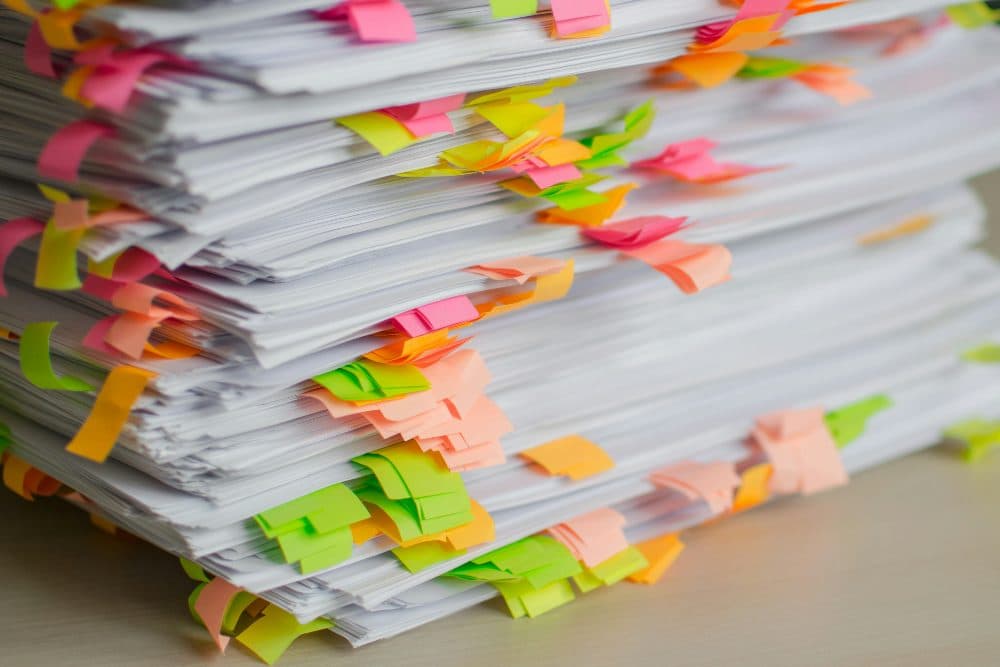
4032 × 2688 px894 KBJPG
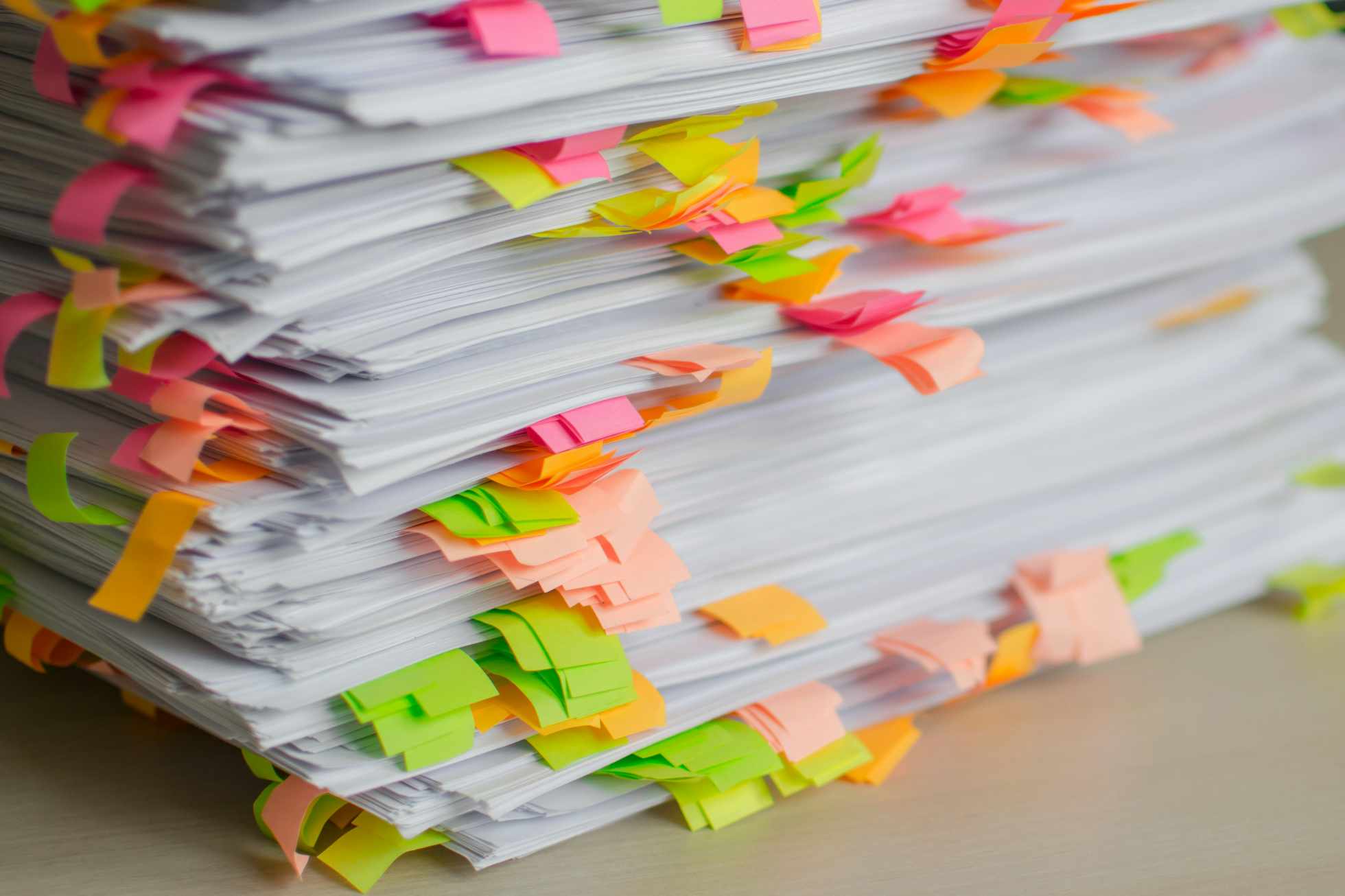
1960 × 1306 px99.7 KBJPG
This photo was 894 KB. With the limit set to 100 KB, it came out at 99.7 KB, which is 89% smaller.
To fit, the tool also scaled the picture down from 4032 × 2688 px to 1960 × 1306 px.
The image on the right is the actual file the tool above produced.
How to use it
- Drop a scan, screenshot or photo onto the box above.
- The compressor picks the best quality that fits within 100KB.
- Zoom into the preview to confirm small text is readable, then download.
Keeping documents legible
For a scanned A4 or Letter page, 100KB supports about 1,000 to 1,200 pixels on the long side with crisp text. If the letters come out fuzzy, the source was probably photographed at an angle or in dim light. Retake it flat, in daylight, filling the frame; a clean original compresses far better than a noisy one.
Photos at 100KB
A typical landscape or portrait photo fits into 100KB at about 1,000 pixels wide with good quality. That is ample for a profile picture, a marketplace listing thumbnail or an image embedded in an email signature. For full-screen display on a large monitor you would want 200KB or more.
Frequently asked questions
- Will text in my scanned document stay readable?
- In most cases, yes. The tool prefers reducing JPG quality gently before shrinking dimensions, and at 100KB a single page keeps enough resolution for normal print sizes.
- What if my image is already smaller than 100KB?
- The tool tells you it already fits and leaves it alone. You can keep the original as it is, or choose to convert it to JPG anyway if the form only accepts JPG.
- Can I get a PDF instead?
- Not here. This tool outputs JPG images only. If a portal demands a PDF, compress the image first and then place it in a PDF with your device’s print-to-PDF option.