Nobody can turn a JPG to KB the way a PNG is turned into a JPG. A kilobyte is a weight, not a format. The wish is plainer: a form has printed a figure, the photo weighs many times more, and it must come down to that figure. That means saving it again with coarser settings, and with fewer pixels only when settings alone cannot get there.
The size box here opens at 100 KB and takes any figure in KB or MB, with a second box for the lower end of a range. A JPG at or under the number comes back, its weight and pixel size on the result card. Below: kilobytes against pixels, reading a form’s wording, and the preset page for each band.
Before and after
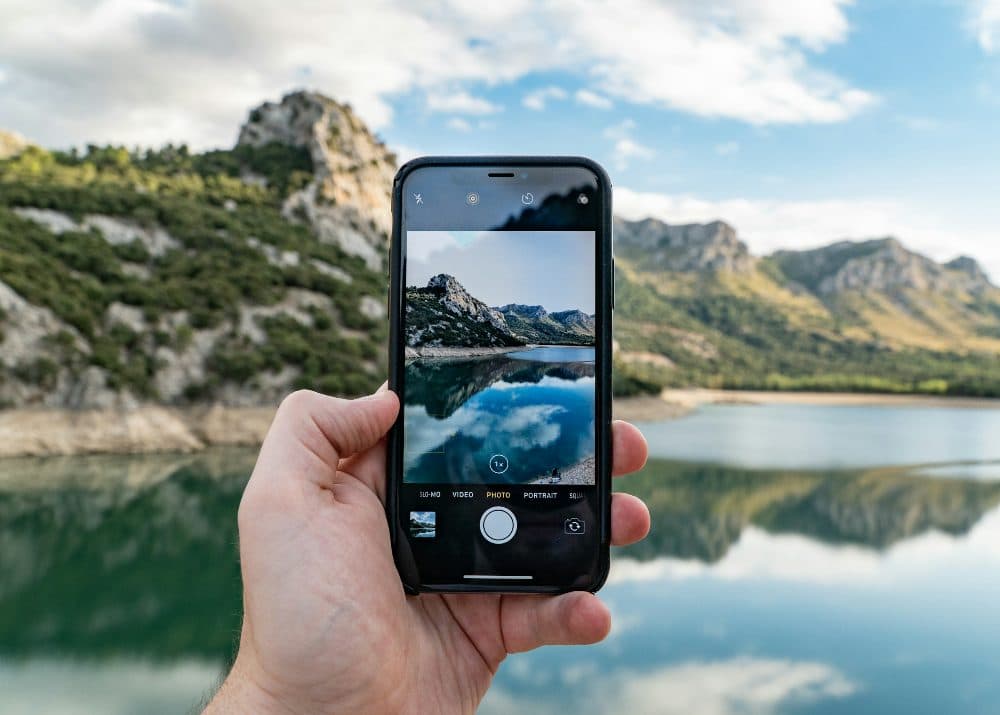
2400 × 1715 px507 KBJPG
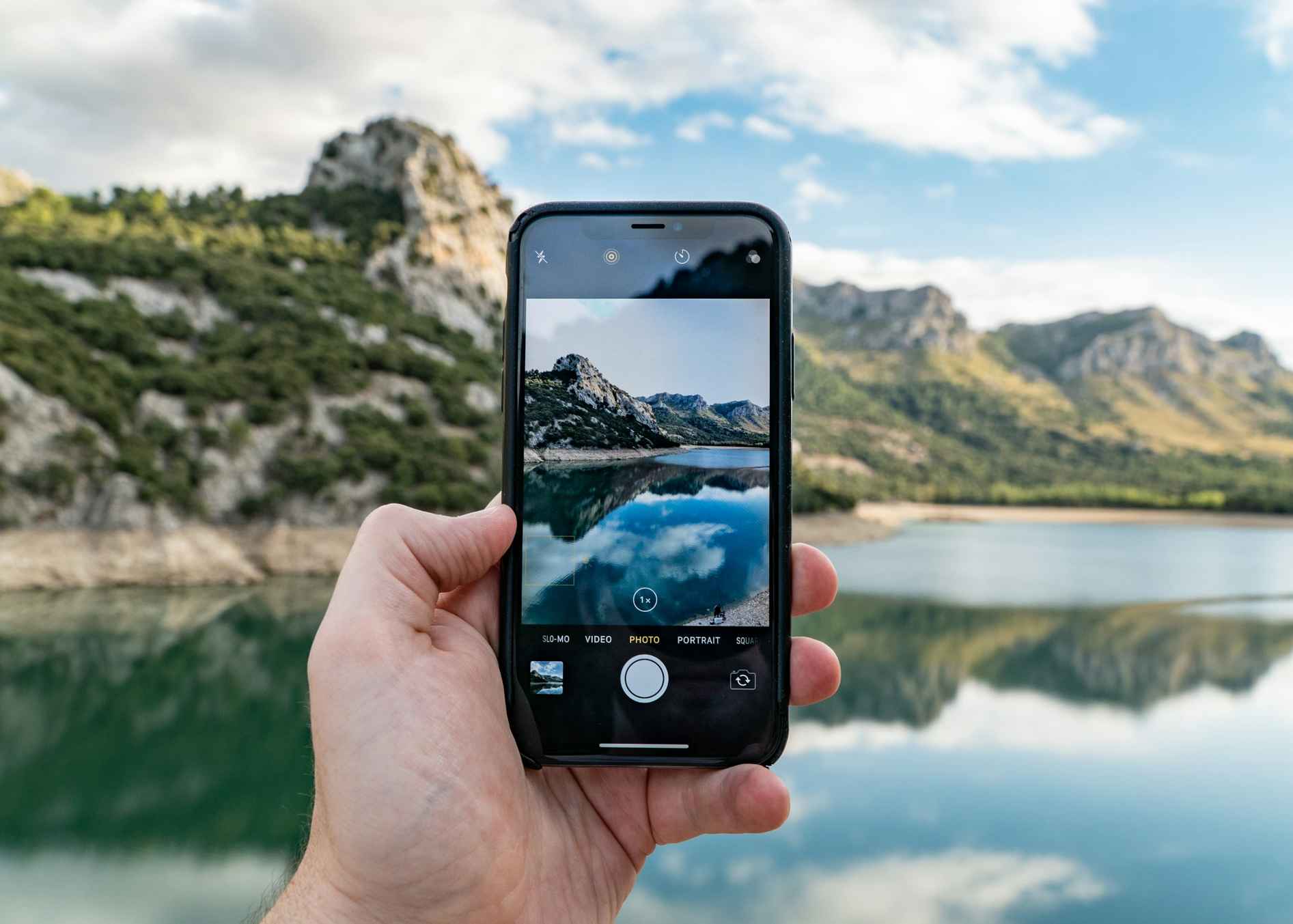
1893 × 1353 px98.3 KBJPG
This photo was 507 KB. With the limit set to 100 KB, it came out at 98.3 KB, which is 81% smaller.
To fit, the tool also scaled the picture down from 2400 × 1715 px to 1893 × 1353 px.
The image on the right is the actual file the tool above produced.
How to use it
- Note the top figure in the form’s size rule, and the bottom one if it gives a range.
- Enter the top figure in “Maximum file size” with KB chosen. For a range, tick the minimum option and enter the lower figure.
- Add the photo and press Compress. JPG, PNG, WebP and HEIC go in; a JPG comes out, with its KB and pixel size on the card.
- Compare those pixels with any dimension the form prints. If they fall short, resize to the stated pixels first and run this page again.
Kilobytes and pixels are different measurements
Pixels say how wide and tall a picture is; kilobytes say how much data the file holds. A 4000 × 3000 phone photo commonly weighs 2 to 5 MB, so a 50 KB cap wants a file forty to a hundred times lighter. JPG can store each block less exactly, costing fine texture, or store fewer blocks, costing pixels. This tool tries settings from 95 down to 30 and keeps the highest that fits; only when 30 is still too heavy does it shrink the picture.
It keeps at most about 25,000 pixels per kilobyte of limit: half a million pixels at 20 KB, 1.3 million at 50 KB, 2.5 million at 100 KB. A 12-megapixel portrait typically comes back near 800 pixels on the long side at 20 KB, 1,300 at 50 KB and 1,850 at 100 KB; a grainy or busy shot lands lower. The shape and the DPI are untouched.
Reading the limit on the form
“Up to 50 KB”, “max 50 KB” and “not exceeding 50 KB” all allow exactly 50 KB, so type 50; “less than 50 KB” does not, so type 49; “kbps” is a slip for KB. This page counts 1,024 bytes to the kilobyte, as Windows does, so 50 KB is 51,200 bytes; a portal counting 1,000 sees that file as 51.2 KB. If a fitting result is still refused, drop the figure by 2 KB and retry.
A range such as “20 KB to 50 KB” is two rules. The larger number goes in the maximum box, the smaller in the minimum box with the tick on. A heavy photo is brought under the top figure; a very light one is lifted over the bottom figure by raising quality and, failing that, enlarging it up to three times. With a single figure, leave the tick off; a picture already under it is left alone, with a button to convert it to JPG anyway.
The usual bands, and the page for each
Indian forms use four bands, each with a preset page. 10 KB to 20 KB is the signature band: the Staff Selection Commission’s CGL 2026 notice asks for a scanned signature of 10 KB to 20 KB in JPEG/JPG, and the IBPS CRP PO/MT-XV notification sets 140 x 60 pixels (preferred) and 10 KB to 20 KB. The PAN upload run by Protean sits just beneath: signature up to 10 KB, photograph up to 20 KB, both JPEG.
20 KB to 50 KB is the photograph band; IBPS CRP PO/MT-XV and SBI Probationary Officers 2025 both ask for 200 x 230 pixels (preferred) at 20 KB to 50 KB. 50 KB to 100 KB is the declaration band: the IBPS handwritten declaration is 800 x 400 pixels in 200 DPI (preferred) and 50 KB to 100 KB. 100 KB to 300 KB is for documents: TNPSC’s rule for supporting documents is JPG/JPEG, less than 200 kb, and the Protean PAN page allows a maximum of 300KB per page.
Frequently asked questions
- Can I convert JPG to KB without losing quality?
- Not when the drop is large. A 50 KB file holds about two percent of the data in a 3 MB photo, so something has to go; the search takes fine texture first and pixels after that.
- How do I check how many KB my JPG is now?
- Long-press the file in the Android Files app, tap the info button on an iPhone, or right-click and choose Properties on Windows. Phones and Macs count 1,000 bytes to a kilobyte and this page 1,024, so a photo listed as 30 KB on a phone reads as 29.3 KB here.
- The notice prints 20 KB to 50 KB. Which box gets which?
- 50 in the maximum box, then tick the minimum and type 20. The output is checked against both ends. A photo already cut to 200 × 230 pixels and too light is raised by quality first and enlarged only if that falls short.
- Can this make a PDF of a certain KB from my JPG?
- No. It reads images and writes a JPG. When the form wants a PDF under 100 KB or 200 KB, use the JPG to PDF tool, which takes a KB limit of its own; a PDF weighs slightly more than the picture inside it.
- Why is the pixel size smaller than the form asks after compressing?
- Because the picture was too heavy at its original size for the figure you typed. Resize to the form’s dimensions first, then bring that file here. A 200 × 230 photo weighs far less than 50 KB at any setting, so it keeps every pixel.