Forty kilobytes sounds tiny next to a 3 MB camera file, but it is a workable budget. It is enough for a clear portrait, a readable photo of an ID card, or a landscape shot that still looks fine on a laptop screen, provided the bytes go to the right things. What decides the outcome is not the number alone but how it is shared out between pixel count and JPEG quality.
This page makes that split for you. It looks for the highest quality setting that keeps your JPEG at or under 40KB, and when the full-size picture cannot fit at any decent quality, it trades away pixels instead of letting the image turn blocky. The width × height it settled on is shown next to the new weight, so you can see exactly what you are handing in.
Before and after
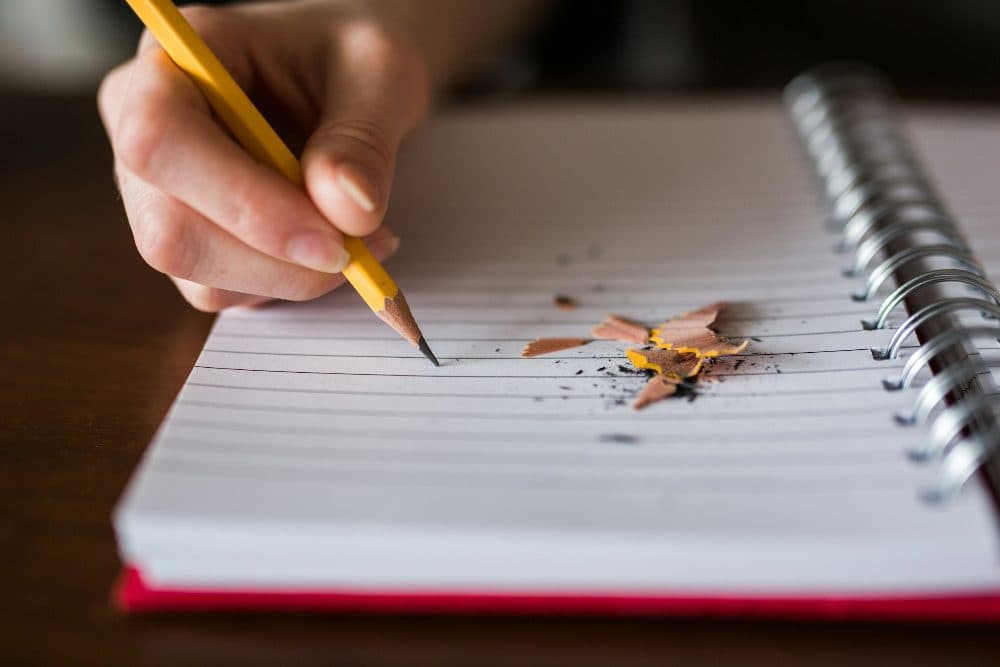
2400 × 1600 px332 KBJPG
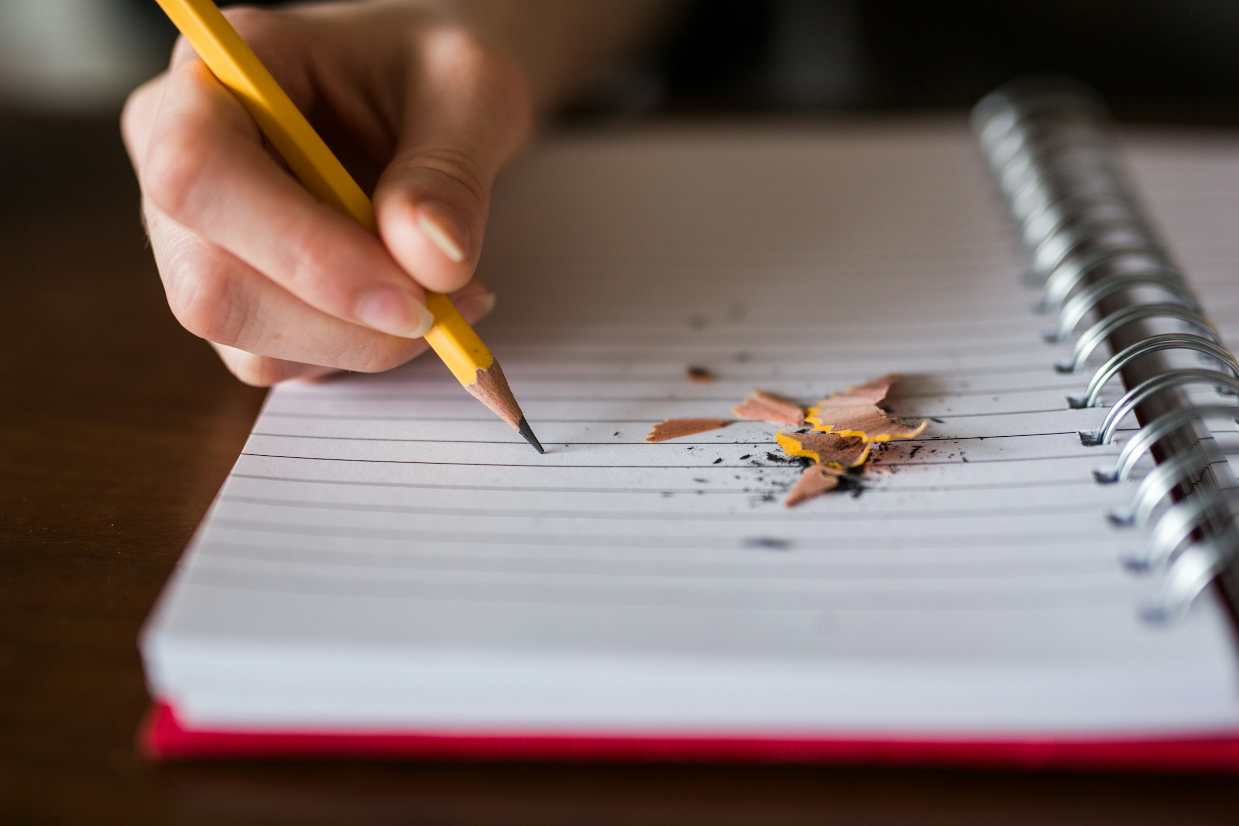
1239 × 826 px39.8 KBJPG
This photo was 332 KB. With the limit set to 40 KB, it came out at 39.8 KB, which is 88% smaller.
To fit, the tool also scaled the picture down from 2400 × 1600 px to 1239 × 826 px.
The image on the right is the actual file the tool above produced.
How to use it
- Pick the JPEG you need to shrink. A camera original keeps more detail at 40KB than a copy that has already been through a messaging app.
- The search starts straight away: quality first, then, if needed, a smaller picture tried again at a higher quality.
- Look at the result card. A weight between roughly 34 and 40KB with fewer pixels than you started with means the picture was the limiting factor, not the quality.
- If your upload box states a range such as 30–40KB, tick “My form also has a minimum size”, enter 30 and run the file once more before saving.
What fits inside a 40KB JPEG
A useful rule of thumb: a photo needs at least a few hundredths of a byte per pixel to stay presentable, so 40KB puts the ceiling at around one megapixel. In practice, an ordinary photo with a soft background typically fits at about 800 pixels wide with quality in the low 90s, or about 1000 pixels wide in the mid 80s. Both look clean on a phone and are more than enough for an on-screen preview or a small printed thumbnail.
Content shifts those figures a lot. Grass, gravel, crowds, patterned fabric and sensor noise from a dim room all cost bytes, so a busy scene comes back with fewer pixels than a face against a plain wall. A photo of a paper document sits in between: white areas are cheap, but small text needs enough width to stay legible, so crop away the table and fingers around the page before adding it. Every kilobyte freed from the edges goes back into the text.
Hitting a 30–40KB band, and other edge cases
Some upload boxes reject a file that is too light as well as one that is too heavy. When the picture had to be scaled down, the tool already aims close to the ceiling, so results usually land in the mid to high 30s. A small or very plain image can still come out well under 30KB at full size, though. With the minimum switch set to 30, quality is raised and, if that is not enough, the picture is enlarged up to three times until the weight sits inside the band; if even that falls short, the page says so instead of producing a file that would bounce.
Two cases need no compressing at all. If your JPEG weighs less than 40KB already, the page tells you and lets you keep the original untouched, which is better than re-saving it. And if what you actually have is a PDF, it cannot be read here: export or screenshot the page as an image first, then bring that file in.
Frequently asked questions
- Can a JPEG go down to 40KB without losing quality?
- Not from a multi-megabyte original. Some detail always goes. The aim here is to keep the loss where you will not notice it: the tool picks the highest quality that fits and shrinks the picture rather than dropping below a setting where blocks start to show.
- Why is my result 39KB and not exactly 40KB?
- JPEG quality moves in whole steps, and each step changes the weight by a few hundred bytes or more. The tool takes the highest step that stays under the limit, so the file lands just below it. Being slightly under is what an upload limit wants.
- Is “compress JPEG to 40KB” different from “compress JPG to 40KB”?
- No. JPEG and JPG are two names for one format; the shorter one comes from old three-letter file extensions. Your result is saved with the .jpg ending, which upload boxes asking for either name accept.
- My result has fewer pixels than the original. Can I keep the full size?
- Only if the picture is simple enough to fit 40KB at full size. A 12-megapixel photo cannot: even at the lowest usable quality it is several times too heavy. If you need a specific width and height, set it in the resize tool first; at a modest size the JPEG may already be under 40KB.
- Does my location or camera information stay in the file?
- No. Camera details, the hidden preview image and GPS position are all removed, which also frees a few kilobytes for the picture itself. Photos taken sideways on a phone are saved the right way up.