When an application portal answers “file size should be at least 10 KB” or “minimum 20 KB”, the size it means is the weight of the JPEG in kilobytes, not its width and height. JPEGs end up too light for a simple reason: somewhere along the way they were saved at a low quality setting. A photo forwarded through a chat app, a page captured by a scanner app on its economy setting, or a picture already squeezed by a compressor can all land well under the floor.
This page reverses that last step as honestly as it can. It saves your JPEG again at a higher quality, which stores the picture more finely and so takes more bytes, and only enlarges the width and height when even the top quality falls short, never past three times the original. The minimum box starts at 50KB, one of the most searched targets; type the lower number from your own notice instead, and the upper one too if there is a range.
Before and after
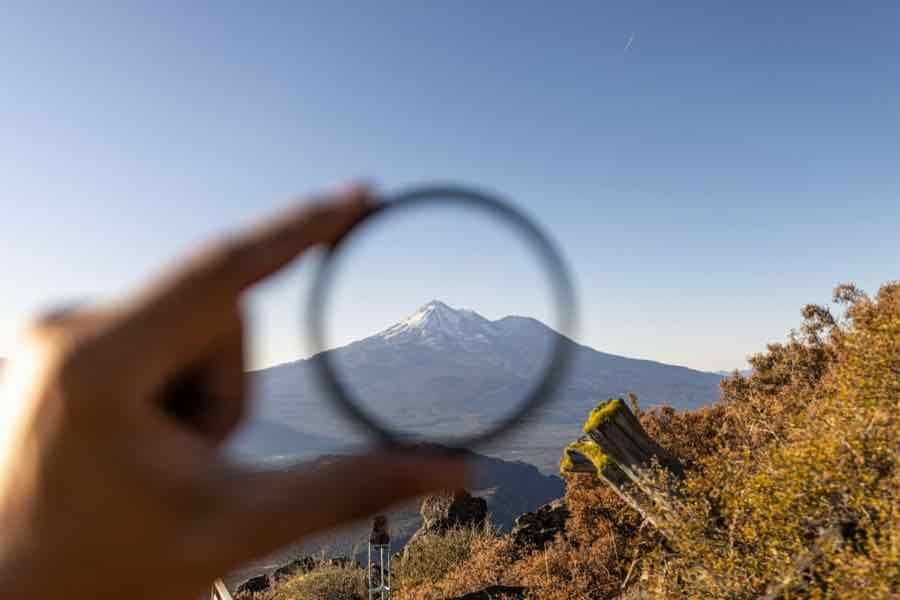
900 × 600 px26.4 KBJPG
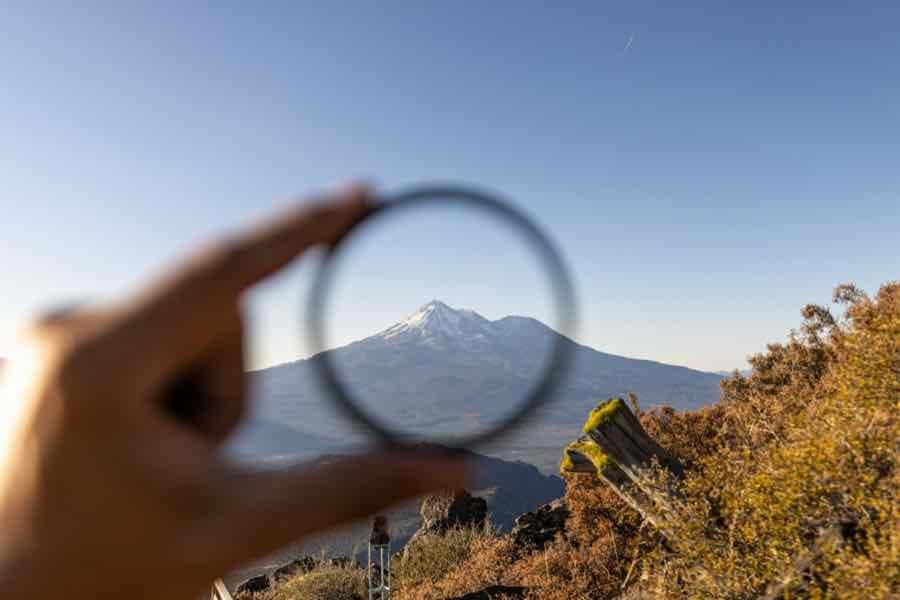
900 × 600 px53.2 KBJPG
This photo was 26.4 KB. With the minimum set to 50 KB, it came out at 53.2 KB.
The pixel size stayed at 900 × 600 px. Only the JPG quality was raised.
The image on the right is the actual file the tool above produced.
How to use it
- Find the lower size limit in your notice and enter it as the minimum. For a line such as “10 KB to 50 KB”, type 10 there and 50 in the optional maximum.
- Pick the earliest copy of the JPEG you still have, ideally the one straight from the camera or scanner rather than one that has been forwarded or compressed, and add it.
- Press Increase. The card puts the new weight and pixel size beside the old ones, so you can see at once whether the width and height were left alone.
- If the card says the minimum was out of reach, the picture holds too little detail; take a closer photo or scan of the paper and run it again.
Where the extra kilobytes come from
Every JPEG is saved with a quality level, usually between about 50 and 100. Lower levels round off fine texture and smooth gradients so they can be written in fewer bytes. Raising the level makes the encoder keep that texture, so the same picture at the same width and height simply weighs more. For most small JPEGs that is enough to clear a 10, 20 or 50 KB floor, and the dimensions on the result match the original exactly.
There is a catch worth knowing. Re-saving cannot bring back detail that an earlier, harsher save already threw away; it keeps faithfully what is left. That is why the source copy matters so much. A file that has passed through two chat apps and a compressor is the weakest starting point, while the original camera file grows easily and looks better too. Camera details stored inside the JPEG, such as the phone model and GPS position, are stripped, so every kilobyte in the result is picture.
JPEG minimums in recent notices
Many forms state the format as “JPG/JPEG”, and some list “jpe/jpeg/jpg”, as the NIC exam portal does. These are all the same format with different file endings, so the JPG this page produces fits any of them. The lower limits below come from the bodies’ own notices:
National Testing Agency, CUET (UG) 2026 and UGC-NET December 2025: signature 10 KB to 50 KB, JPG/JPEG. Odisha Public Service Commission: signature and left thumb impression 10 KB to 50 KB, JPG or GIF. Indian Navy Agniveer (MR) 01/2027 and 02/2027 batches: photo 10 KB to 50 KB. TNPSC Group II and IIA 2025: photo 20 KB to 50 KB, JPG, 170 pixels x 130 pixels at 200 DPI.
Each of these has a 50 KB ceiling as well, so fill in both boxes. If you set only the minimum, a busy photo could overshoot the cap and be refused for the opposite reason.
Frequently asked questions
- I want a bigger JPEG in pixels, not in KB. Is this the right page?
- Not quite. Here the width and height change only when the weight demands it. To set an exact pixel or centimetre size, use the resize tool, then come back if the new file is still under the form’s minimum.
- Are JPG and JPEG different?
- No. They are two spellings of one format, and .jpe is a rarer third. A portal that asks for JPEG accepts a .jpg file, and the other way round.
- Will the photo look sharper after its size is increased?
- It will not look worse, but it will not gain detail either. A higher quality setting stops further loss; it cannot repair blur or blockiness that was already there. Starting from a less processed copy is the only way to improve the look.
- Why does my scanned JPEG stay small even at full quality?
- Large areas of plain white cost a JPEG almost nothing to store. A faint signature or thumb print on bright paper can stay under the minimum even after enlarging three times. Use a darker pen or ink pad, fill more of the frame, and scan again.
- Can I add a PNG or an iPhone photo here?
- Yes. The file picker suggests JPEG, but PNG and HEIC are read too and come out as a JPG at or above your minimum, with phone photos turned upright.
- My JPEG is already above the minimum. Will it be changed?
- No. The page says the file is already large enough and offers the original back untouched, since saving a JPEG again without need only costs quality.