Event headers on Facebook are wide landscape banners, and the Facebook event cover photo size most templates use is 1920 × 1005 pixels, a 1.91:1 frame. Meta’s help centre publishes cover figures for Pages only; no official page names a width, height or ratio for an event. So 1920 × 1005 is a working size, not a rule: the proportion of 1200 × 628, enlarged 1.6 times for large screens.
The boxes are preset to 1920 wide, 1005 tall and Crop to fill. A poster, group photo or screenshot is scaled until it covers that frame; the strips above and below, or at the sides for a panorama, are cut off evenly, so nothing is squashed. If the event page trims the banner differently from the preview here, re-cut it with the crop tool and run it again.
Before and after
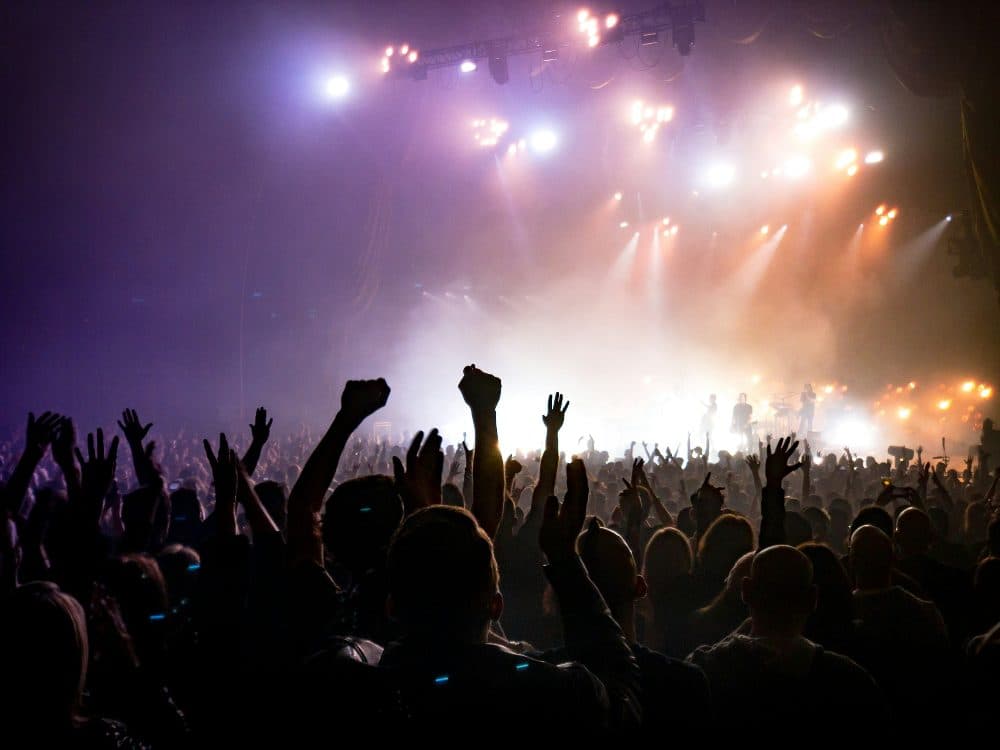
2400 × 1800 px526 KBJPG
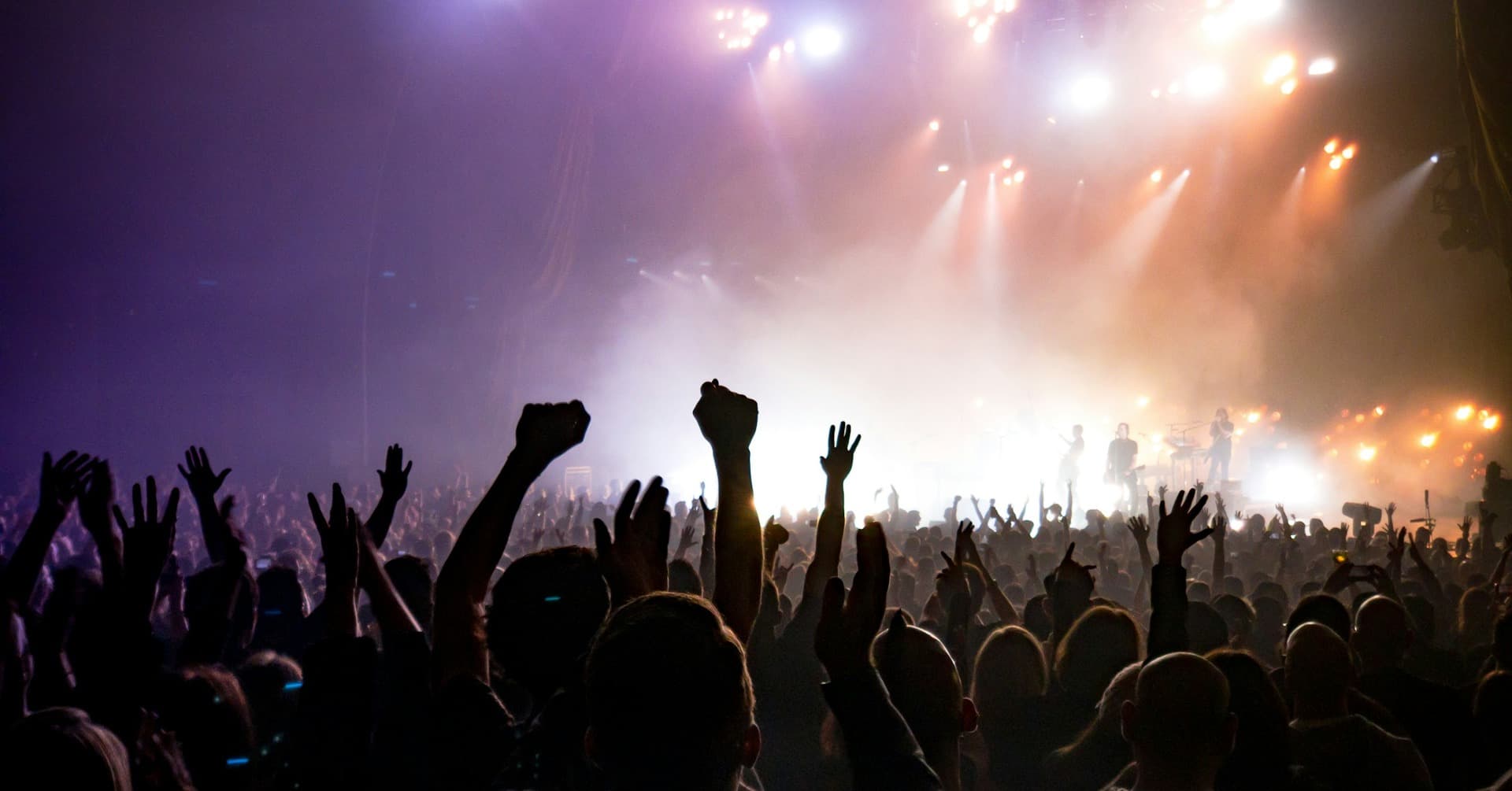
1920 × 1005 px311 KBJPG
The dashed frame on the left marks the part that fits the new shape. It was scaled to exactly 1920 × 1005 px, and the top and bottom outside the frame were trimmed.
The file went from 526 KB to 311 KB.
The image on the right is the actual file the tool above produced.
How to use it
- Add the poster export or photo at full size. Set a square poster on a wide background in your design program first, or it loses nearly half its height here.
- The resize starts on its own; the preview shows the banner built around the middle of the original.
- Check that the title, date and every face sit inside the central band. If a line of text is gone, mark a wide frame by hand on the crop page and come back with that file.
- Download, set the file as the cover in the event editor, then open the event on a phone and a computer.
What Meta publishes, and what it leaves out
The help centre’s dimensions page covers Page profile pictures and Page covers. A Page cover must measure 400 × 150 pixels or more, loads fastest as an sRGB JPG of 851 × 315 pixels under 100 kilobytes, and is displayed 16:9 on desktop and 2.4:1 on mobile. Those numbers belong to Pages; the site gives no width, height, ratio, file type or file limit for an event cover.
That gap is why guides disagree: one gives 1920 × 1080, another 1200 × 628, most settle on 1920 × 1005, and none can point to a Meta page. This page uses 1920 × 1005 because the event header is landscape on every screen, 1920 pixels across fills a desktop header, and the shape matches a 1200 × 628 link image.
What the crop takes from a poster and from a photo
The frame is nearly twice as wide as it is tall, so tall artwork suffers. A square poster is scaled to 1920 pixels across and loses 48 per cent of its height, roughly a quarter from each end. An A4 portrait poster keeps only 37 per cent. Lock aspect ratio keeps everything but gives a 1005 × 1005 square that does not fill the banner; a wide re-export is the real fix.
Wide pictures lose little. A 16:9 photo or a 1920 × 1080 export gives up 75 rows, under seven per cent. A 3:2 camera frame loses about a fifth of its height, a 4:3 landscape phone photo about 30 per cent, and a landscape A4 or A3 poster roughly a quarter. A group photo filled top to bottom with people is best cropped by hand first, or the back row loses its heads.
Keeping the title readable on a phone
The header width changes with the device. Guides report that on a phone the event name, date and buttons can be laid over the lower part, and that the events list shrinks the cover to a small card. Keep the words that matter in the central 80 per cent of the frame, roughly 190 pixels from each side and 100 from top and bottom, and make lettering large.
A JPG from this page at 1920 × 1005 usually weighs 200 to 500 KB, far below any cap a photo upload is likely to have; the help centre states no file-size limit for event covers. A PNG photograph is much heavier and slow to upload; switch to JPG or run it through the 500 KB compress page.
Frequently asked questions
- Is 1920 × 1005 the official Facebook event cover photo size?
- No. Meta’s help centre gives sizes for Page covers and profile pictures, nothing for event covers. 1920 × 1005 is the figure templates and guides agree on. Treat it as a working size and check the preview.
- 1920 × 1080 or 1920 × 1005: which one?
- 1920 × 1080 is 16:9; 1920 × 1005 is 1.91:1, 75 rows shorter. A 16:9 file in a wider header loses those rows top and bottom. For a 1920 × 1080 template, type 1080 into the height box.
- What is the safe zone for the mobile version?
- Meta gives none for events. Guides report that on a phone the header is narrower and the title and buttons can sit over its lower edge, so the sides and bottom band are the risky parts. Keep text and faces in the middle 80 per cent and check on a phone.
- What is the Facebook event cover size in inches or cm?
- There is none; a cover only appears on a screen. For a layout program, 1920 × 1005 pixels equals 20 × 10.47 inches or 50.8 × 26.6 cm at 96 DPI. No DPI is written into the file, because the preset is in pixels.
- Can I make the cover from a square poster or a square social post?
- You can, but Crop to fill keeps barely half of a square, so the title must sit in the middle of the artwork. Better to export the poster on a 1920 × 1005 canvas, or cut a wide band from it with the crop tool and resize that.
- The upload is refused, or the cover looks blurry. Why?
- Meta names no file type for event covers; for a refused file, a JPG or PNG export is the safe choice. Blur comes from a small original: anything narrower than 1920 pixels is enlarged here and loses crispness, so start from the full-size export, not a chat-app copy.