Cover art is the usual reason to resize image to 3000x3000. Apple’s delivery guide for music recommends 3000 by 3000 pixels or larger, with 1400 by 1400 as the minimum; Spotify’s cover art requirements accept a square anywhere from 640 to 10000 pixels and ask for the highest resolution available. A 3000-pixel square satisfies both, and a distributor normally sends that one file to every store.
Drop a picture and it comes back square at once. Width and height are fixed at 3000 pixels, and “Crop to fill” handles the shape: the picture is scaled until its shorter side measures 3000 and the overflow on the longer side is trimmed equally from both ends. A JPG or PNG comes out as it went in.
Before and after
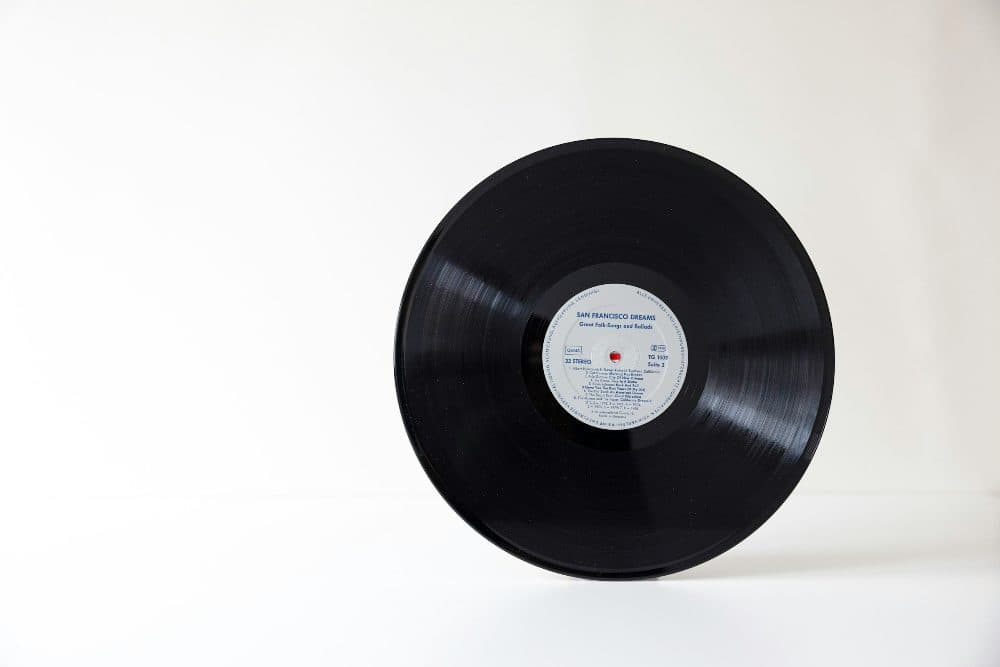
2400 × 1600 px234 KBJPG
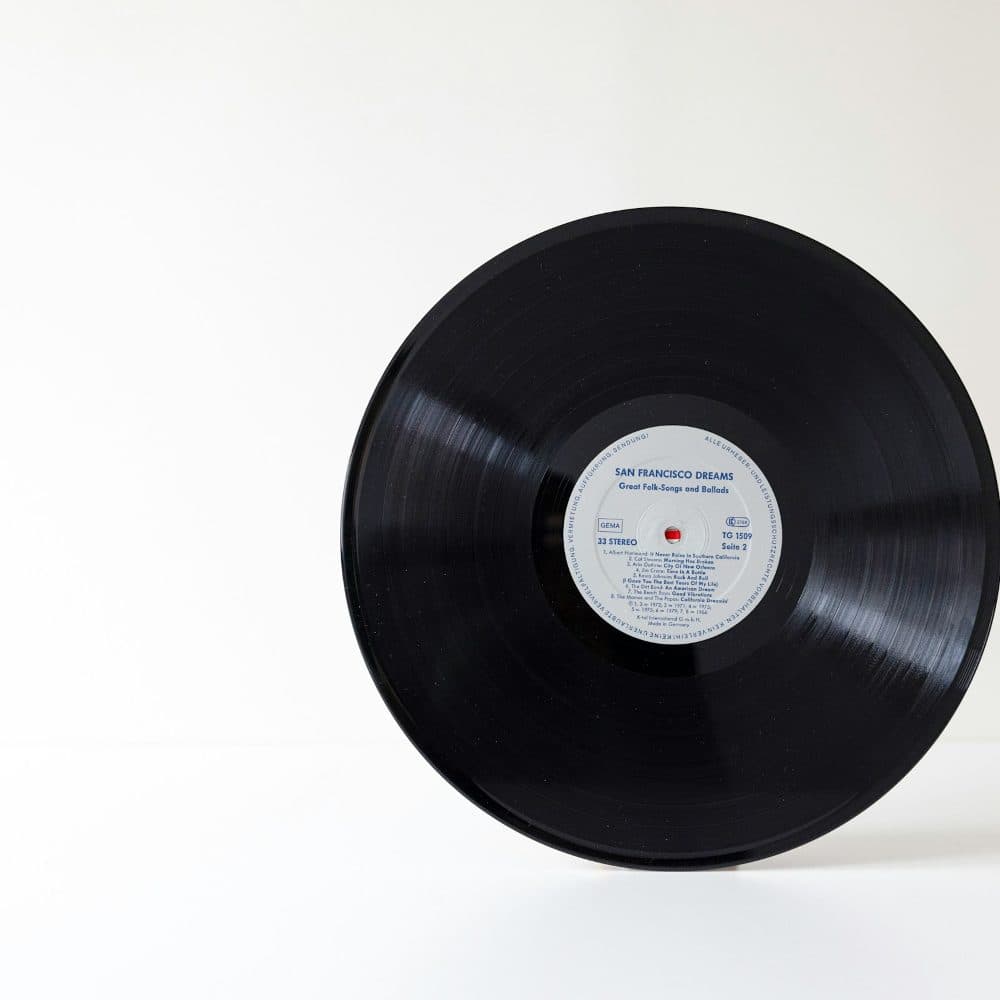
3000 × 3000 px600 KBJPG
The dashed frame on the left marks the part that fits the new shape. It was scaled to exactly 3000 × 3000 px, and the left and right edges outside the frame were trimmed.
The file went from 234 KB to 600 KB.
The numbers are from a real run of the tool above. The pictures here are smaller previews of the actual files.
How to use it
- Add the artwork, a photo or a design export, using the largest version you have.
- The square is cut from the centre and saved at 3000 × 3000 as soon as the file is read. Nothing is stretched.
- Check the preview for a face, title or logo that sat near an edge; if the centred crop took it, cut a 1:1 frame by hand in the crop tool first.
- Download the file and upload it to your distributor or print service.
What the music stores say about 3000 × 3000
Apple’s page on digital packaging for music states that the recommended file size is 3000 by 3000 pixels or larger, the minimum size 1400 by 1400 pixels, that images must be square (1:1 aspect ratio) and the formats JPEG or PNG at 100 per cent quality. Its best-practice guide for curators sets a harder floor for playlist covers: minimum dimensions 3000 x 3000 pixels, 72 dpi minimum, PNG with no transparency, RGB.
Spotify’s cover art requirements read differently. The size may be anywhere between 640px and 10000px wide and tall, the aspect ratio must be 1:1, the resolution should be the highest available, and the format TIFF, PNG or JPG using lossless encoding. The page also says not to upscale images. So 3000 is not a Spotify rule; it is Apple’s recommendation, comfortably inside Spotify’s range, and one file at this size serves both. For Spotify’s lossless wording start from a PNG, which stays PNG here; a JPG is re-encoded at high quality.
What crop to fill removes from each shape
Only the longer side loses anything. A 4:3 landscape photo gives up a quarter of its width, an eighth from the left and an eighth from the right. A 3:2 camera frame loses a third of its width, and a 16:9 frame nearly half, about 22 per cent from each side. Portrait pictures lose the same shares from the top and bottom instead: an upright phone photo keeps three quarters of its height, a 9:16 story barely more than half.
A 12-megapixel phone photo measures 4000 × 3000, and its short side is exactly 3000, so the square is lifted out of the middle without any rescaling; every pixel in the cover came from the camera. Lock aspect ratio is the wrong setting for this job: it fits the entire photo inside the box, which leaves 3000 pixels on the long side and fewer on the short, so nothing about it is square. Keeping every part of a wide photo means building a square canvas around it in an editor; a resize cannot add background.
Small originals, prints and file weight
Enlarging adds pixels, not detail. A 1080 × 1080 image saved from a social feed is stretched 2.8 times in each direction to reach 3000, and every edge turns soft. It passes a size check, but Spotify’s requirements say plainly not to upscale. The designer’s export or the camera file is worth finding first.
The same square also serves print. At 300 dots per inch, 3000 pixels run to 10 inches, 25.4 cm, on each side; at 150 DPI the file covers 20 inches, poster territory. A pixel resize leaves the DPI field empty, so a print service that wants 300 DPI in the header needs the result passed through the DPI tool afterwards; the pixels do not change.
Weight depends on content. A photograph at this size saved as JPG usually lands between 1.5 and 5 MB; a flat design is far lighter as PNG, and a photograph kept as PNG can pass 15 MB. If the distributor caps the upload, the compress tool brings a JPG under the figure, usually through quality alone.
Frequently asked questions
- What aspect ratio is 3000 × 3000?
- It is 1:1. A picture that is already square is only rescaled; every other shape loses part of its longer side.
- What is 3000 × 3000 pixels in inches or centimetres?
- Pixels have no length until a DPI is applied. At 300 DPI the square measures 10 inches, 25.4 cm, on each side; at 72 dpi it would be 41.7 inches. The file stores no DPI, so a printer applies its own unless the DPI tool sets one.
- Is 3000 × 3000 what Spotify asks for?
- Not by that number. Spotify’s cover art requirements give a range, 640px to 10000px wide and tall, and ask for the highest resolution available. The 3000 by 3000 recommendation is Apple’s, and one file at that size meets both.
- Will the output be JPG or PNG?
- The format follows the input: JPG stays JPG at high quality, PNG stays PNG with nothing lost, WebP stays WebP. A HEIC photo from an iPhone is written as JPG.
- My picture is smaller than 3000 pixels. Can I still use this page?
- Yes, but it is enlarged and the preview shows how soft it becomes. Spotify tells uploaders not to upscale, so do this only when no bigger original exists.
- Can I resize a landscape photo to 3000 × 3000 without cropping?
- No: a square taken from a landscape photo always loses the sides. Keeping all of it means placing it on a square background in an editor, a design job rather than a resize.