1080 × 1440 is a tall 3:4 rectangle. It matches the shape Instagram now uses for the previews on a profile grid and is accepted for portrait posts in the feed, so a picture prepared at this size shows in full without the app trimming the top and bottom.
This page outputs exactly 1080 × 1440 pixels. If your photo has another shape, it is scaled to fill the frame and the excess is trimmed evenly from the centre.
Before and after
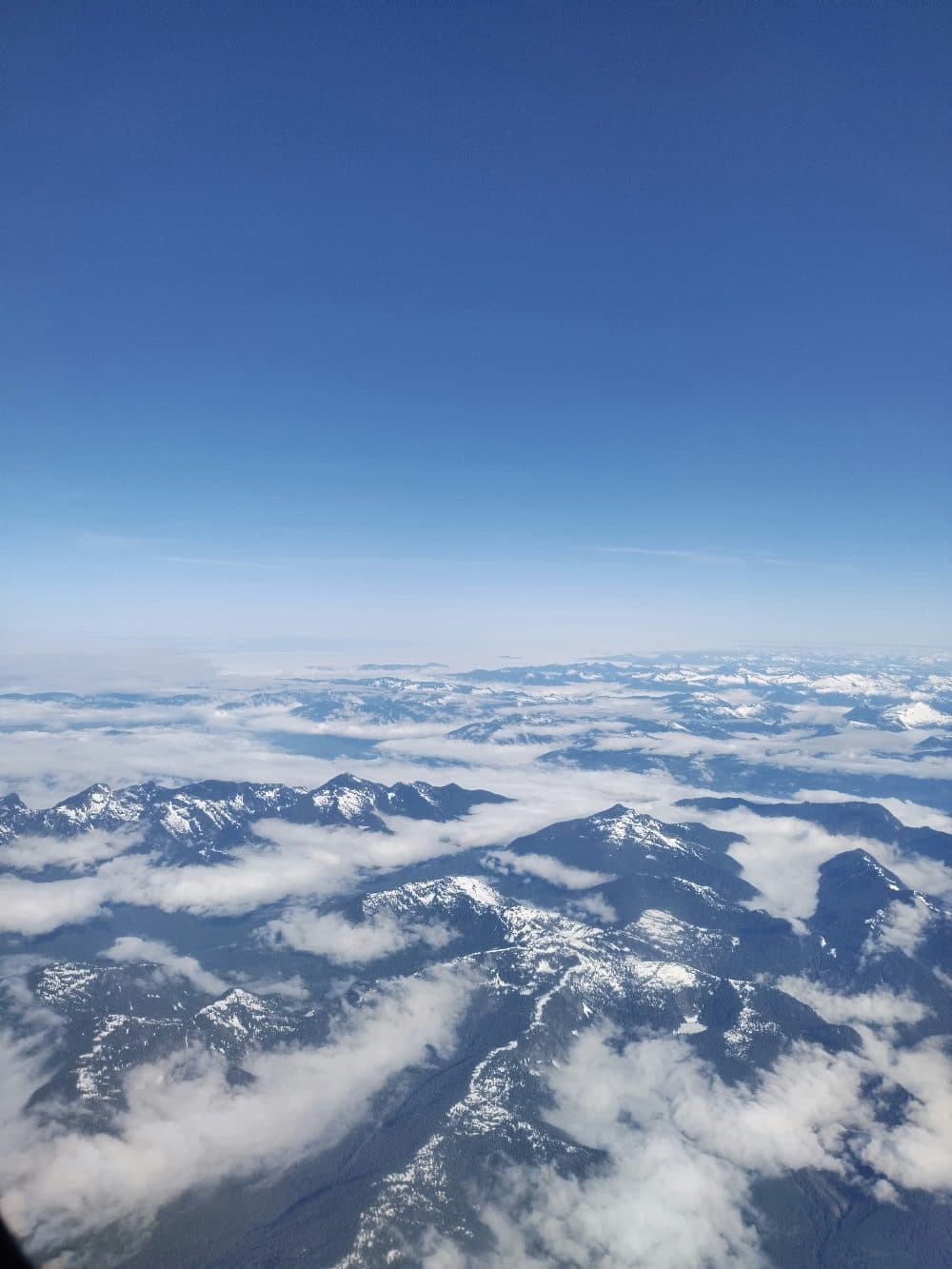
3000 × 4000 px1.69 MBJPG
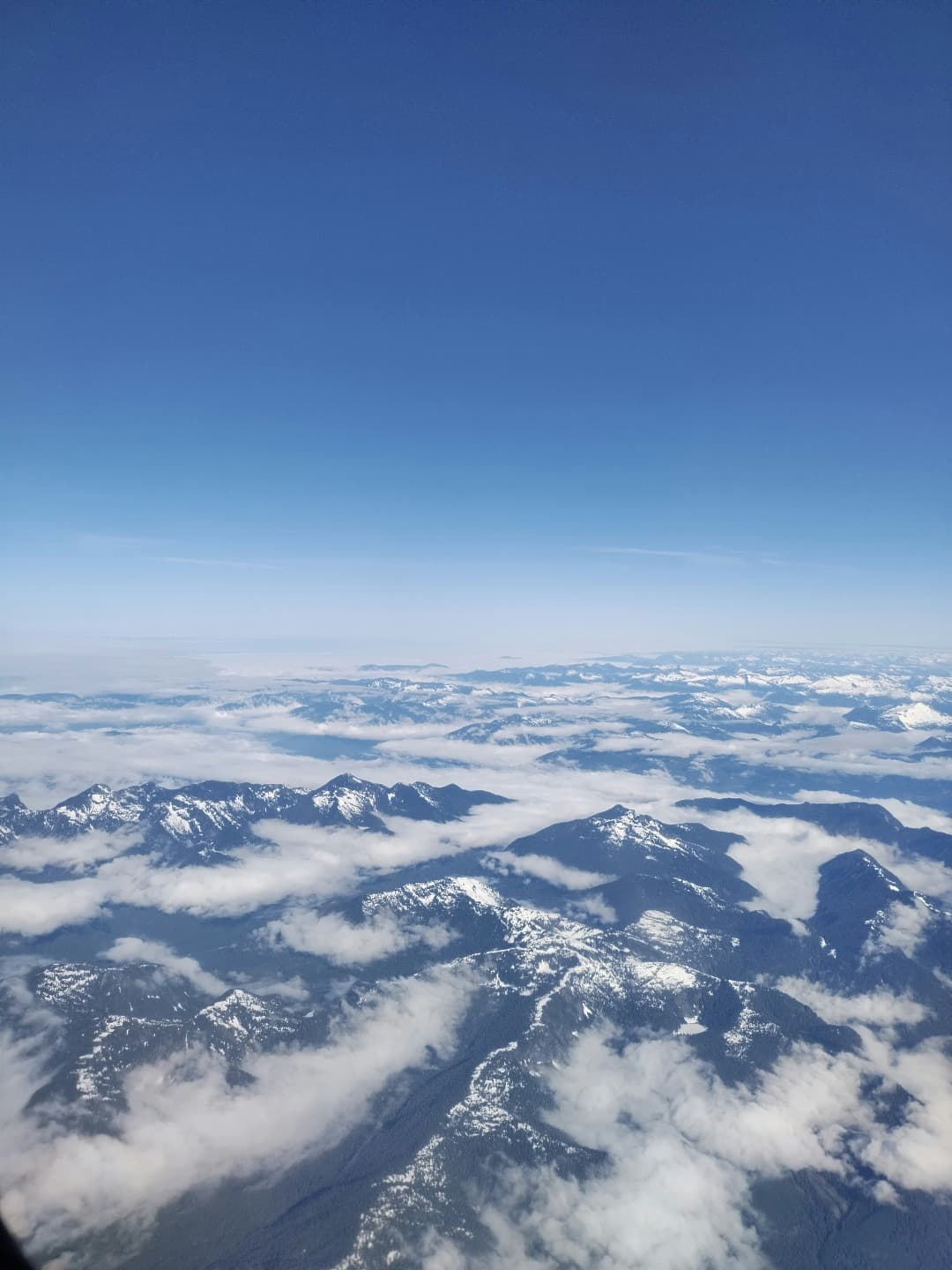
1080 × 1440 px310 KBJPG
The 3000 × 4000 px photo was scaled to 1080 × 1440 px. The shape stays the same and nothing is cut off.
The file went from 1.69 MB to 310 KB.
The image on the right is the actual file the tool above produced.
How to use it
- Add your photo above. Vertical shots work best.
- The image is scaled and centre-cropped to 1080 × 1440 automatically.
- Look at the preview to make sure nothing important was cut off, then download.
About the 3:4 shape
Most phone cameras capture a 4:3 sensor image, which becomes 3:4 when you hold the phone upright. That means a normal vertical phone photo already has this ratio and is only scaled down here, with no cropping at all. Photos shot in 16:9 or taken with a dedicated camera at 3:2 lose a strip from each side instead.
If the crop cuts something off
Centre-cropping suits most portraits, but an off-centre subject can lose an arm or a headline. In that case use the crop tool first, choose 3:4 and drag the frame where you want it, then return here to bring the result to 1080 × 1440. Small originals are enlarged to reach the size and may look soft; start from the largest version you have.
Frequently asked questions
- Is 1080 × 1440 the same as 3:4?
- Yes. Dividing both numbers by 360 gives 3 and 4. Any 3:4 image scales to 1080 × 1440 without cropping.
- Should I use 1080 × 1440 or 1080 × 1350 for Instagram?
- Both are accepted for portrait posts. 1080 × 1440 (3:4) matches the tall grid preview exactly, while 1080 × 1350 (4:5) is the older portrait size. If your photo is a standard vertical phone shot, 3:4 keeps all of it.
- Will the image be stretched?
- No. Proportions are preserved; the tool crops the overflow rather than distorting the picture. You can switch to stretch in the options if you really want every pixel kept.