1080 × 1350 pixels is the classic 4:5 portrait format for social feeds. It takes up more of the screen than a square while still being shown uncropped in Instagram and Facebook timelines, which is why designers build carousels and announcement graphics at this size.
Add a picture and this page returns it at exactly 1080 × 1350, filling the frame and trimming the edges evenly.
Before and after
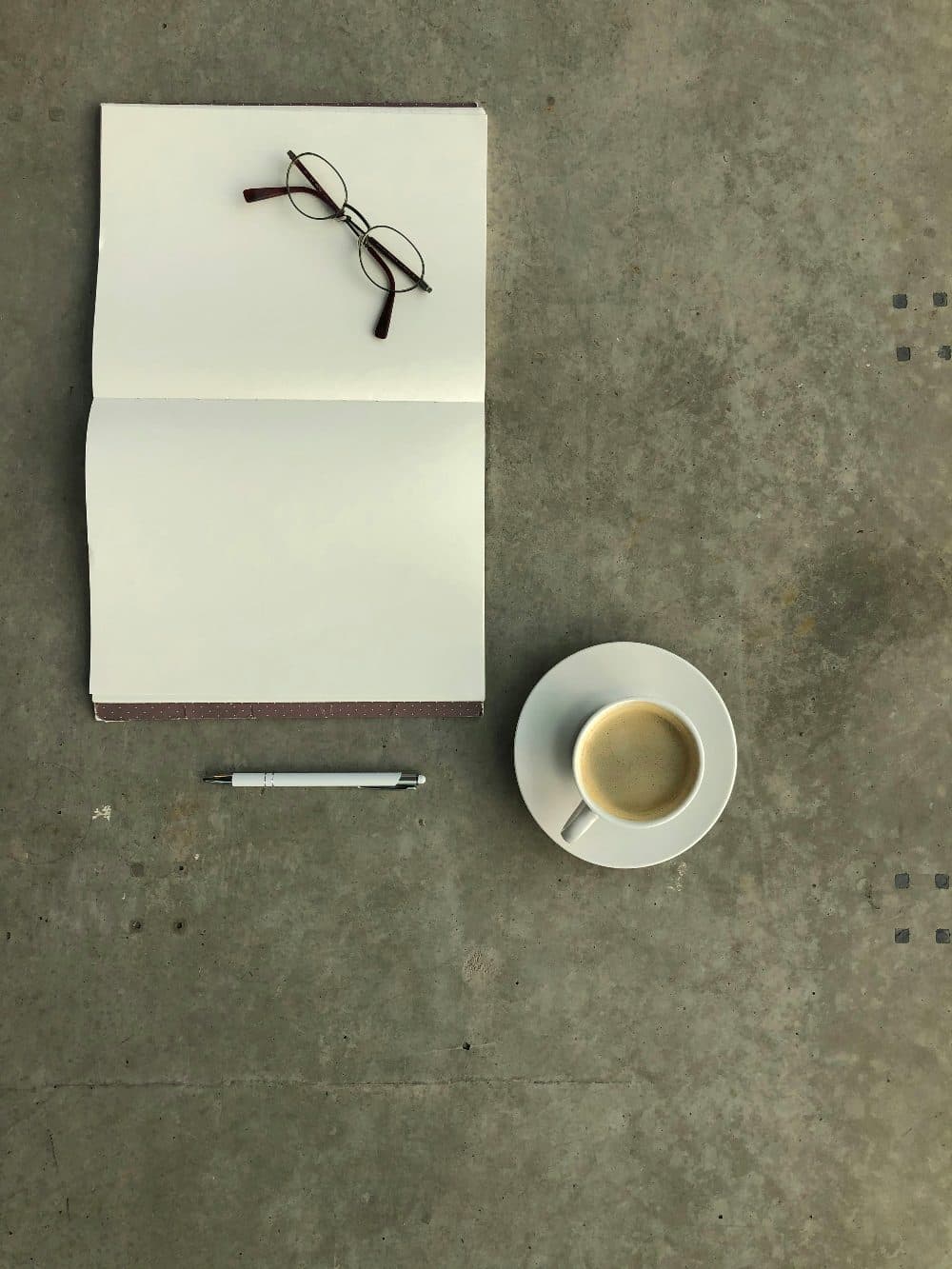
3024 × 4032 px1.80 MBJPG
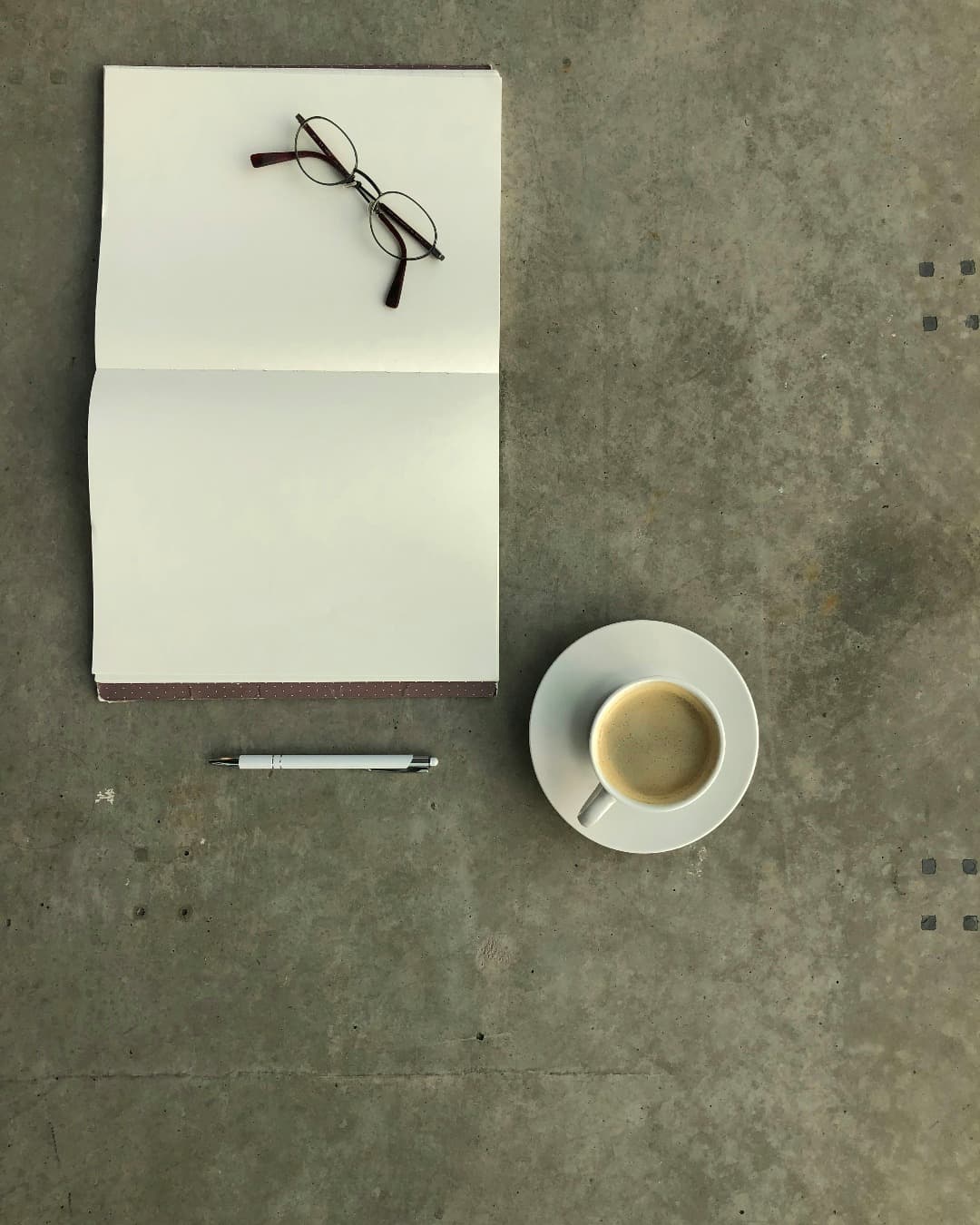
1080 × 1350 px343 KBJPG
The dashed frame on the left marks the part that fits the new shape. It was scaled to exactly 1080 × 1350 px, and the top and bottom outside the frame were trimmed.
The file went from 1.80 MB to 343 KB.
The image on the right is the actual file the tool above produced.
How to use it
- Drop or choose your image above.
- It is resized to 1080 pixels wide and cropped to 1350 pixels tall around the centre.
- Confirm the framing in the preview and download.
What gets trimmed
A 4:5 frame is a little squatter than a phone’s native 3:4 photo, so a vertical phone shot loses about three percent from the top and three percent from the bottom. A square image loses a tenth from each side. Landscape photos lose far more, about 40 percent of the width for a 4:3 shot and over half for 16:9; for those, consider posting in a wider format instead.
Designing for the 4:5 frame
When preparing graphics with text, keep titles and logos inside the central 1080 × 1080 area. Grid thumbnails and link previews often show only the middle of a post, and anything near the top or bottom edge can be hidden. Exporting at exactly 1080 pixels wide also avoids a second round of scaling by the platform, which keeps fine lettering crisp.
Frequently asked questions
- What aspect ratio is 1080 × 1350?
- It is 4:5, or 0.8 when written as width divided by height. For many years it was the tallest ratio Instagram’s feed allowed.
- Can I resize several slides for a carousel?
- Process them one after another: drop a slide, download it, then drop the next. Every output has identical dimensions, which carousels require.
- Is the output a JPG or a PNG?
- It follows your input. A PNG graphic stays PNG so text edges remain sharp; a JPG photo stays JPG. HEIC photos are saved as JPG.