The YouTube thumbnail size most people use is 1280 × 720 pixels: a 16:9 frame, twice the 640-pixel minimum width that YouTube’s help page sets for video thumbnails. This page is preset to that frame. Whatever you add is scaled to 1280 pixels across and cropped to 720 pixels tall around the centre, so any photo, screenshot or design leaves with the right shape.
The same help page now asks for thumbnails to be as large as possible and names 3840 × 2160 as the target. Both are 16:9, so a 1280 × 720 file is still accepted; it just carries fewer pixels. When the source is wider than 1280 pixels, replace the numbers in the boxes with 1920 and 1080, or 3840 and 2160.
Before and after

2400 × 1600 px453 KBJPG
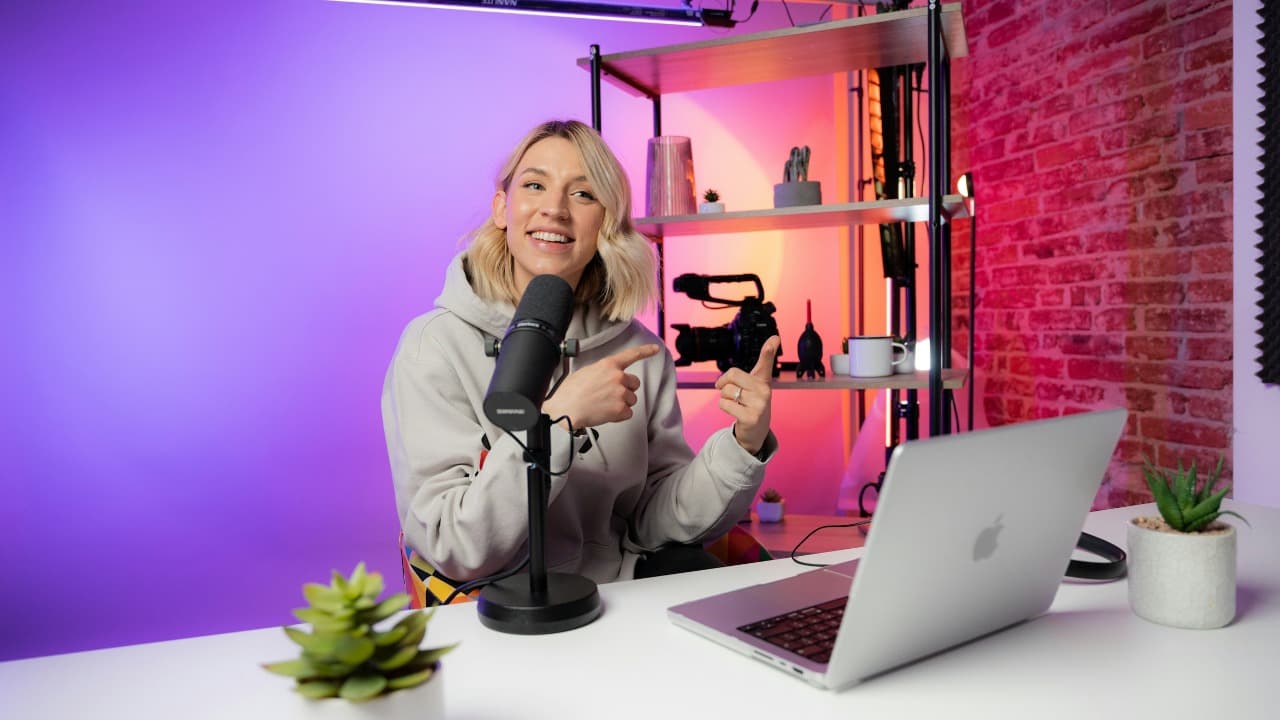
1280 × 720 px171 KBJPG
The dashed frame on the left marks the part that fits the new shape. It was scaled to exactly 1280 × 720 px, and the top and bottom outside the frame were trimmed.
The file went from 453 KB to 171 KB.
The image on the right is the actual file the tool above produced.
How to use it
- Choose a frame from the video, a photo or a design export. JPG, PNG and WebP keep their format; anything else is written as JPG.
- The tool runs the moment the file lands: the picture is scaled until it fills 1280 × 720 and the overflow is trimmed equally from two opposite edges.
- Check the preview for faces or lettering near an edge. If the centred crop takes something you need, crop to 16:9 by hand in the crop tool first and bring the result back.
- Download the file and upload it under Thumbnail in YouTube Studio; for a Short that step has to be done on a computer.
What crop to fill keeps from each shape of picture
A 1920 × 1080 screenshot or a frame grabbed from a 16:9 video is already 16:9, so it is only reduced to 1280 × 720. A 16:10 laptop screenshot loses five per cent at each end. A landscape phone photo is usually 4:3, so a quarter of its height goes, one eighth from the top and one eighth from the bottom. A 3:2 camera frame gives up about a sixth, and a square picture loses 22 per cent from the top and the bottom.
A vertical phone photo or a 9:16 story is the hard case. Crop to fill keeps a band 608 pixels tall out of a 1080 × 1920 original, under a third of the picture, then enlarges it to 1280 pixels across, so faces come out large and soft and the top and bottom are gone. Lock aspect ratio keeps the whole picture, but the result is then 405 × 720, below the 640-pixel minimum width. For a vertical picture, build a 16:9 canvas around it in an editor, or set the boxes to 1080 × 1920 for a Shorts thumbnail.
Where text and faces should sit
Most thumbnails are seen on a phone at the width of a thumb, so lettering has to be large; a line under a tenth of the frame’s height turns into a smear in the feed. Keep words and faces inside the middle two thirds, and leave the bottom-right corner empty, because the video’s duration badge is drawn over that corner on the watch page and in search.
A design made at 1280 × 720 passes through this page untouched apart from being saved again. Flat colours and sharp lettering exported as PNG come back as PNG. A photograph with a text overlay is better as JPG; saved at high quality it usually weighs 150 to 400 KB.
Shorts, podcasts and the file-size limits
YouTube’s help page gives a different shape for each kind of upload: 16:9 for videos, 9:16 for Shorts, where it recommends 2160 × 3840 with a minimum height of 640 pixels, and 1:1 for podcast playlists. Shorts thumbnails need a verified account and a computer. Here, a Shorts thumbnail means 1080 in the width box and 1920 in the height box; a podcast cover means the same number in both.
The weight limit depends on the device. The help page lists 2 MB for a video thumbnail from a phone, 10 MB for a podcast thumbnail from a phone, and 50 MB for video, Shorts and podcast thumbnails from a desktop browser. A 1280 × 720 JPG is nowhere near 2 MB; a 3840 × 2160 PNG can be, so convert it to JPG or use the 2 MB compress page if a phone upload is refused. The formats it names are JPG and PNG, so convert a WebP first.
Frequently asked questions
- Is 1280 × 720 still the right YouTube thumbnail size?
- Yes: it is 16:9 and double the 640-pixel minimum width. YouTube’s help page now recommends 3840 × 2160 and says the image should be as large as possible, so enter the larger numbers when the source has the pixels. Enlarging a small picture to 3840 wide adds weight, not detail.
- What is the YouTube thumbnail size in cm or inches?
- A thumbnail has no physical size; it only ever appears on screens, so pixels and the 16:9 ratio are what matter. If an editor demands a document size, 13.33 × 7.5 inches at 96 DPI equals 1280 × 720 pixels, and so does 33.87 × 19.05 cm at the same density.
- The upload says my thumbnail file is too big. What should I do?
- The 2 MB cap applies to video thumbnails uploaded from the phone app; from a desktop browser the help page allows 50 MB. A JPG from this page weighs a few hundred kilobytes; the refused file is usually a large PNG or a 4K export, so convert it to JPG or compress it to 2 MB.
- Why does my vertical video show a different thumbnail on the home page?
- The help page says vertical videos with 16:9 custom thumbnails are replaced by an auto-generated 4:5 thumbnail on the home, explore and subscription pages, while the custom one still appears on the watch feed, in watch history and on non-mobile platforms.
- Does resizing here lose quality?
- Reducing a large picture to 1280 × 720 keeps it sharp. Enlarging a picture narrower than 1280 pixels does cost crispness, because new pixels are interpolated between the old ones.