A puzzle grid is one large picture shared as several separate posts, so that a visitor scrolling your profile sees the whole image laid out across the rows. It works for a launch announcement, a wide landscape, a poster or a portrait that deserves more room than a single thumbnail gives it.
This page starts at nine pieces, three across and three down, and the buttons switch it to one row of three. Each piece is cut at the full resolution of its part of the photo, named after its row and column, and the set comes as one ZIP. The sections below cover which shape of photo to start with and the order in which to post.
Before and after
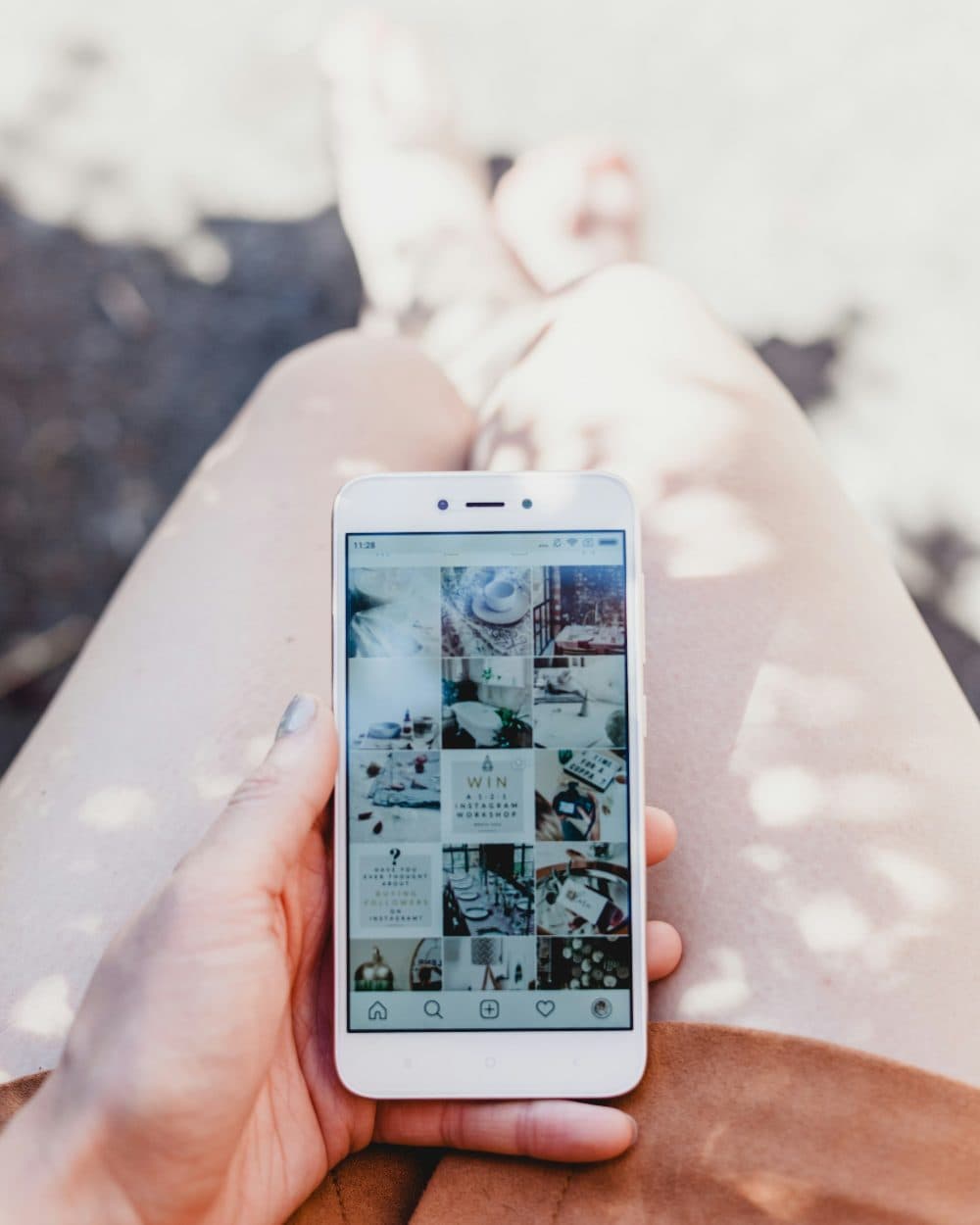
2400 × 3000 px505 KBJPG






9 files800 × 1000 px each565 KB in total
One 2400 × 3000 px photo was cut into 3 rows and 3 columns, 800 × 1000 px each.
The pieces download together as one ZIP file.
The pieces on the right are the actual files the tool above produced.
How to use it
- Pick the photo. If you want each tile to be a particular shape, crop the whole picture to the matching ratio first (see the table below).
- Keep 3 × 3 for a nine-post puzzle, tap 1 × 3 for a single row, or type 2 in Rows with 3 in Columns for a six-post block. Lines on the preview show every cut.
- Press Split. The pieces appear in reading order, top-left to bottom-right.
- Save the ZIP, unpack it in your phone’s Files app and post the tiles starting from the highest row and column numbers.
Which photo shape gives which tile shape
With three columns, the shape of each tile depends only on the shape of the whole picture and the number of rows. For square tiles the source must be 1:1 for three rows, 3:2 for two rows and 3:1 for one row. For 4:5 tiles use 4:5, 6:5 or 12:5. For 3:4 tiles use 3:4, 9:8 or 9:4. A source 3240 pixels wide gives tiles exactly 1080 pixels wide; 3240 × 4320, for example, becomes nine tiles of 1080 × 1440.
Instagram’s help page on image resolution says a photo between 320 and 1080 pixels wide is kept at its original resolution when its aspect ratio is between 1.91:1 and 3:4, which at 1080 wide means a height from 566 to 1440 pixels; a ratio outside that range is cropped to fit. All the tile shapes in the table fall inside it. A profile thumbnail may show less of a post than the post itself, so keep faces and text away from the outer edges of each tile and look at the preview in the app before sharing.
Posting order, file names and pinned posts
Files are called name-row1-col1, name-row1-col2 and so on up to name-row3-col3. On a profile ordered by date the most recent post sits top-left, so the puzzle is built backwards: post row3-col3 first, then row3-col2, row3-col1, then the second row from col3 down to col1, and row1-col1 last. Post all of them in one sitting; anything you share in between lands inside the picture.
Instagram lets you pin up to 3 posts to the top of your profile. Pinned posts sit at the top, ahead of everything else, so in a three-across layout one or two pinned posts make the rows of your puzzle start part-way across and the picture looks broken. Unpin them, or pin exactly three so a full row sits above the puzzle. For the same reason, a single extra post added later shifts every tile one place along.
Frequently asked questions
- Why should the last tile be posted first?
- On a profile listed by date, each new post pushes the earlier ones one place along, wrapping onto the next row. Starting with the bottom-right piece and ending with the top-left one means that, after the final post, every tile sits in the spot it was cut from.
- How big should my photo be for sharp tiles?
- Aim for at least 3240 pixels across, which gives 1080-pixel tiles. A smaller photo still splits, but each tile is narrower and may look soft on a large screen. Pictures above about 16 million pixels are scaled down when loaded, and the page tells you when that happens.
- Can I make two rows of three instead of nine?
- Yes. There is no button for it, so type 2 in Rows and leave Columns at 3. Crop the source to 3:2 for square tiles, or to 6:5 for 4:5 tiles, before splitting.
- Will the tiles be JPG or PNG?
- A JPG, PNG or WebP photo is cut into pieces of the same format. A HEIC photo from an iPhone and other formats such as AVIF give JPG pieces. JPG pieces are saved at high quality, and the pixel size of each tile is the size of its slice of the original.
- The tiles are not all exactly the same width. Is that a problem?
- When the width does not divide by three, the cuts share out the spare pixels, so neighbouring tiles can differ by one pixel. Nothing is lost or repeated at the joins. For identical tiles, resize the source to a multiple of three first, such as 3240 pixels.
- Can I plan the grid as one carousel post instead?
- Yes. Split the picture into one row and upload the pieces together as a single post with several photos, this time in the normal order from row1-col1 to the last one, so viewers swipe across the scene.