A 500 × 500 square is the working size for a profile picture on many forums, a shop listing thumbnail, a chat avatar and plenty of app and web icons. Phone pictures are never that shape, so the wish to resize image to 500x500 is really two jobs in one: cut the picture square, then scale that square to 500 pixels a side.
This page does both at once. The boxes are preset to 500 and 500 with Crop to fill switched on, so the longer side is trimmed by the same amount at each end and the middle is kept. A JPG comes back as a JPG and a PNG as a PNG with its see-through background intact.
Before and after
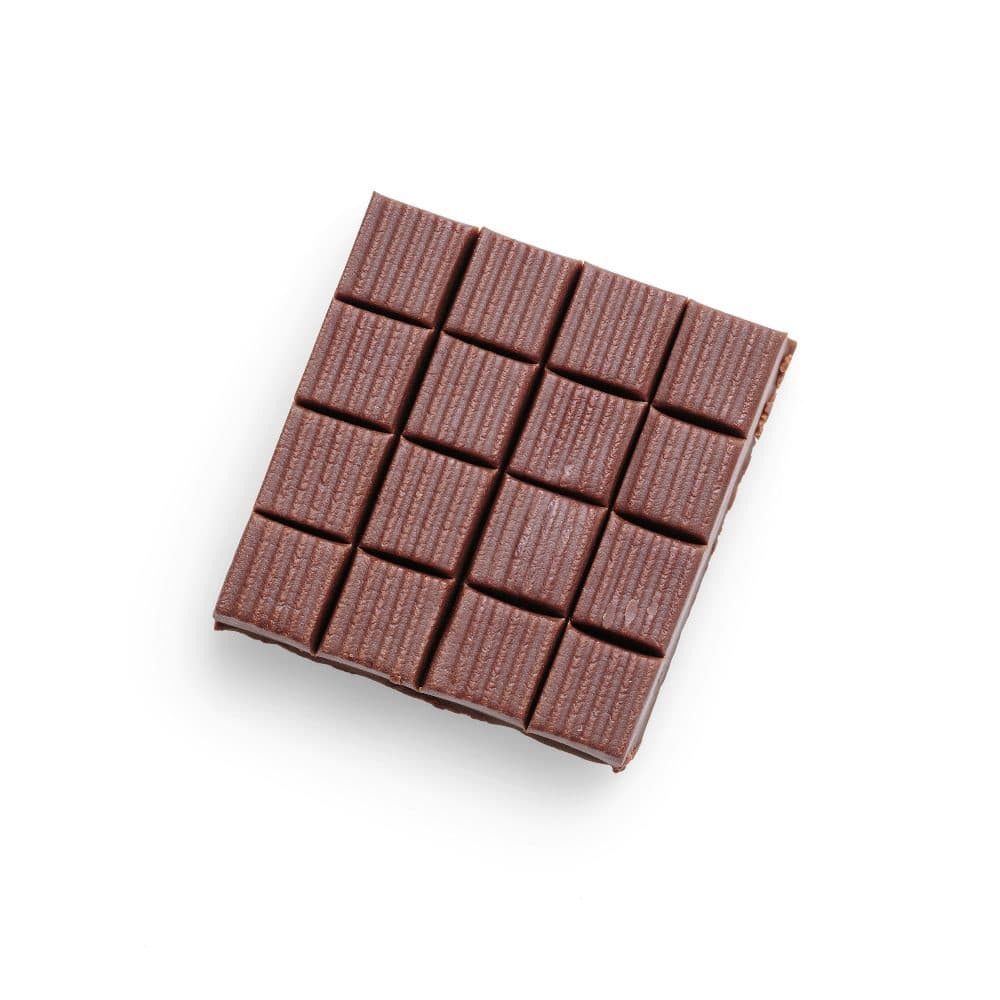
2400 × 2400 px494 KBJPG
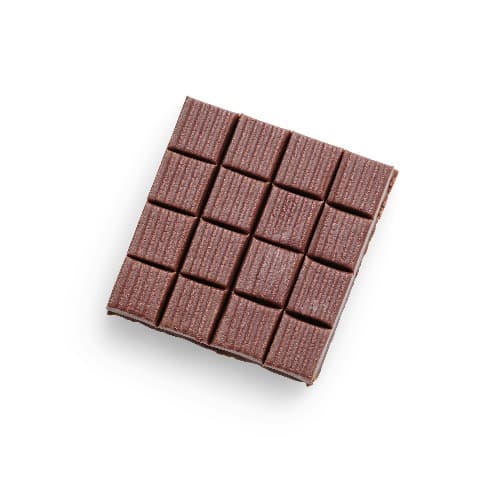
500 × 500 px38.5 KBJPG
The 2400 × 2400 px photo was scaled to 500 × 500 px. The shape stays the same and nothing is cut off.
The file went from 494 KB to 38.5 KB.
The image on the right is the actual file the tool above produced.
How to use it
- Choose the photo, logo or screenshot. If the subject sits off centre, crop it to 1:1 on the crop page first so you decide which part stays.
- Leave the width and height at 500 and keep Crop to fill on. The resize starts as soon as the file is in; a square source is only scaled.
- Check the preview for a clipped head or a logo touching the edge, then read the pixel figure under it: 500 × 500.
- Download. The file keeps the format you gave it, so a PNG icon still has its transparent corners.
What a square crop takes away
Every photo that is not already square loses something on the way to 500 × 500. A portrait from a phone camera, taken at 3:4, keeps its full width and gives up a quarter of its height, an eighth from the top and an eighth from the bottom. A 16:9 landscape frame keeps its height and loses almost 44 percent of its width, 22 percent from each side. A 4:3 landscape shot loses a quarter of its width.
The trim is always centred, which suits a face in the middle of a selfie and a product on a plain table. It does not suit a person at one end of a group or a signboard low in the frame; for those, mark the square yourself with the crop tool and send the result here. If nothing may be lost, switch the fit to Lock aspect ratio: the picture then fits inside 500 × 500 with one side shorter, and it is no longer square.
Where 500 × 500 is asked for
The figure appears more often as a floor than as a target. Google Merchant Center states that product images must be at least 500 x 500 pixels for all products, with enforcement beginning January 31, 2027; until then its help page accepts images of at least 100 x 100 pixels for non-clothing and 250 x 250 pixels for clothing products, and from July 2026 it shows warnings on images smaller than 500 x 500. The same page caps images at 64 megapixels or 16 MB in file size.
Elsewhere the number is a convention rather than a rule: avatar fields on forums, seller dashboards on smaller marketplaces, and icon generators that want a square master. Where only a minimum is stated, a larger square such as 1000 × 1000 is usually the better upload, and changing both boxes here produces it; where an exact 500 × 500 is stated, the preset gives it to the pixel.
JPG or PNG, and how heavy the file is
For a photograph, stay with JPG. At 500 × 500 the file is written at quality 92 and usually lands between 40 and 120 KB, depending on how much fine texture it holds. If a form also sets a kilobyte limit, run the square through the compressor afterwards.
For a logo, icon or anything with a see-through background, keep PNG. The resize preserves transparent and semi-transparent pixels, so the result sits cleanly on a page of any colour; converting it to JPG would fill those pixels with white. A flat-colour PNG logo at 500 × 500 is typically 10 to 40 KB, while a PNG holding a photograph can pass 400 KB, about ten times the JPG of the same picture. HEIC photos from an iPhone are written out as JPG.
Frequently asked questions
- What is 500 × 500 pixels in inches or centimetres?
- That depends on the DPI the file is printed at. At 300 DPI a 500-pixel side prints at 1.67 inches, about 4.2 cm; at 150 DPI it is 3.33 inches, about 8.5 cm; on a 96 DPI screen it covers roughly 5.2 inches. The pixel count never changes, only the paper size.
- What aspect ratio is 500 × 500?
- It is 1:1, a perfect square, the same shape as 250 × 250 and 1080 × 1080. A square picture scales to 500 × 500 without losing anything; only rectangles are trimmed.
- Can I make a small picture bigger, say from 200 × 200 to 500 × 500?
- Yes, the preset enlarges as readily as it shrinks, but it cannot add detail that was never captured: each source pixel has to be stretched into two and a half, and the result is soft. Where a site sets 500 × 500 as a minimum, look for a larger original instead.
- How many KB is a 500 × 500 image?
- There is no fixed answer. A JPG photo at this size is often 40 to 120 KB, a flat PNG logo 10 to 40 KB, and a PNG photograph several hundred KB. If a form sets a weight limit as well, the compressor brings the file under it and keeps the 500 × 500 pixels where it can.
- I need a round 500 × 500 profile picture. Does this make it round?
- No, this page makes a square. Most apps draw the circle themselves when they show an avatar, so a square with the face in the middle is what to upload. For a true round cut-out with transparent corners, use the circle crop page, which saves a PNG.