Some documents run to several pages by nature: a six-month bank statement, a stack of experience letters from previous employers, the pages of a project report. A portal that accepts them as one PDF usually allows 500KB or more for the field, and that figure covers six to ten photographed pages at a quality where every line can still be read without effort.
This converter is fixed to 500KB and A4. The pages go in as photos or screenshots in the order you set and come out as one PDF, measured as a whole before it is offered, so the number on the result card is the number the upload form will measure. At this size there is room to keep colour and a comfortable resolution on each page.
Before and after

jpg-to-pdf-under-500kb.jpg
2400 × 1602 px643 KBJPG
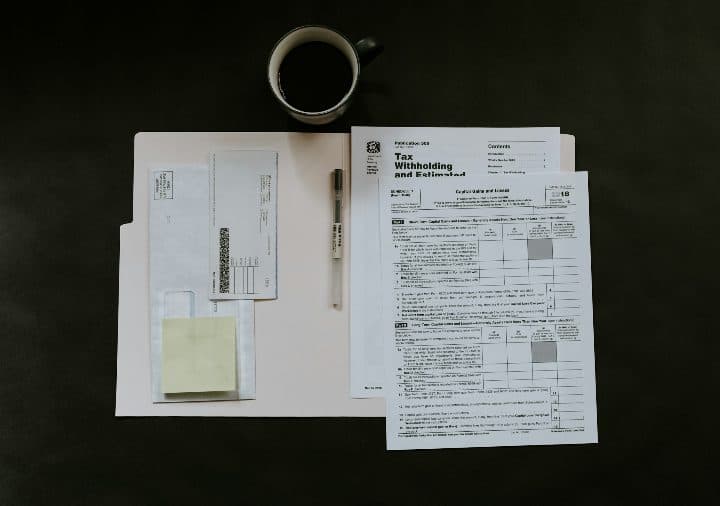
compress-pdf-to-500kb.jpg
2400 × 1687 px441 KBJPG
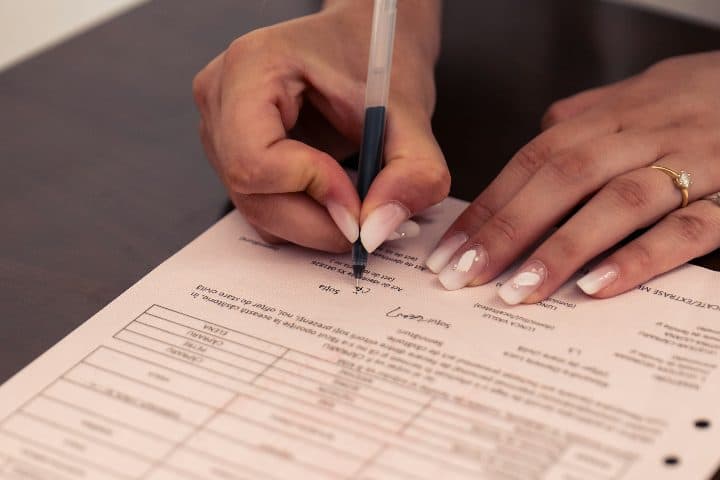
compress-pdf-to-200kb.jpg
2400 × 1600 px423 KBJPG
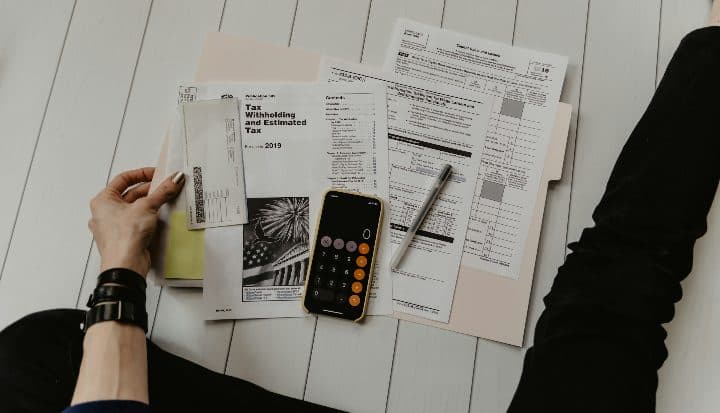
pdf-mb-to-kb.jpg
2400 × 1377 px373 KBJPG

jpg-to-pdf-under-500kb-and-3-more.pdf
4 pages499 KBPDF
4 photos, 1.84 MB together, became one 4-page PDF of 499 KB.
Each photo sits on its own A4 page, turned landscape when the photo is wider than it is tall.
The JPEG quality inside the PDF was searched so the whole file stays under the 500KB limit; the photos were scaled down only as far as that needed.
The numbers are from a real run of the tool above. The pictures are previews of the first pages of the actual files.
How to use it
- Collect the pages first: photograph each sheet in the same light, or export statement pages as screenshots.
- Add them all, then walk down the list and fix any page that is out of sequence with the arrows.
- Let the conversion finish and read the size and page count on the result card.
- Download, then rename the file with the document name and the period it covers, so it is recognisable in a folder of attachments.
Where quality still holds at 500KB
Spread across eight pages, 500KB gives each one about 60KB, and typed text on white paper needs less than that to stay crisp on a screen. Bank statements and printed letters, being mostly black text and ruled lines, compress well below their share and leave room for the one page that carries a logo or a photograph. The pages that struggle are colour photographs of dense documents taken in warm light, where the colour cast across the paper costs bytes that typed text does not. Because the converter lowers quality before it lowers pixel dimensions, letter shapes keep their edges until the budget is very tight.
When to split into two PDFs
A cap is shared by every page in the file, so a twelve-page statement at 500KB leaves each page under 42KB and the smaller figures in the transaction columns begin to blur. If the form offers more than one upload field, or accepts a ZIP, make two PDFs of six pages each rather than one soft file of twelve. Where a single field is the only option, leave out what the reviewer does not need: cover sheets, blank reverse sides and the terms page at the back all take bytes from the pages that matter.
Naming the file
A reviewer opening twenty applications sees only file names. A name such as bank-statement-apr-sep.pdf or experience-letter-abc-ltd.pdf says what is inside before the file is opened; IMG_4821.pdf does not. Rename the download before you attach it, keep to letters, digits and hyphens, since a few portals object to spaces and brackets, and include the period the document covers if it has one.
Frequently asked questions
- Can I mix screenshots and photos in the same PDF?
- Yes. A screenshot of an online statement and a photograph of a signed letter can sit on consecutive pages. Screenshots are the cheaper of the two, since flat colours compress tightly, which leaves the photographed pages more of the 500KB.
- Is 500KB small enough to send by email?
- Comfortably. Gmail accepts attachments up to 25MB, so a 500KB PDF is far inside that cap and downloads quickly on a slow connection. The limit on this page is aimed at portal fields, which are usually much stricter than email.
- Do the pages have to be the same size?
- No. Each picture is fitted inside its own A4 page with a margin, so a tall statement page and a wide landscape letter can follow each other; the wide one gets a landscape page. Nothing is cropped or stretched to match the others.