Of all the caps on recruitment and admission portals, 200KB is the one that turns up most often on a document field, and it is the figure most people have in mind when they look for a JPG to PDF converter. Marksheets, a caste or income certificate, a provisional degree: the usual job is three or four photographed pages that must arrive as one PDF under that number.
This page is already fixed to that figure. The pictures are placed on A4 pages in the order of the list, encoded, and measured as one file; if the total is over 200KB the quality comes down a step and the measurement is repeated. What you download is a PDF whose size you can read on the result card, and it will not exceed the cap.
Before and after
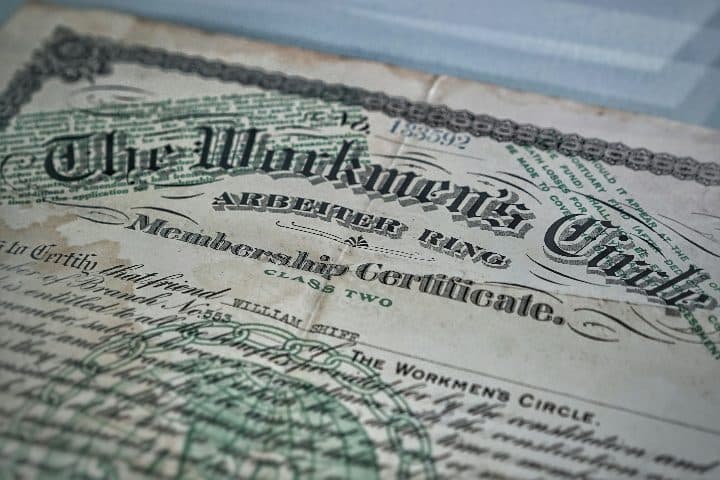
jpg-to-pdf-under-200kb.jpg
2400 × 1600 px621 KBJPG
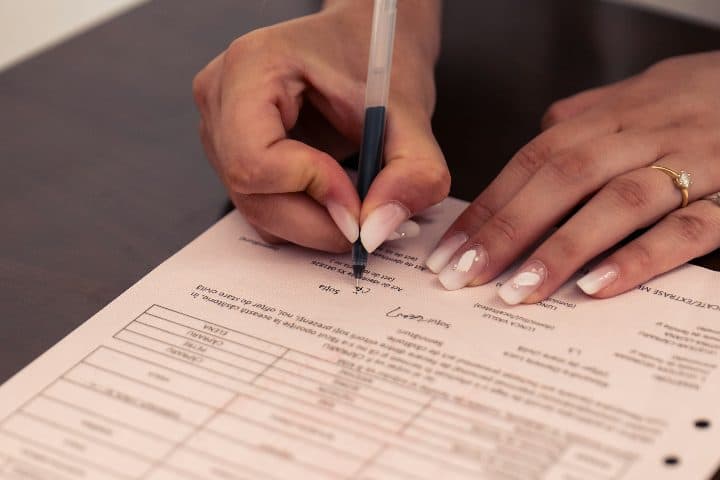
compress-pdf-to-200kb.jpg
2400 × 1600 px423 KBJPG
jpg-to-pdf-under-200kb-and-1-more.pdf
2 pages200 KBPDF
2 photos, 1.02 MB together, became one 2-page PDF of 200 KB.
Each photo sits on its own A4 page, turned landscape when the photo is wider than it is tall.
The JPEG quality inside the PDF was searched so the whole file stays under the 200KB limit; the photos were scaled down only as far as that needed.
The numbers are from a real run of the tool above. The pictures are previews of the first pages of the actual files.
How to use it
- Select every page at once from your gallery, or add them one by one.
- Put them in the order the form expects, usually the order in which the certificates are listed in the application, with the arrows beside each picture.
- Wait for the result card. It shows the page count and the size the PDF came out at.
- Save the file and rename it to something the reviewer will recognise, for example degree-certificate.pdf.
How four pages share 200KB
The cap applies to the whole PDF, not to each page. One JPEG quality is chosen for the set and lowered until the file as a whole fits, which means the pages divide the space between them according to how much detail each one holds. A certificate with a decorative border, a hologram and dense small print takes more bytes than a plain typed letter, so a single ornate page eats into the share of the other three. Four plain pages at 200KB are still clearly readable; four ornate ones come out softer, and that is the moment to consider the 300KB or 500KB version.
What to check before you upload
Open the downloaded PDF and look at three things. First, the page order, because a reviewer who finds the second marksheet before the first may send the application back. Second, the smallest print on the busiest page, usually the registration number or the issuing officer’s name, which should be readable without guessing. Third, the orientation: a certificate photographed sideways gets a landscape page, which is fine on a screen but may surprise a printer. If any of these is wrong, fix the photo and run the conversion again.
Frequently asked questions
- The portal says 200KB and my PDF shows 196KB. Is that fine?
- Yes. The figure on the result card is the measured size of the finished file, and anything at or under the cap passes a 200KB check. Portals count the same bytes you see, so there is no need to aim lower than the number the form states.
- What if I have eight or ten pages?
- They will fit, but each page gets a smaller share and small print suffers. Either move up to the 500KB version of this page, or split the set into two PDFs if the form has more than one document field. Check which documents the portal expects in which field before deciding.
- Can I reorder pages after the PDF is made?
- Not on this page. Change the order in the list before converting, or drop the finished file on the Split PDF tool and type the page numbers in the order you want; it produces a new PDF with the pages rearranged and nothing re-encoded.
- Why is one of my certificates sideways in the PDF?
- A wide picture gets a landscape page; it is never turned to fit a portrait sheet. If the photo itself is on its side, rotate it in the gallery app before adding it, or rotate the finished page afterwards with the Rotate PDF tool, which leaves the quality unchanged.